Additionally, look directly to check the traffic sit‐
uation and the area around the vehicle and in‐
tervene actively in the corresponding situations.
Overview
Depending on the equipment
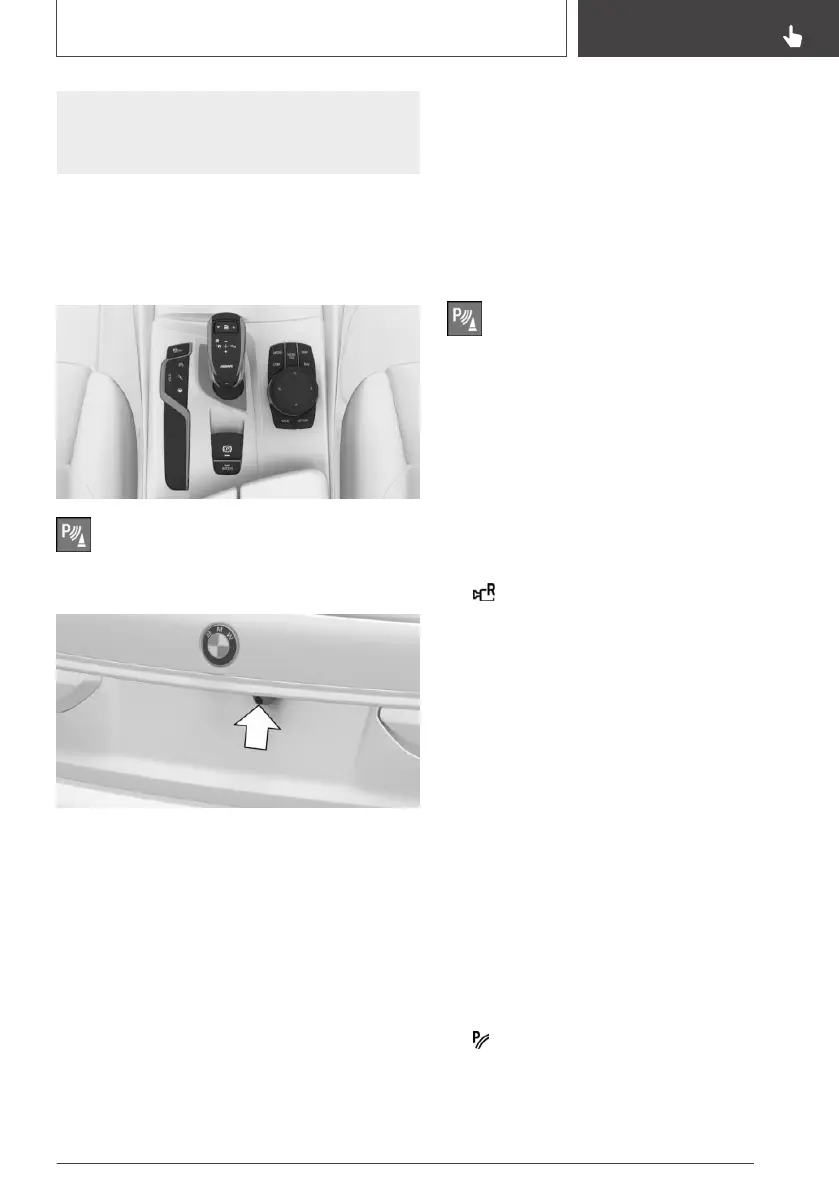
installed: button in the vehicle
Park Assistant button
Camera
The camera lens is located in the handle strip of
the boot lid.
Dirt can impair the quality of the image. Clean the
camera lens if required.
Switching on/off
Switching on automatically
The system is automatically switched on if selec‐
tor lever position R is engaged while the engine
is running.
Automatic switching off when
moving forwards
The system switches off when a certain distance
or speed is exceeded.
Switch the system back on if necessary.
Depending on the equipment
installed: switching on/off manually
Press the Park Assistant button.
▷ On: the LED is illuminated.
▷ Off: the LED is extinguished.
The parking assistance functions are shown on
the Control Display.
Switching the view via iDrive
If the rear-view camera view is not displayed,
change the view via iDrive:
1.
If necessary, tilt the Controller to the left.
2. "Rear view camera"
The image from the rearview camera is shown.
Operating requirements
▷ The rearview camera is switched on.
▷ The boot lid is completely closed.
▷ Keep the detection area of the camera clear.
Projecting loads or carrier systems and trail‐
ers that are not connected to a trailer socket
can restrict the detection area of the camera.
Assistance functions
General
A number of assistance functions can be active
simultaneously.
The assistance functions can be activated man‐
ually.
▷ "Parking guidance lines".
Driving path lines and turning circle lines are
shown, see page 238.
Seite 237
Driver Assistance Systems
CONTROLS
237
Online Edition for Part no. 01402989787 - II/18



 To Next Page