▷ After a few minutes, if no operation is per‐
formed on the vehicle.
▷ When the battery state-of-charge is low.
▷ When leaving the vehicle, if one of the front
doors is opened, depending on the iDrive
setting.
Idle state is not established automatically during
a telephone call.
Establishing idle state on
opening the front doors
Via iDrive:
1.
"My Vehicle"
2. "Vehicle settings"
3. "Doors/Key"
4. "Switch off after door opening"
Manual idle state
To establish idle state in the vehicle at the end of
journey:
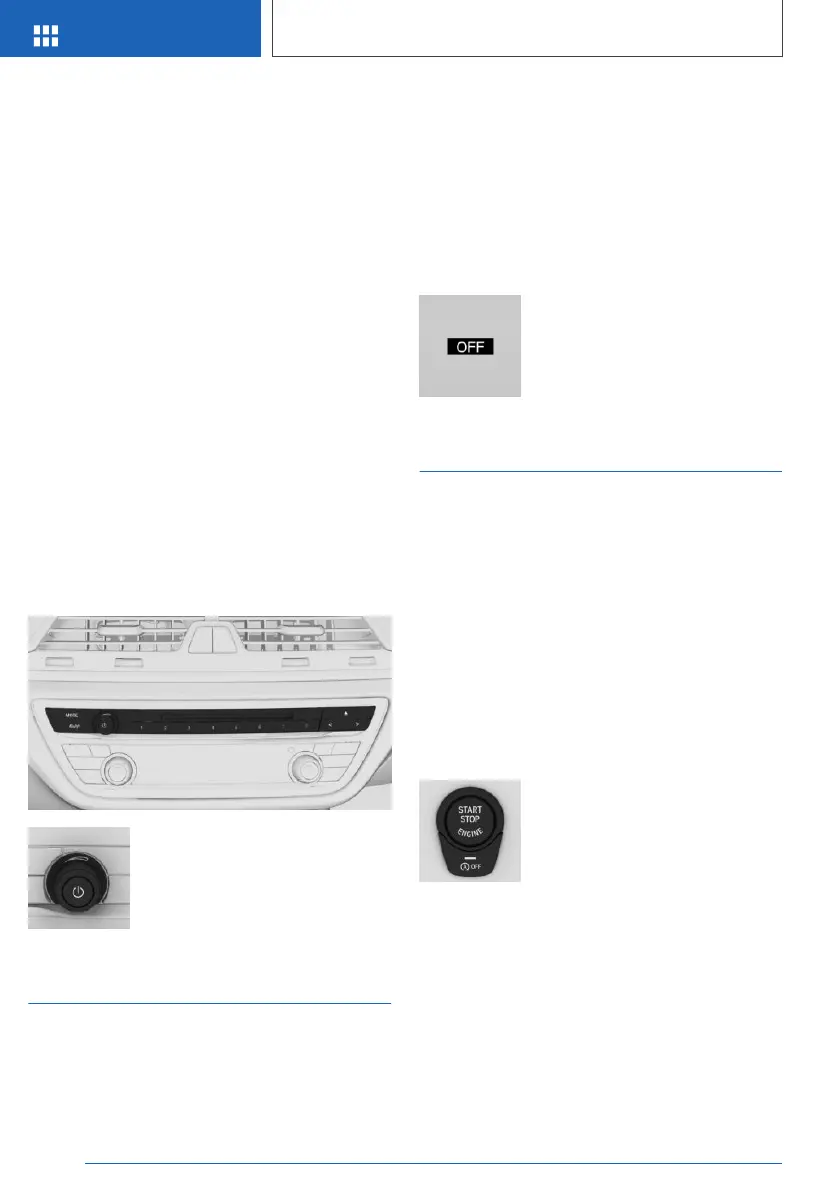
Press and hold the button, until
the OFF display on the instru‐
ment cluster turns off.
Standby state
Principle
When standby state is activated, most functions
can be operated while the vehicle is still at a
standstill. Any desired settings can be per‐
formed.
General
The vehicle switches to standby state after the
front doors are opened from the outside.
Display in the instrument cluster
OFF is shown in the instrument
cluster. The drive is switched off
and standby state switched on.
Drive-ready state
Principle
Switching on the drive-ready state corresponds
to starting the engine.
General
Some functions can only be operated when the
drive-ready state is switched on.
Please observe the additional information about
drive-ready state, see page 124.
Switching on drive-ready state
The drive-ready state is switched
on using the start/stop button:
1.
Depress the brake pedal.
2. Press the start/stop button.
Display in the instrument cluster
When drive-ready state is switched on, the revo‐
lution counter shows the current engine speed.
Seite 38
OVERVIEW
Idle state, standby state and drive-ready state
38
Online Edition for Part no. 01402989787 - II/18



 To Next Page