Destination entry
118
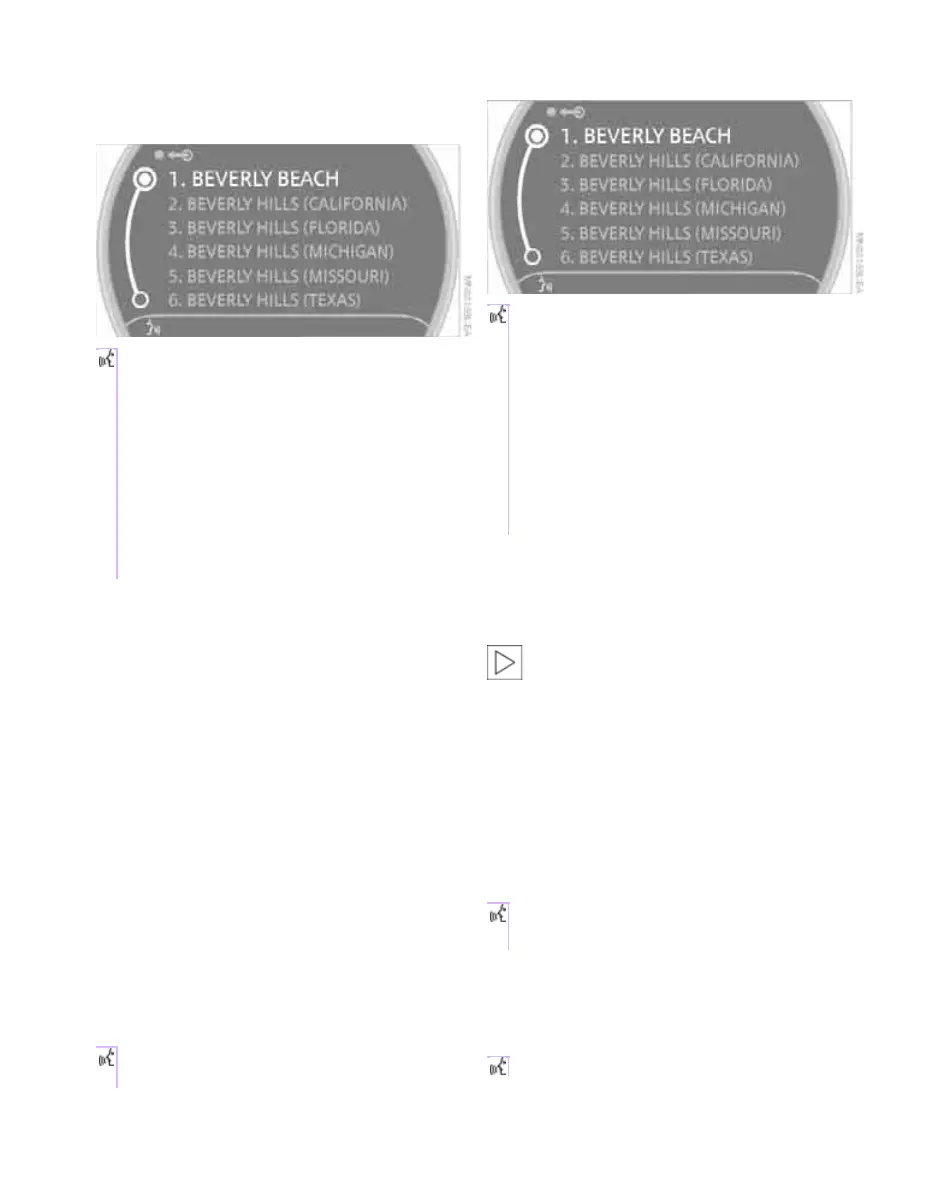
The system can suggest up to 20 destina-
tions that meet your entries.
Up to 6 entries at a time appear on the Con-
trol Display.
The town/city can also be selected from the list
via the onboard monitor:
Turn the MINI joystick until the town/city is
selected.
Entering the destination as an entire
word
Towns/cities and streets located in the region
where the language of the voice activation sys-
tem is spoken can be entered as an entire word.
Example: to enter a U.S. destination as an entire
word, the system language must be English.
A prerequisite is the use of a suitable naviga-
tion DVD.
Pronounce the words smoothly and at normal
volume, avoiding excessive emphases and
pauses.
1. Wait for the system to ask for the town/city
of destination.
The system can suggest up to 6 destinations
that meet your entry.
The town/city can also be selected from the list
via the onboard monitor:
Turn the MINI joystick until the town/city is
selected.
Identical-sounding towns/cities that can-
not be distinguished by the system are
compiled in a separate list and shown as a desti-
nation followed by three dots.
If applicable, select this entry with {Yes}. Then
select the desired town/city from that list.<
Entering street and house number
The street is entered in the same way as the des-
tination town/city.
To enter the house number:
House numbers of up to 4 digits can be entered.
Say the house numbers as individual digits.
Starting destination guidance
Destination guidance starts immediately.
The system suggests a location.
2. Select location:
> To select highlighted town/city:
{Yes}
> To select other town/city: {No}
> To select an entry, e.g. {Entry 3}
> To show other entries in the list:
{Next page}
> To respell the town/city: {Repeat}
2. Say the name of the destination
town/city.
The system suggests a location.
3. Select location:
> To select highlighted town/city:
{Yes}
> To select other town/city: {No}
> To select an entry, e.g. {Entry 3}
> To reenter the town/city: {Repeat}
> To enter the town/city by spelling:
{Spell}
1. {House number}
2. Say the house number.
{Start guidance}
Online Edition for Part no. 01 41 2 602 955 - © 08/09 BMW AGOnline Edition for Part no. 01 41 2 602 955 - © 08/09 BMW AG



 To Next Page