Controls overview
74
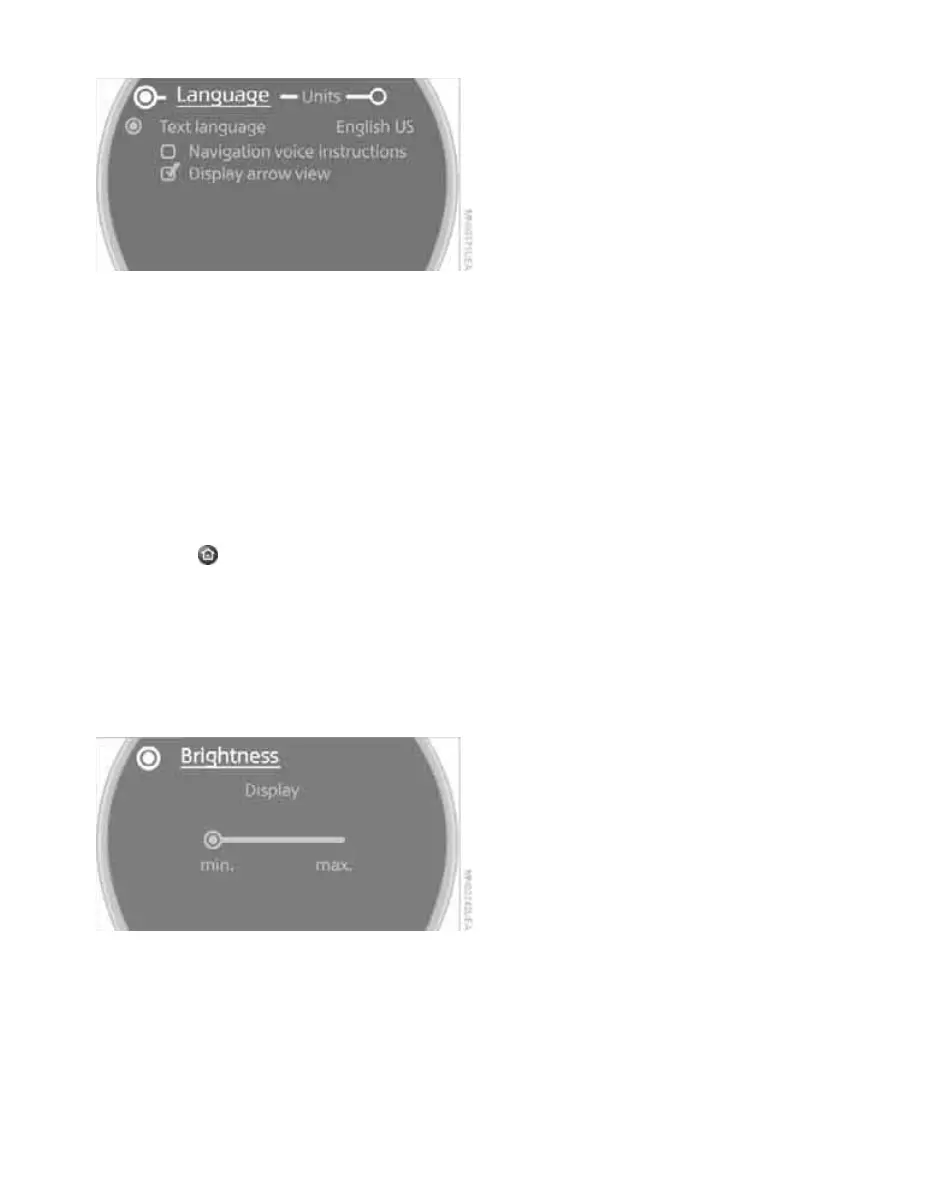
5. Select "Language".
6. Select "Text language".
The language for the display texts and navi-
gation messages can be changed.
7. Select the desired language.
Brightness of the Control Display
The brightness is automatically adapted to the
ambient lighting conditions. Note, however,
that you can change the basic setting while the
low beams are switched on. The setting is stored
for the remote control currently in use.
1. Press the button.
This opens the start menu.
2. Move the MINI joystick to highlight "Setup"
and press the MINI joystick.
3. Select "Settings".
4. Select "Display settings".
5. Select "Brightness".
6. Select "Brightness".
7. Turn the MINI joystick until the desired set-
ting is reached.
Online Edition for Part no. 01 41 2 602 955 - © 08/09 BMW AGOnline Edition for Part no. 01 41 2 602 955 - © 08/09 BMW AG



 To Next Page