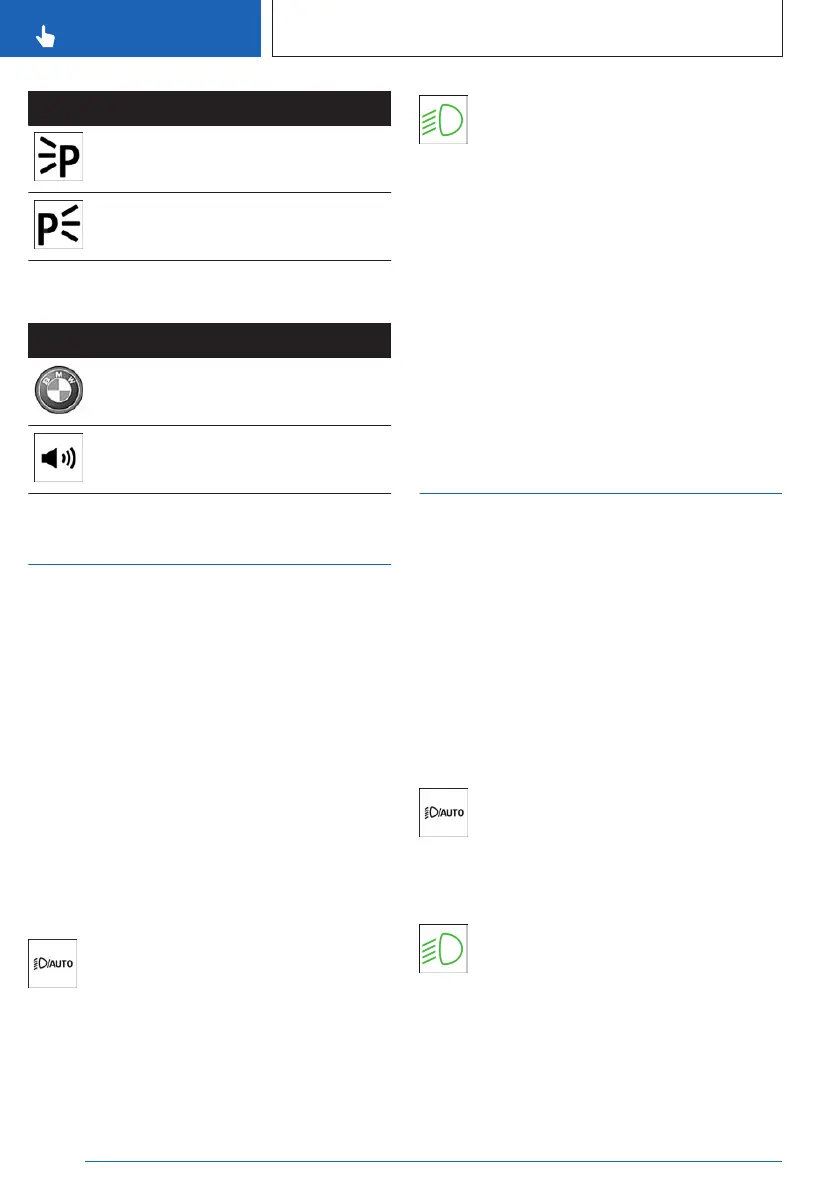
Icon Function
Left roadside parking light.
Right roadside parking light.
Buttons on the vehicle key
Icon Function
Interior lighting.
Parts of the exterior lighting.
Pathway lighting.
Automatic headlight control
Principle
The automatic lights function switches the
low-beam headlights on or off automatically
depending on the ambient brightness, e.g., in
tunnels, at dusk, or with precipitation.
General information
A blue sky with the sun low on the horizon can
cause the lights to be turned on.
The automatic lights function is deactivated
if you turn on the low-beam headlights man-
ually.
Activate automatic headlight control
To activate the automatic lights, press
the button for automatic lights and low-
beam headlights on the light switch.
The LED in the button illuminates.
The green indicator light on the instru-
ment cluster illuminates when the low-
beam headlights are turned on.
System limits
The automatic headlight control cannot re-
place your personal judgment of lighting condi-
tions.
For example, the sensors are unable to detect
fog or hazy weather. In these situations, turn
the lights on manually.
Low-beam headlights,
parking lights and roadside
parking lights
Principle
The low-beam headlights are used to illumi-
nate the road without dazzling oncoming traf-
fic. The parking lights and roadside parking
lights are used to illuminate the vehicle when
stationary. These functions can be operated
using the buttons in the vehicle or via iDrive.
Low beams
Turning on low beams
On the light switch, press the button for
automatic driving lights and low-beam
headlights.
The low beams illuminate when drive-ready
state is switched on.
The green indicator light on the instru-
ment cluster illuminates when the low-
beam headlights are turned on.
To switch on the low-beam headlights already
when standby state is switched on, press the
button again.
Seite 152
CONTROLS
Light and view
152
Online Edition for Part no. 01405A8A536 - VI/23



 To Next Page