▷ Camera behind the windshield.
▷ Side radar sensors, front.
▷ Side radar sensors, rear.
Activating/deactivating the side-
collision warning
1. To activate or deactivate the side-collision
warning, go through the menu as follows
via iDrive: Apps menu / "Vehicle" / "Driving
settings" / "Driver Assistance" / "Safety and
warnings" / "Side collision warning".
2. Select the desired setting.
Setting the intensity of the steering
wheel vibration
1.
To adjust the steering wheel vibration in-
tensity, go through the menu as follows
via iDrive: Apps menu / "Vehicle" / "Driving
settings" / "Driver Assistance" / "Feedback
via steering wheel" / "Vibration intensity".
2. Select the desired setting.
The setting is applied to all collision warning
systems.
Displays in the instrument cluster
Depending on vehicle equipment and national-
market version, Side Collision Warning infor-
mation is displayed in the Assisted View on the
instrument cluster.
Additional information:
Assisted View, refer to page 143.
Warning function
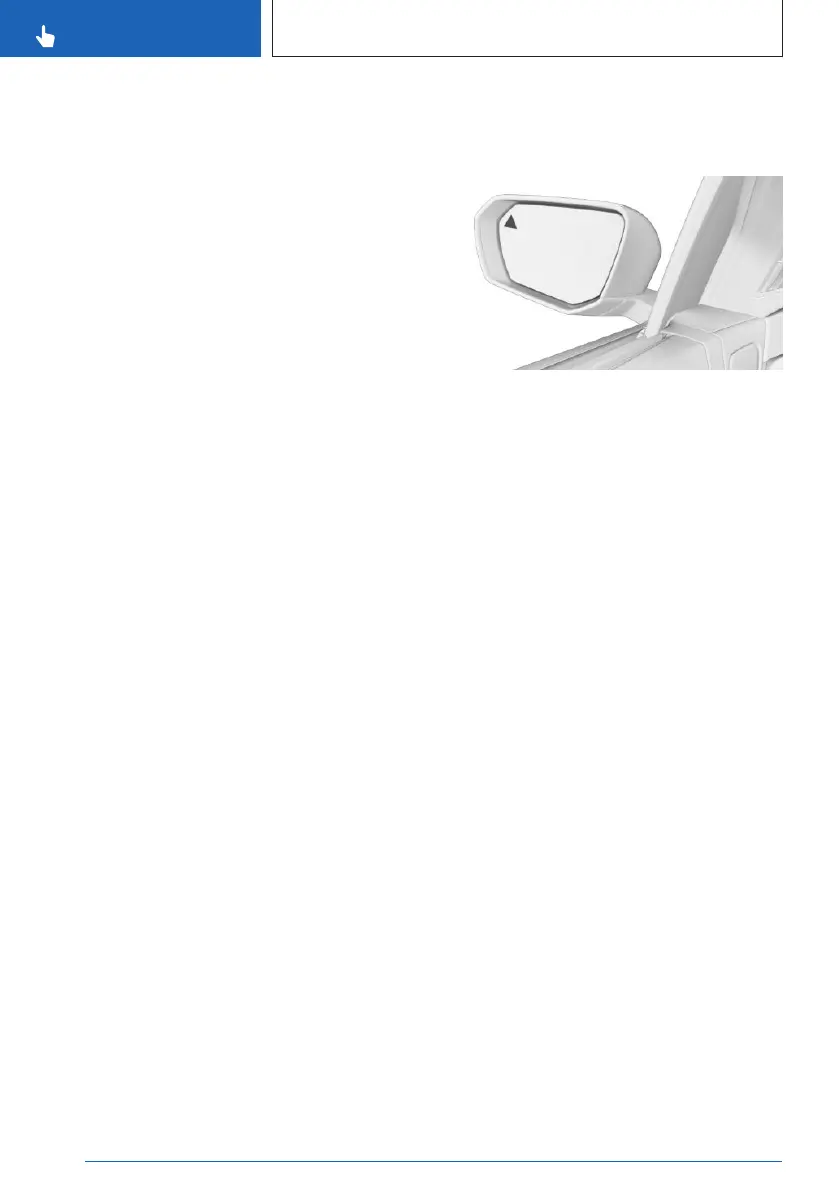
Warning light in exterior mirror
The warning light in the exterior mirror warns
of a possible collision with a detected vehicle.
Acute warning
In the event of an acute side-collision warning,
the warning light on the exterior mirror flashes
and the steering wheel begins to vibrate if
there is a risk of collision.
A Check Control message is displayed at the
same time.
Steering intervention
Depending on the national-market version,
if necessary, the system engages the active
steering intervention to prevent a collision and
maintain the vehicle within its own lane. The
steering intervention can be noticed on the
steering wheel and can be manually overrid-
den at any time.
System limits
General information
Follow the system limits in the "Collision warn-
ing systems" chapter.
Functional limitations
The side-collision warning system may be re-
stricted in the following situations:
Seite 186
CONTROLS
Safety
186
Online Edition for Part no. 01405A8A536 - VI/23



 To Next Page