Icon Meaning
Select left exterior mirror.
Select right exterior mirror.
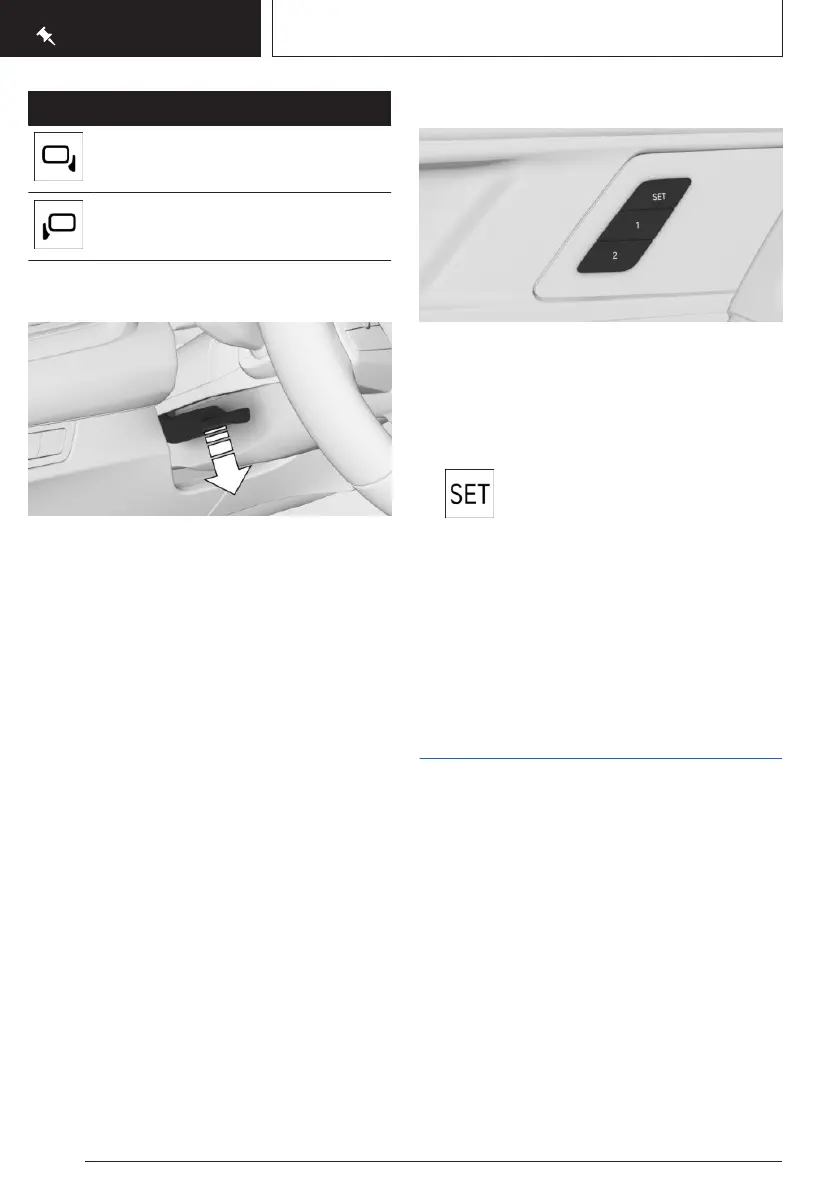
Adjusting the steering wheel
1. On the steering column, press the lock lever
all the way down.
2. Grip the steering wheel with both hands
and move the steering wheel to the prefer-
red height and angle to suit your seat posi-
tion.
3. Fold the lever back up.
Memory function
Principle
The following settings can be stored and, if
necessary, retrieved using the memory func-
tion:
▷
Seat position.
▷ Exterior mirror adjustment.
▷ Lumbar support position.
▷ Height of the Head-up display.
Overview
The memory buttons are located on the front
doors.
Storing settings
1.
Set the desired position.
2. Press the SET button on the front
door. The LED illuminates.
3. Press the desired memory button 1 or 2
while the LED is illuminated. A signal
sounds.
Calling up settings
Press the desired memory button 1 or 2.
Infotainment
Navigation destination input
Starting guidance via quick search
You can search for town and street at the
same time. To do this, enter a text string for
the town/city, then a blank space and a text
string for the street name.
Guidance can be started via the quick search.
1.
Go to the Navigation menu.
2. Select the search field.
3. Enter your desired destination.
4. Start destination guidance.
More information may be displayed.
Seite 20
QUICK REFERENCE
Set-up and use
20
Online Edition for Part no. 01405A8A536 - VI/23



 To Next Page