Entertainment
Depending on vehicle equipment and national-
market version, the center console has the fol-
lowing buttons.
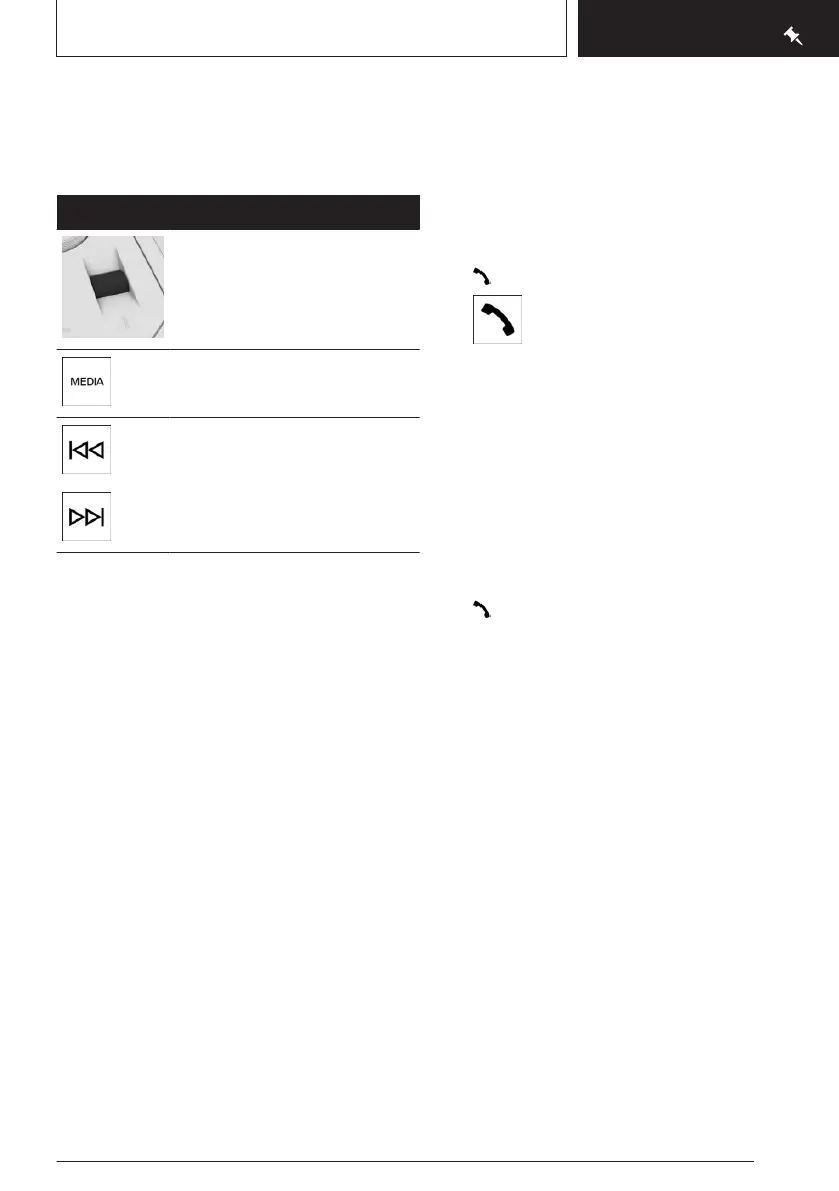
Button Function
Turning the thumbwheel: ad-
justs the volume.
Pressing the thumbwheel:
turns sound output on/off.
Change the entertainment
source.
Press once: changes the sta-
tion/track.
Press and hold: fast for-
ward/rewind the track.
Using the mobile phone
General information
After the mobile phone is connected once to
the vehicle, the mobile phone can be operated
using iDrive and the steering wheel buttons.
Activate Bluetooth® on the mobile phone.
Connecting via Bluetooth®
1.
Go through the menu as follows via iDrive:
Apps menu / "All" / "Mobile devices" /
"Connect new device"
Mobile phones in range are displayed on
the control display.
2. Select the desired mobile phone.
3. Compare the control number displayed on
the control display with the control number
in the display of the mobile phone, and con-
firm that they match.
4. If necessary, select the connection mode:
"Continue with BMW iDrive"
The device is connected and displayed in the
device list.
Accepting a call
Depending on the equipment, incoming calls
can be answered in several ways.
▷ Via iDrive:
"Accept"
▷
Press the telephone function button on the
steering wheel:
▷ On the steering wheel, use the knurled
wheel to select from the list on the instru-
ment cluster: "Accept"
Dialing a number
1.
Go through the menu as follows via iDrive:
Apps menu / "All" / "Telephone" / "Dial"
2. Enter the desired digits.
3. Select the icon for calling. The connec-
tion is established via the mobile phone to
which this function has been assigned.
Seite 21
Set-up and use
QUICK REFERENCE
21
Online Edition for Part no. 01405A8A536 - VI/23



 To Next Page