▷ Press the on/off button on the left
side of the steering wheel.
▷ Press the MODE button on the left
side of the steering wheel.
The speed control system has been stopped.
Continuing speed control systems
To resume the speed control system,
press the on/off button on the left side
of the steering wheel.
The speed control system will resume.
Switching off speed control systems
Speed control systems can be switched off
manually.
To turn off the speed control system,
press and hold the on/off button on the
left side of the steering wheel until the
indicators go out.
The speed control systems have been
switched off.
Speed control systems switch off automatically
when drive-ready state is switched off.
Adjusting speed values
The speeds for the speed control systems can
be adjusted on the steering wheel.
Press the plus button or minus button
on the left side of the steering wheel
repeatedly until the desired value is set.
▷
Press the corresponding button to the re-
sistance point to increase or decrease the
set speed by 1 mph/1 km/h.
▷ Press the button past the resistance point
to change the set speed by a maximum of
5 mph/10 km/h.
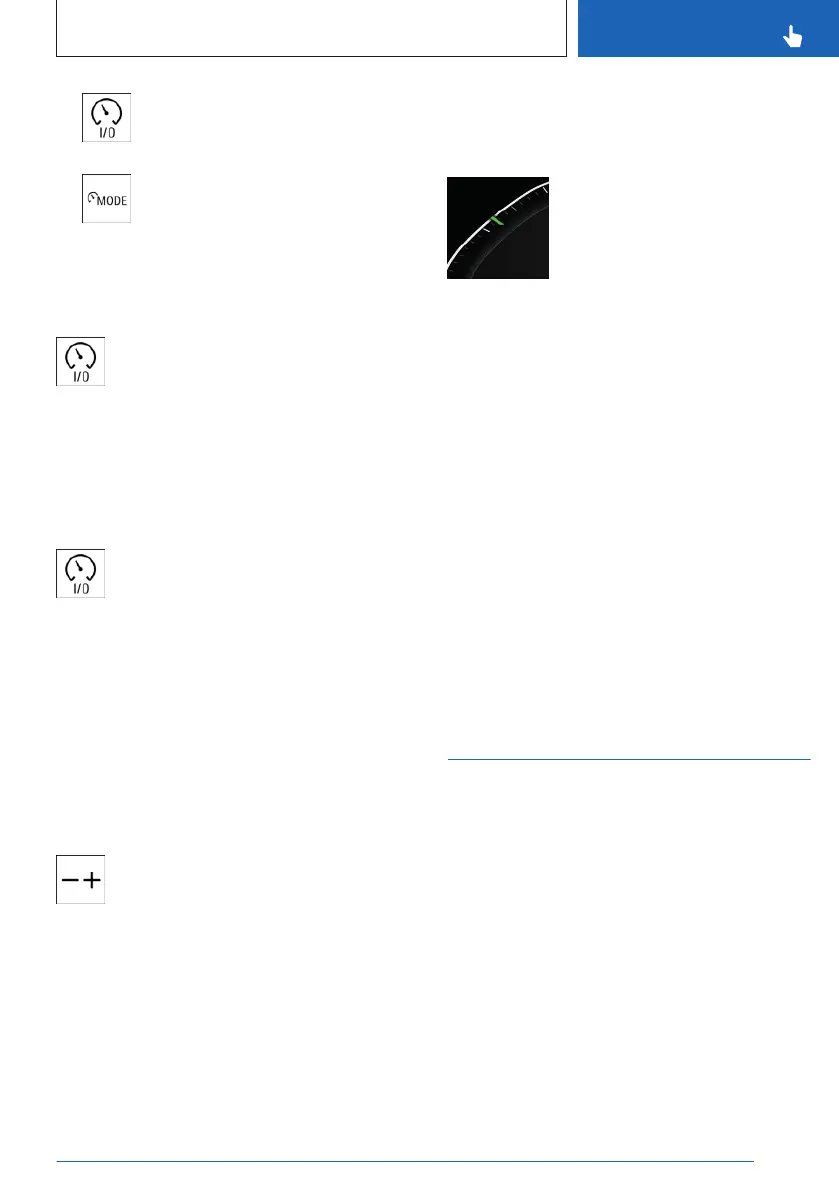
Display in the instrument cluster
Display in the speedometer
A mark is shown on the speed-
ometer for the set speed of the
speed control system.
▷ The marking illuminates
green when the speed con-
trol system is active.
▷ The mark illuminates gray when the system
is interrupted.
▷ No mark is shown when the system is
turned off.
Notifications
Messages are displayed for some functions in
addition to the corresponding speed control
system indicator lights.
1.
To configure the extent of notifications,
go through the menu as follows via
iDrive: Apps menu / "Vehicle" / "Driving
settings" / "Driver Assistance" / "Driving" /
"Notifications".
2. Select the desired setting.
Cruise Control
Principle
With the Cruise Control, the buttons on the left
of the steering wheel can be used to adjust
your set speed. The system maintains the set
speed. The system accelerates and brakes au-
tomatically as needed.
Cruise Control information is displayed on the
instrument cluster.
General information
Cruise control can be activated starting from a
vehicle speed of 20 mph/30 km/h.
Depending on the vehicle setting, the Cruise
Control settings can change under certain
Seite 211
Driver assistance systems
CONTROLS
211
Online Edition for Part no. 01405A8A536 - VI/23



 To Next Page