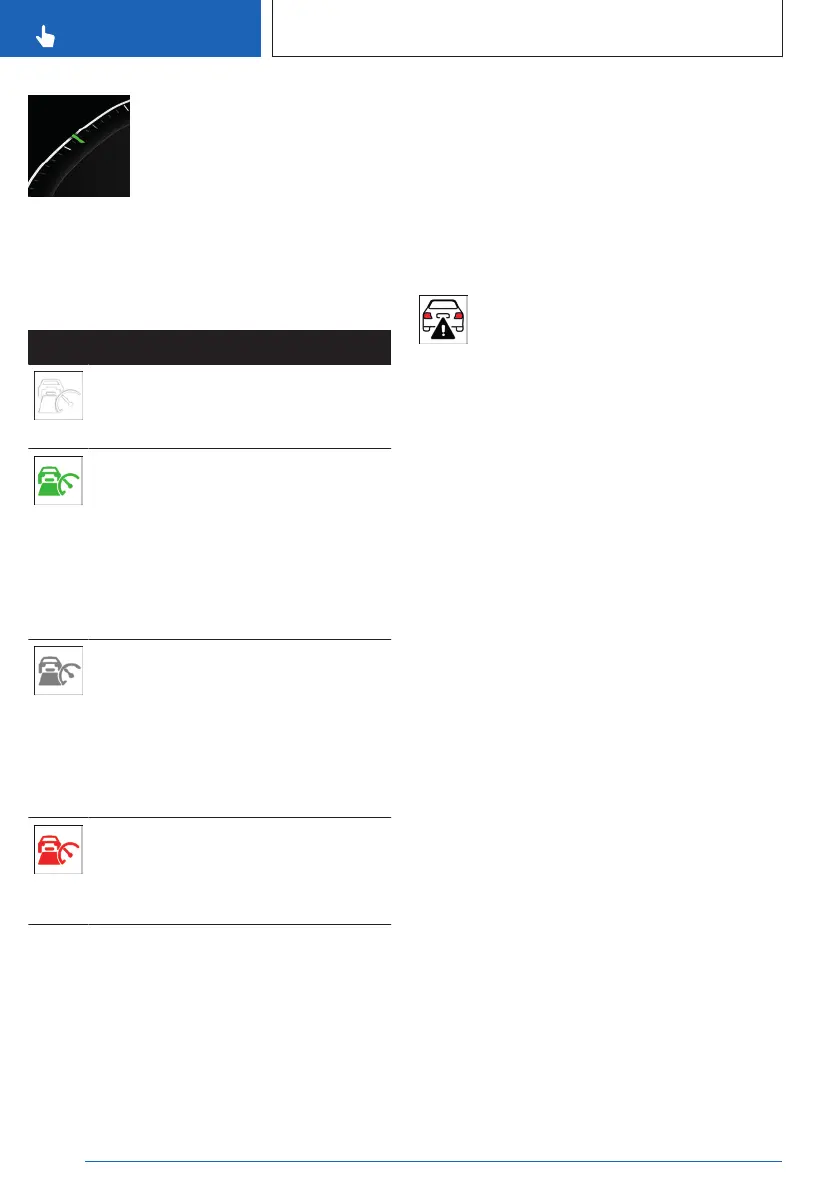
▷ The mark illuminates green
when the system is active.
▷ The mark illuminates gray
when the system is inter-
rupted.
▷ No mark is shown when the system is
turned off.
Indicator lights and warning lights
Icon Description
White indicator light:
No distance control display, as the
accelerator pedal is being pressed.
Indicator light illuminates green:
Vehicle has been detected ahead of
you.
The vehicle icon goes out if no vehicle
has been detected ahead of you.
Indicator light flashes green:
Vehicle in front drove off.
Indicator light flashes gray:
Conditions are not adequate for the
system to work.
The system was deactivated but ap-
plies the brakes until you actively
resume control by pressing on the
brake pedal or accelerator pedal.
Warning light flashes red and acous-
tic signal sounds:
Brake and make an evasive maneu-
ver, if necessary.
Assisted View
Depending on vehicle equipment and national-
market version, in Assisted View, Distance
Control information is displayed on the central
display area of the instrument cluster.
Additional information:
Assisted View, refer to page 143.
Displays in the Head-up display
Set speed
Depending on vehicle equipment, some speed
control system information can also be dis-
played on the Head-up display.
Distance information
The distance information icon appears
when the distance from the preceding
vehicle is too short.
The distance information is active in the fol-
lowing situations:
▷ Cruise Control with Distance Control is
switched off.
▷ The view on the Head-up display is se-
lected.
▷ Distance to preceding vehicle is too short.
▷ Vehicle speed is greater than approx.
40 mph/70 km/h.
Additional information:
Head-up display, refer to page 129.
System limits
System limits of the sensors
Distance Control is subject to the system limits
of the sensors.
Additional information:
▷
Cameras, refer to page 34.
▷ Radar sensors, refer to page 35.
Seite 218
CONTROLS
Driver assistance systems
218
Online Edition for Part no. 01405A8A536 - VI/23



 To Next Page