The high beams illuminate when the low
beams are switched on.
▷ To turn off the high-beam headlights or op-
erate the headlight flasher, pull the indica-
tor/high-beam stalk backward, arrow 2.
Lights and lighting
Buttons in the vehicle
Icon Function
Exterior lighting menu.
Automatic headlight control.
Low beams.
Exterior lighting off.
Exterior lighting off.
Functions via iDrive
Icon
Function
Automatic headlight control.
Low beams.
Parking lights.
Exterior lighting off.
Left roadside parking light.
Right roadside parking light.
Window wiper system
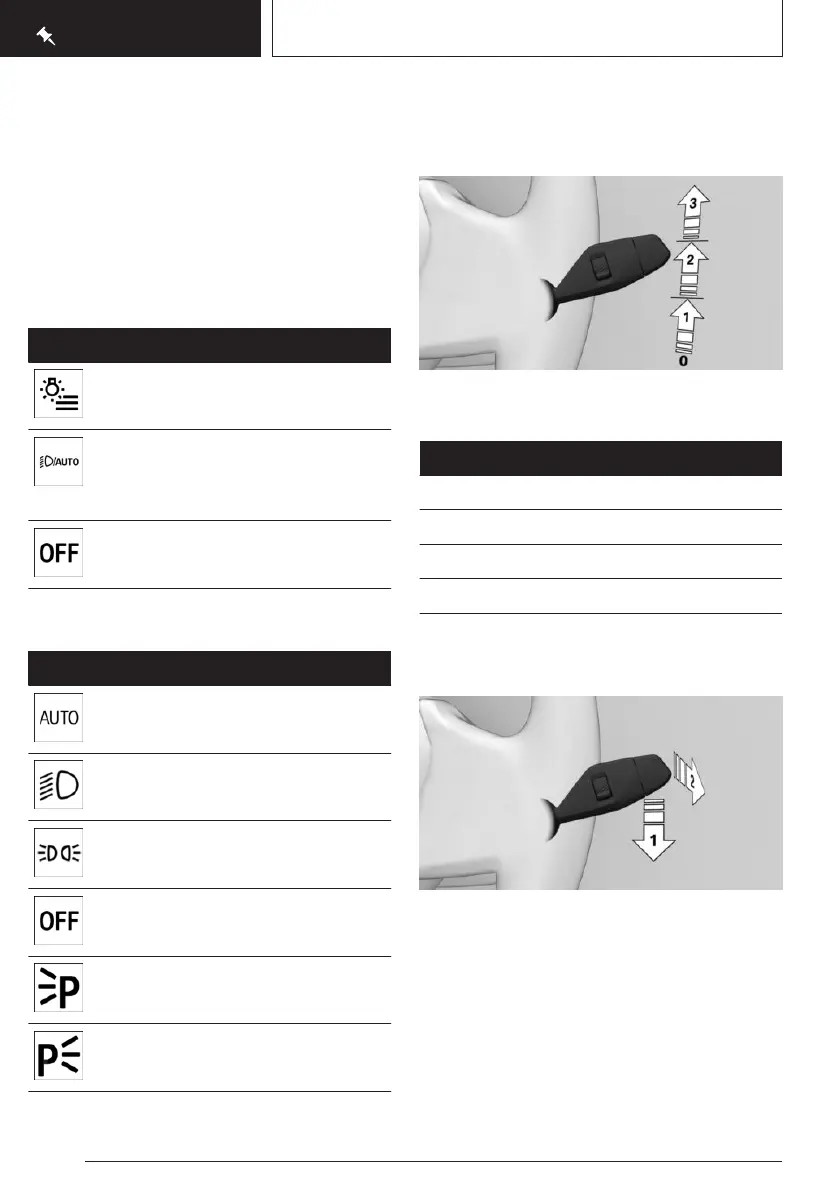
Turning on window wiper system
To turn on the wiper system, push the wiper
lever upward to the desired position.
Position Function
Position 0. Rest position of wipers.
Position 1. Rain sensor.
Position 2. Normal wiper speed.
Position 3. Fast wiper speed.
Turning off the window wiper system
and flick wipe
To turn off the wipers or to activate flick wiping,
proceed as follows:
▷
To turn off: Push the wiper lever downward,
arrow 1, until position 0 is reached.
▷ To flick wipe: Push the wiper lever down-
ward from position 0, arrow 1, and push the
wiper lever forward to position 0 or position
1, arrow 2.
Seite 24
QUICK REFERENCE
On the road
24
Online Edition for Part no. 01405A8A536 - VI/23



 To Next Page