Multi-channel playback,
surround
Choose between stereo and multi-channel play‐
back, surround.
Setting multi-channel playback,
surround
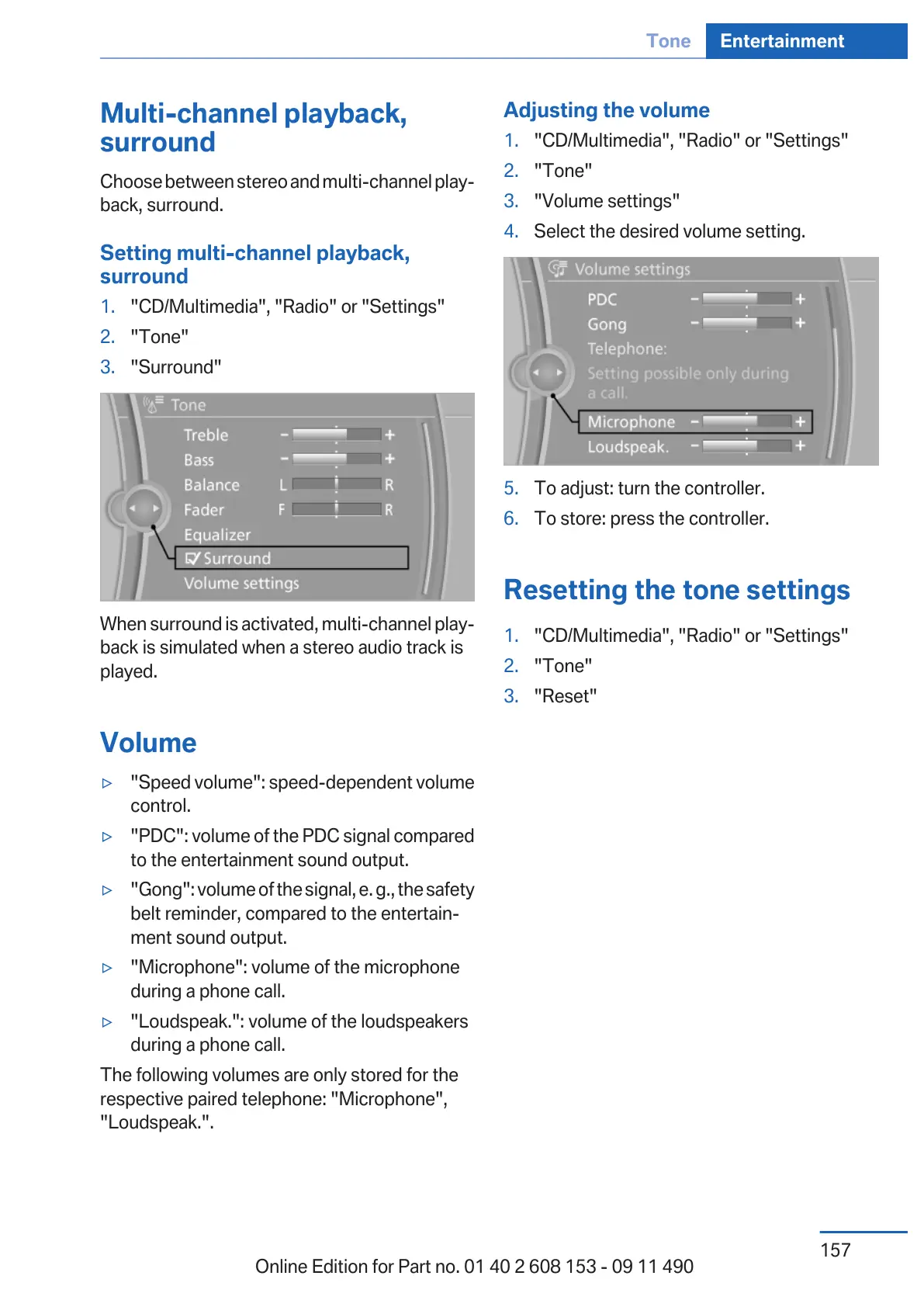
1. "CD/Multimedia", "Radio" or "Settings"
2. "Tone"
3. "Surround"
When surround is activated, multi-channel play‐
back is simulated when a stereo audio track is
played.
Volume
▷ "Speed volume": speed-dependent volume
control.
▷ "PDC": volume of the PDC signal compared
to the entertainment sound output.
▷ "Gong": volume of the signal, e. g., the safety
belt reminder, compared to the entertain‐
ment sound output.
▷ "Microphone": volume of the microphone
during a phone call.
▷ "Loudspeak.": volume of the loudspeakers
during a phone call.
The following volumes are only stored for the
respective paired telephone: "Microphone",
"Loudspeak.".
Adjusting the volume
1. "CD/Multimedia", "Radio" or "Settings"
2. "Tone"
3. "Volume settings"
4. Select the desired volume setting.
5. To adjust: turn the controller.
6. To store: press the controller.
Resetting the tone settings
1.
"CD/Multimedia", "Radio" or "Settings"
2. "Tone"
3. "Reset"
Seite 157
Tone Entertainment
157
Online Edition for Part no. 01 40 2 608 153 - 09 11 490



 To Next Page