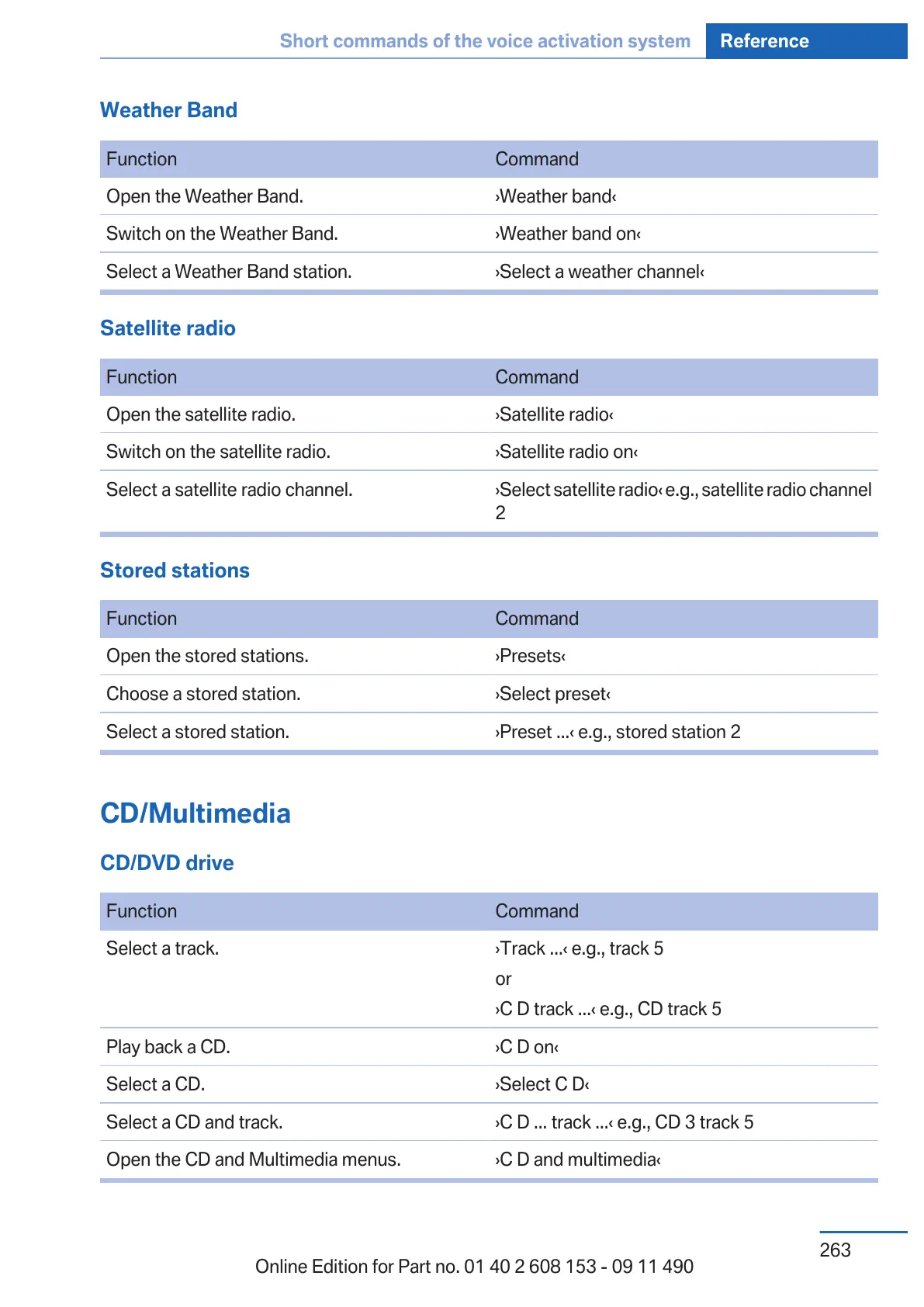
Weather Band
Function Command
Open the Weather Band. ›Weather band‹
Switch on the Weather Band. ›Weather band on‹
Select a Weather Band station. ›Select a weather channel‹
Satellite radio
Function Command
Open the satellite radio. ›Satellite radio‹
Switch on the satellite radio. ›Satellite radio on‹
Select a satellite radio channel. ›Select satellite radio‹ e.g., satellite radio channel
2
Stored stations
Function Command
Open the stored stations. ›Presets‹
Choose a stored station. ›Select preset‹
Select a stored station. ›Preset ...‹ e.g., stored station 2
CD/Multimedia
CD/DVD drive
Function Command
Select a track. ›Track ...‹ e.g., track 5
or
›C D track ...‹ e.g., CD track 5
Play back a CD. ›C D on‹
Select a CD. ›Select C D‹
Select a CD and track. ›C D ... track ...‹ e.g., CD 3 track 5
Open the CD and Multimedia menus. ›C D and multimedia‹
Seite 263
Short commands of the voice activation system Reference
263
Online Edition for Part no. 01 40 2 608 153 - 09 11 490



 To Next Page