8
BOBLOV
https://www.boblov.com/ I Email : support@boblov.com
6.2. Screen Protection / Power Saving Feature
1. Screen protection feature: If there is no operation within
60 seconds (default), the device will turn off screen auto-
matically to protect the screen. (this feature can be set to 30
seconds or off).
2. Power saving feature: If there is no operation within 5
minutes (default), the camera will power off automatically
to save power. (this feature can be set to 1 minute, 3
minutes or off)
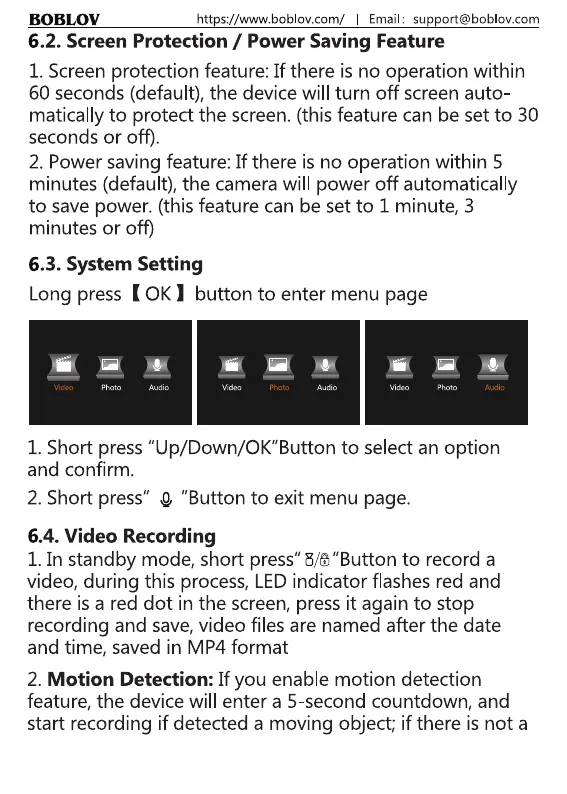
6.3. System Setting
Long press ( 0K I button to enter menu page
Audio Video
1. Short press "Up/Down/OK"Button to select an option
and confirm.
2. Short press" O "Button to exit menu page.
6.4. Video Recording
1. In standby mode, short press" H/6"Button to record a
video, during this process, LEDindicator flashes red and
there is a red dot in the screen, press it again to stop
recording and save,video files are named after the date
and time, saved in MP4 format
2. Motion Detection: If you enable motion detection
feature, the device will enter a 5-second countdown, and
start recording if detected a moving object; if there is not a
8



 To Next Page