, use IFO
peltxcv
Note:
1. Please choose to eject the camera in the
correct way, instead of just unplugging the cable
from the computer.
2. If the computer doesn't recognize it, or the
removable disk logo doesn't pop up after a few
seconds, reset the camera first then re-plug it to
try again.
Camera TXT File Setting on the PC
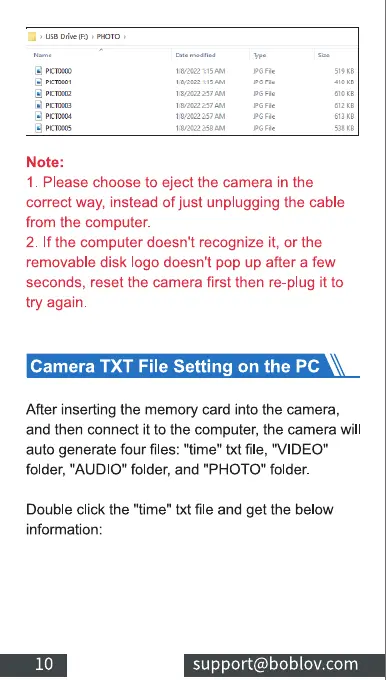
After inserting the memory card into the camera,
and then connect it to the computer, the camera will
auto generate four files: "time" txt file, "VIDEO"
folder, "AUDIO" folder, and "PHOTO" folder.
Double click the "time" txt file and get the below
information:
10
support@boblov.com



 To Next Page