Working Modes
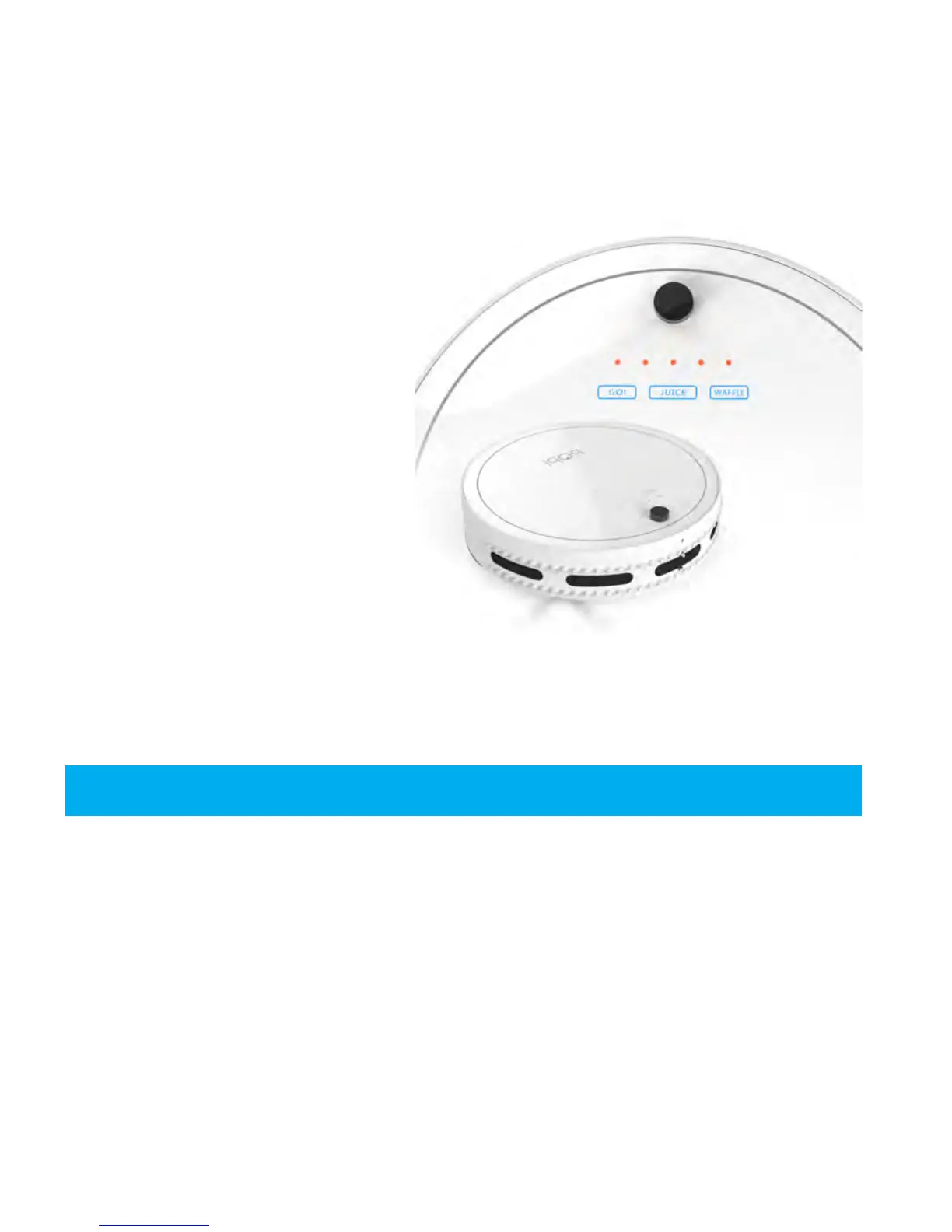
There are three touch buttons on
top of bObi:
JUICE, WAFFLE, and GO!
These buttons will not work while
bObi is on her charging station.
To use these buttons, you must
rst move bObi from her charging
station manually or using her re-
mote control, and then press the
buttons on top of bObi while she
is on the oor.
GO!
The GO! button activates bObi’s default cleaning mode. In this mode she will use her
programmed algorithm to clean the oor. To use this mode, simply touch the GO!
button found on top of bObi or click the GO! button on her remote.
WAFFLE
Wae cleaning mode can be used to clean up small spills of dry substances. In
Wae cleaning mode, bObi will clean an area of approximately 10 square feet (1
square meter) for about 3 minutes before she stops and enters standby mode.
Wae cleaning mode can be used to clean up small spills of dry substances. To
have bObi clean a small area, press the WAFFLE button on bObi’s cover or on her
remote.
Clear away clutter and cords before letting bObi clean a room.















 To Next Page