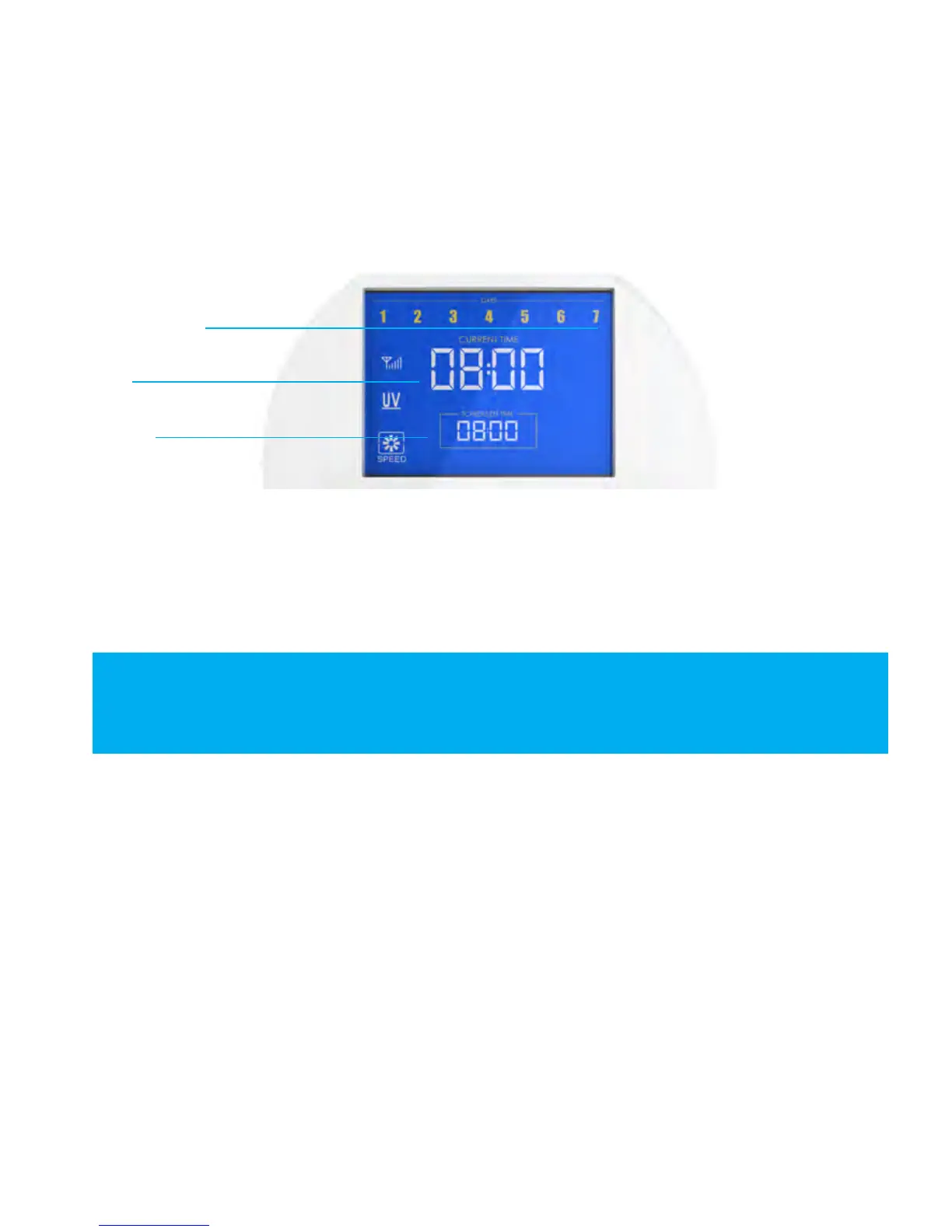
bObi can be programmed to start working at a specic time of the day on as many
days of the week as you want. Use the remote to program bObi’s cleaning schedule.
Weekdays
Time (current time)
Scheduled time
Weekdays
The numbers 1 to 7 on top of the screen represent days of the week. 1 stands for
Monday and 7 is Sunday:
1 = Monday 2 = Tuesday 3 = Wednesday 4 = Thursday
5 = Friday 6 = Saturday 7= Sunday
Current time
The current time is the top set of numbers indicated on remote’s screen.
Scheduled time
The scheduled time is the bottom set of numbers indicated on remote’s screen.















 To Next Page