UltraVision’s First Clean
Power UltraVision ON
Press and hold the GO button until the screen lights up.
If you are not going to use UltraVision for
a while, you can place him on Low Power
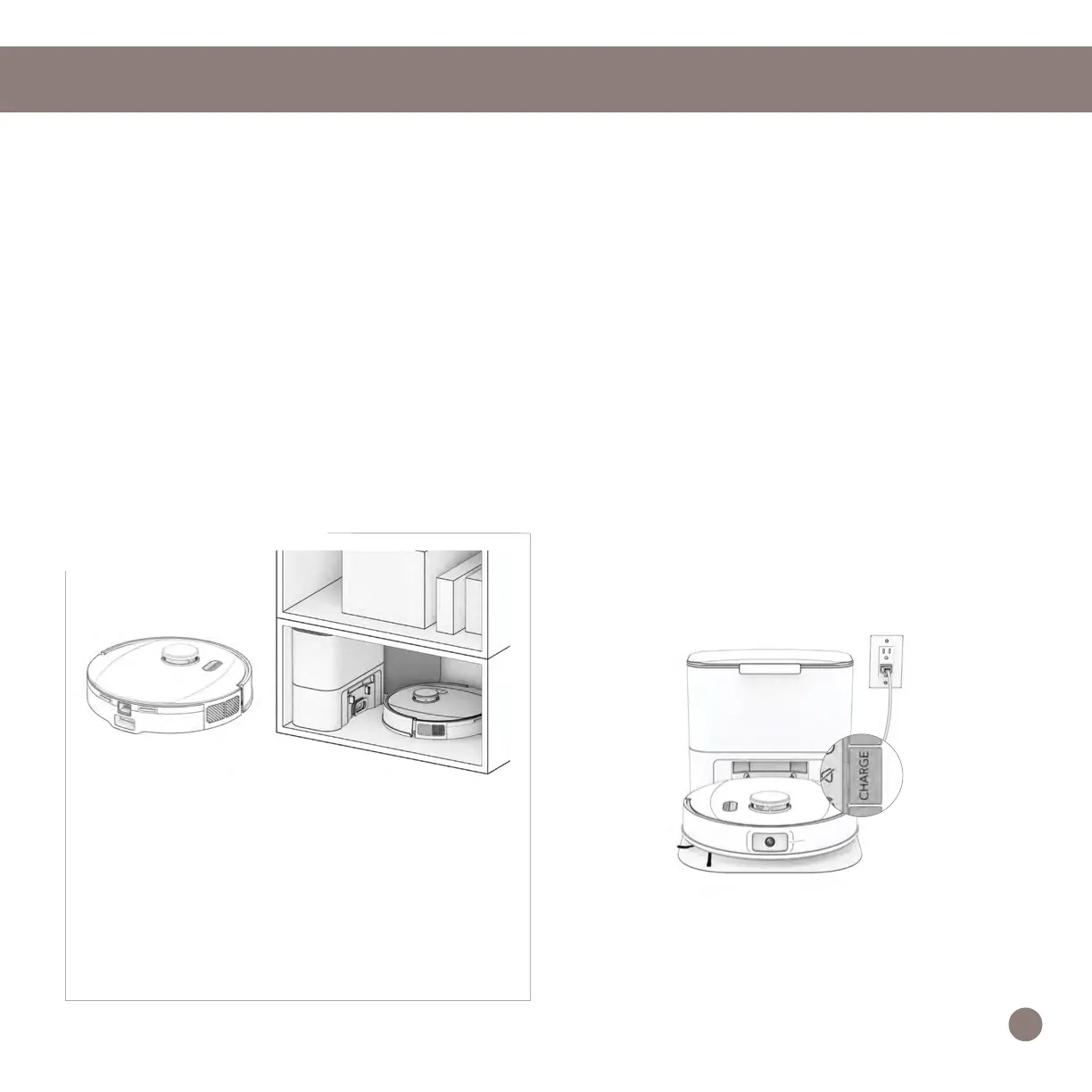
Standby mode (LPS mode). To do so,
place UltraVision on his charging station.
Press and hold the CHARGE button on
UltraVision for 5 seconds. You’ll hear “low
power mode”, conrming UltraVision is in
LPS mode. To exit this mode, press GO
on UltraVision while he’s on the charging
station, or remove him from the station.
Storing
If you are not using UltraVision for an
extended period of time (over a month),
power him OFF, remove his battery,
and unplug his charging station. Store
everything in a dry room, away from direct
sunlight or extreme temperature.
Important Note: In this mode, UltraVision
is ofine and the bObsweep App is not able
to connect to UltraVision. Furthermore, any
scheduled cleaning will be paused.
12














 To Next Page