SH042-1 User Manual for BodiTrak LT V1.5, 25 Jan 2019
10
BodiTrak Technical Support: 800-847-3157
PRESSURE MAT SETTINGS
PSI Units On or off
mmHg Pressure Max Can set maximum displayed values
PSI Pressure Max Can set maximum displayed values
Sensor Rotation On or off
RISK VIEW SETTINGS
Risk Threshold
Can set the level of mmHg/hr at which risk
data is displayed. Normally set to 20.
Risk Multiplier
Demo feature (usually set at 1 for use in
monitoring or 20 to artificially accelerate time
for demo mode). Set higher to display quicker.
CENTER OF PRESSURE
Center of Pressure On or off. Shows center of pressure on mat
Center of Pressure
Tail Length
Can set from zero to several seconds
OTHER SETTINGS
Sensing Area Metric
Units
On or off
Orientation Portrait On or Off
APPLICATION INFORMATION
Version Displays Current Version
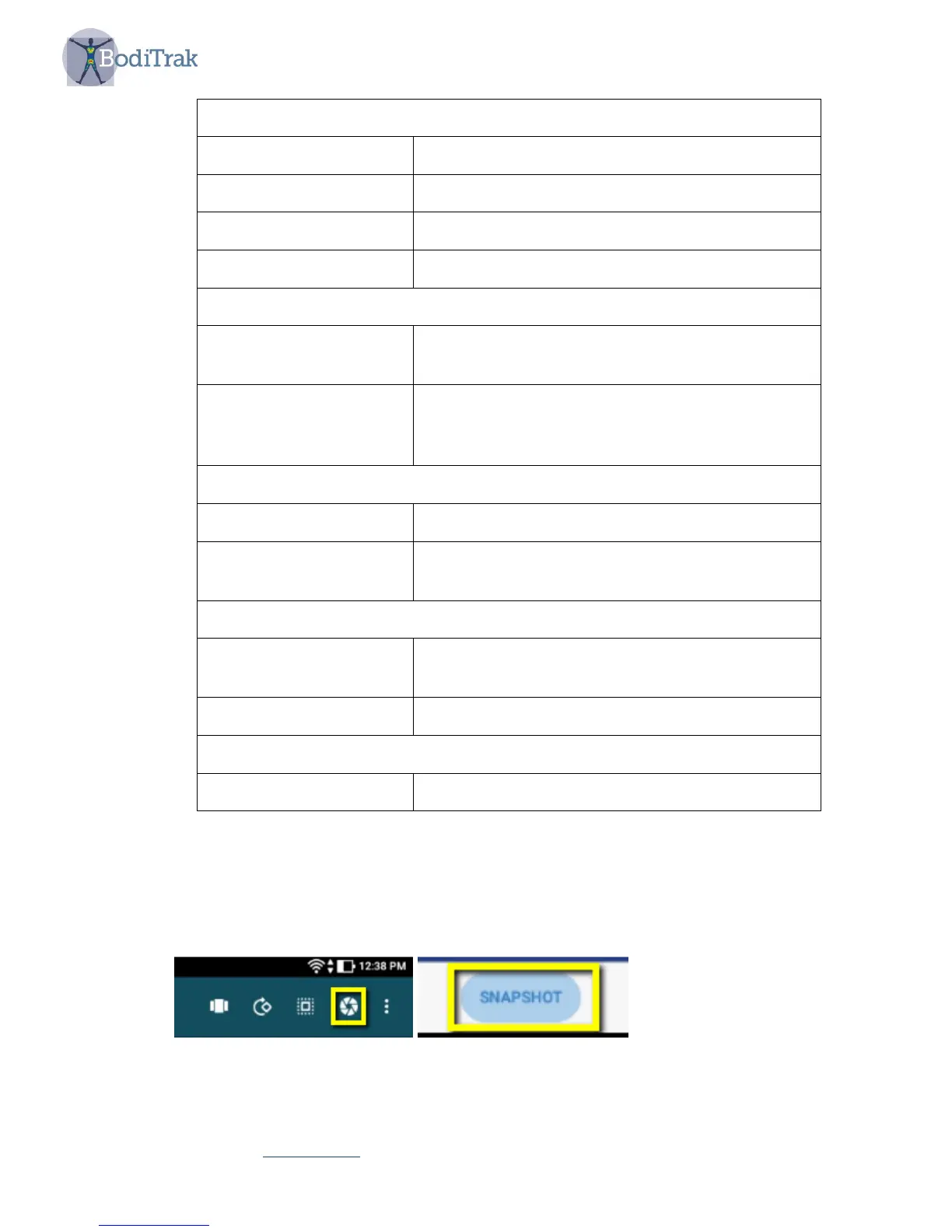
• A Snapshot icon (Figure 3) which allows you to take a screenshot. This will allow
you to take a picture of the current screen at any time during the On-the-Go
scanning. When the snapshot button is tapped you will be asked to enter User
Information (Figure 4) and when you select OK the image will be saved.
Figure 3 – selecting the snapshot icon



 To Next Page