SH042-1 User Manual for BodiTrak LT V1.5, 25 Jan 2019
9
BodiTrak Technical Support: 800-847-3157
Figure 2 – Risk and Gradient
RISK TAB – The Risk tab will be highlighted when chosen. The pressure
map indicates tissue loading over time and is expressed in mmHg/hour. It
helps the client or caregiver to understand where the skin may be most at
risk of tissue trauma and repositioning may be required. (The software is
based on Reswick-Rogers pressure/time curve.)
GRADIENT TAB – The Gradient tab will be highlighted when chosen. The
pressure map identifies areas of the skin that may be affected by shear
forces and is expressed as mmHg/cm. Areas of fastest change in pressure
over the surface of the seat are displayed as hotter colors. It is believed
that where pressures change quickly from one location to another there is
a risk of shear occurring to tissue.
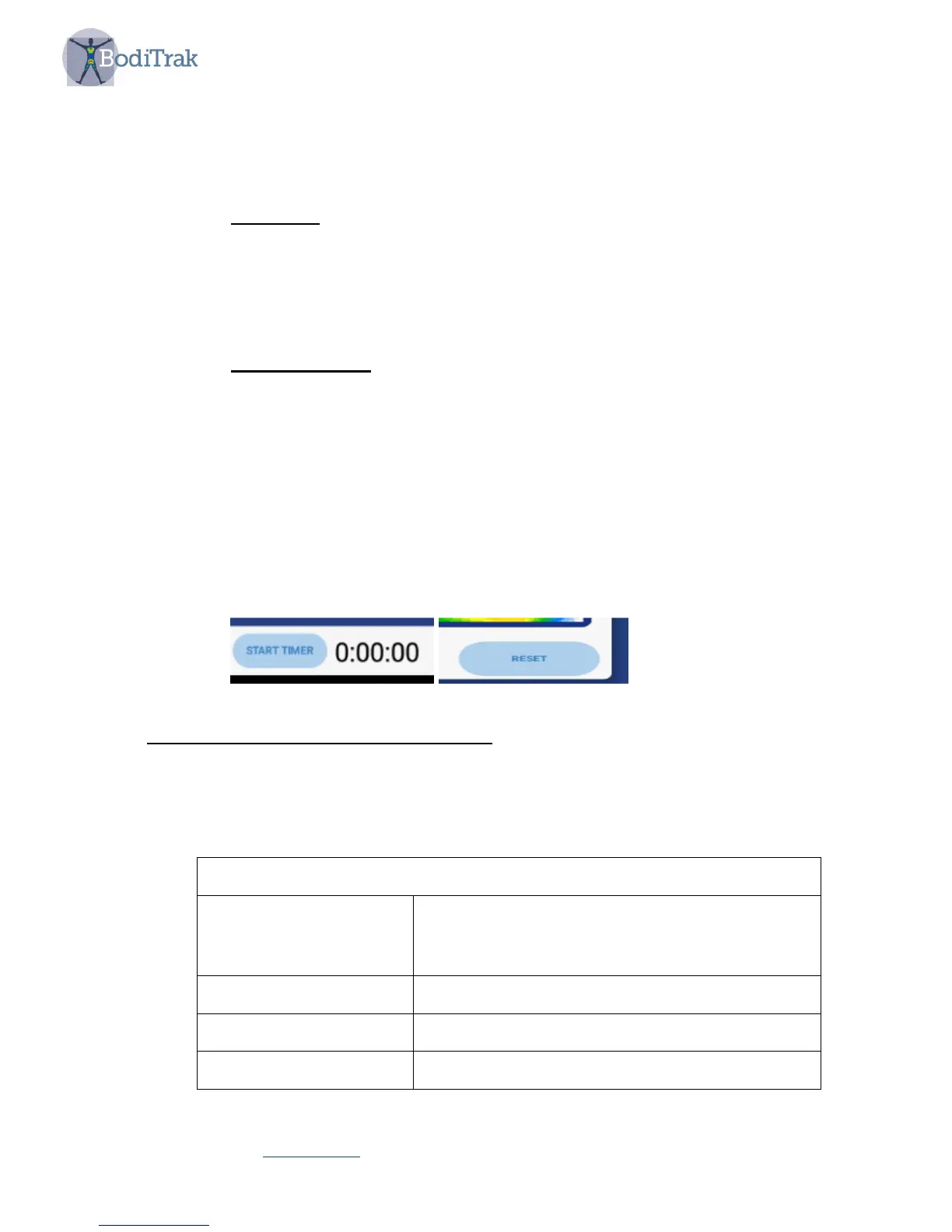
• a start timer and time indicator that can sound an alarm at a chosen time to remind
a client to shift their weight
• a Reset Risk button used to reset the risk display
On the top of the display you will observe:
• A three dots icon which gives you a drop-down showing two options, Data Port
Connection and Settings. If you tap on Settings you will see the following options:
USER SETTINGS
Maintain Weight
On or off. Useful for normalizing pressure
readings over extended periods of time.
User’s weight must be input.
User Weight Insertion of user’s weight
Timer Duration Set time duration before alarm sounds
Connect via DataPort On or off



 To Next Page