16
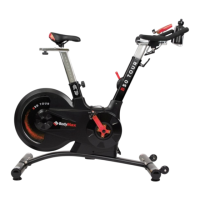
B50 Tour Indoor Cycle
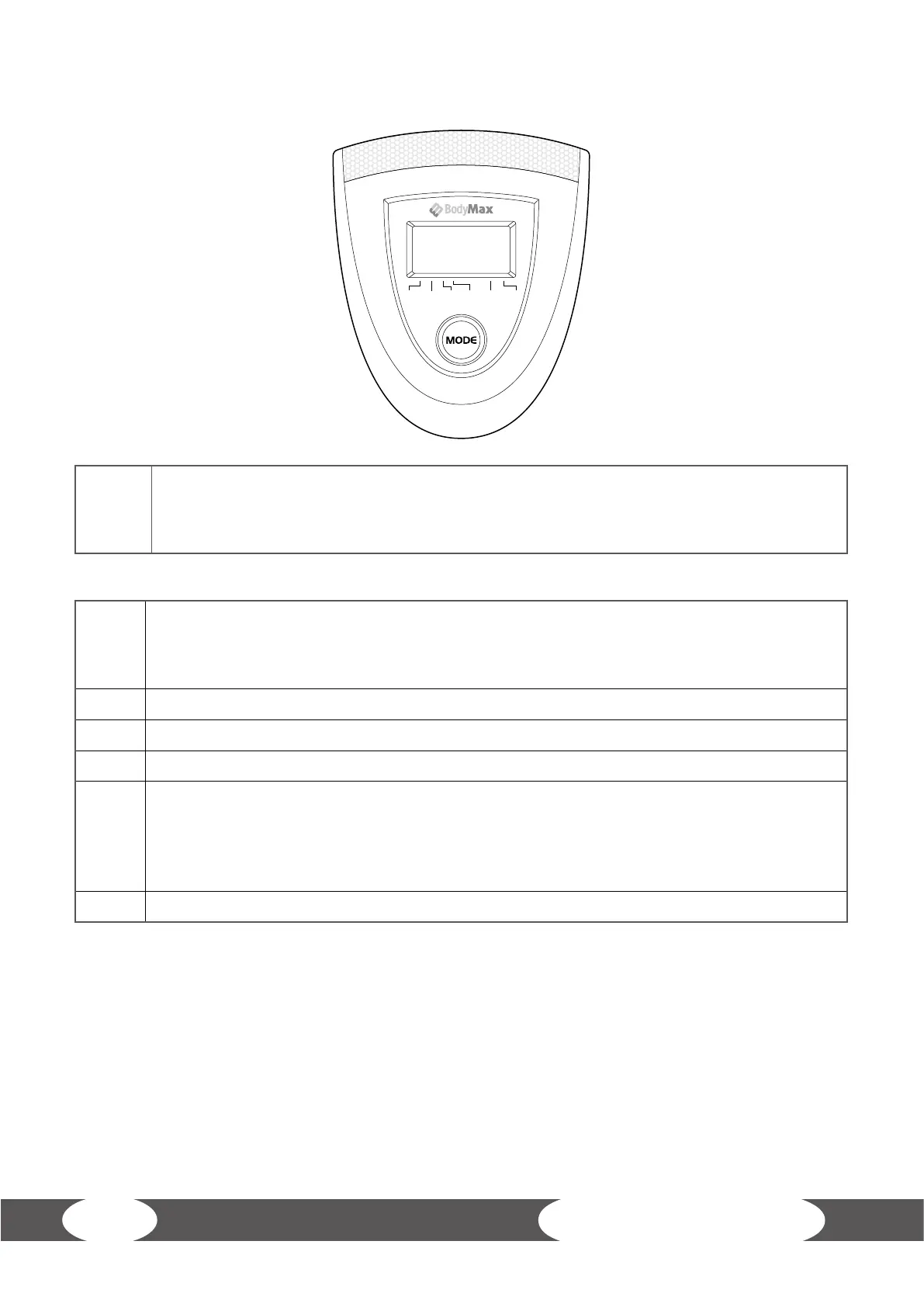
TIME SPEED DIST CAL PULSE SCAN
4.4 Computer Function
FUNCTION BUTTON
MODE
• Choose each functions by pressing mode key, in scan mode, press mode key
• Can lock the current function.
• Press mode key and hold 2 seconds to reset all functions gures.
FUNCTIONS
SCAN
• The sequence of display: TMR
→
SPD
→
DST
→
CAL
→
PULSE
• In scan mode, press mode key to choose other function.
• Automatically scan through each mode in sequence every 6 seconds.
SPEED Displays current training speed, the maximum is 999.9 Km/h.
TIME Accumulates workout time from 0:00 up to 99:00.
DIST Accumulates total distance from 0.0 Up to 999.9 Km .
CAL
Accumulates calories consupmtion during training from 0.0 Cal to the
Maximum 999.9 Cal.
(This data is a rough guide for comparison of dierent exercise sessions which
Can not be used in medical treatment.)
PULSE Displays your pulse rate in beats per minute during your workout.
NOTE
1. With no signal transmitted into the computer for 4 minutes,the computer will shut o the
LCD display automatically, and all function values will be reserved
2. Monitor battery spec: 1.5V UM-3 or AA (2pcs).
3. If the computer display abnormally, please re-install the battery and try again.
4. When the display of lcd is weak, it mean the batteries need to be changed.


 To Next Page