Need help?
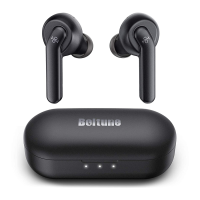
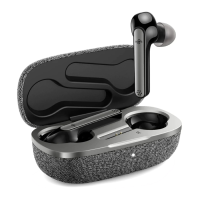
Do you have a question about the BOLTUNE BT-BH001 Pro and is the answer not in the manual?
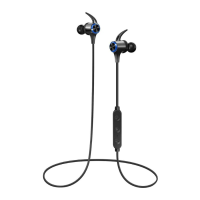
Function for volume adjustment and track skipping.
Description of the main control button's functions.
Information on the LED status light and microphone.
Location of the port for charging the device.
Function for volume adjustment and previous track.
Instructions to attach the ear hooks to the earphones.
Guidance on wearing earphones and hooks for optimal fit.
Instructions for charging the Boltune wireless stereo earphones.
Steps to pair the earphones with a Bluetooth device.
Guide to adjusting the built-in EQ modes.
Procedure to clear the device's pairing history.

 To Next Page
 General