EasyManua.ls Logo

Bolva 55SVL19 - User Manual

Bolva 55SVL19
34 pages
Print Icon
To Next Page IconTo Next Page
Loading...
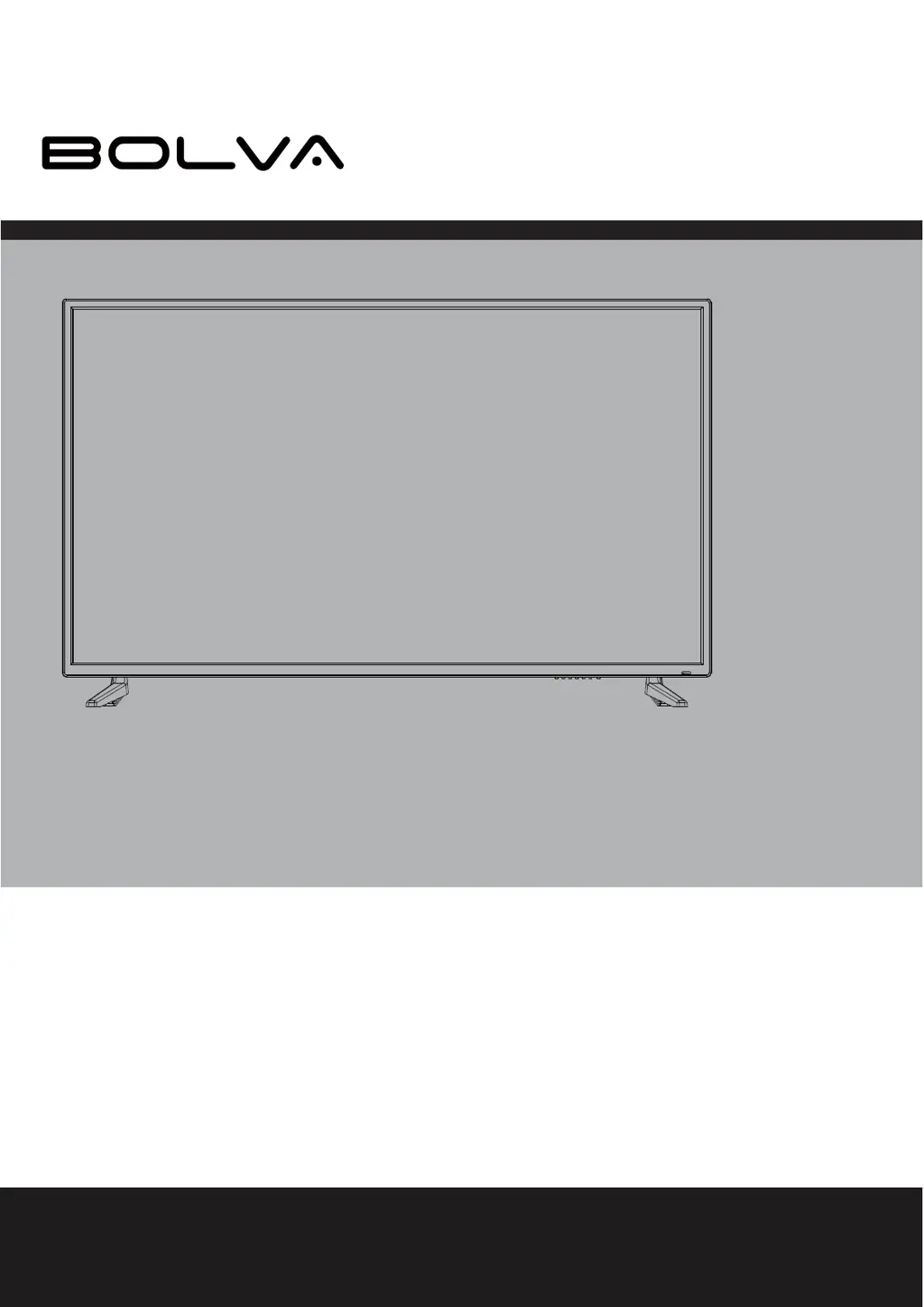
USER’S MANUAL
55SVL19
55” 4K ULTRA HD TELEVISION
For technical assistance or troubleshooting please call
1-866-594-5445 or visit www.bolvadigital.com

Questions and Answers

Summary

Important Safety Instructions

Introduction

Whats In The Box

Lists all items included in the TV package for initial setup and use.

Installing the Base

Remote Control

Battery Install

Instructions on how to insert batteries into the remote control handset.

Remote Control Overview

TV Overview

Front Panel

Describes the buttons and indicators on the front of the television set.

TV Rear Panel Connections

Rear Panel Ports

Explains the various input and output ports located on the back of the TV.

Connecting External Devices

Customizing TV Settings

Turning On;Off Your TV

Instructions on how to turn the television on and off, and standby mode.

Initial Setup

Guides the user through the initial setup wizard for language and time zone.

TV Settings Menu

Source Selection

How to select different input sources like TV, AV, HDMI, etc.

Channel Selection

Instructions for selecting TV channels using buttons or number input.

Volume Adjustment

How to adjust the TV's volume using dedicated buttons or the mute function.

Streaming Services

Media Features

Viewing Photos

How to view photos from a USB drive on the TV.

Media Playback

Listening To Music

Instructions for playing music files from a USB drive.

Watching Videos

Instructions for playing video files from a USB drive on the TV.

TV Settings Categories

General Settings

Configuration options for language, transparency, zoom, captions, and software updates.

Picture Settings

Adjustments for picture mode, brightness, contrast, color, sharpness, and advanced options.

Audio Settings

Options to customize sound mode, equalizer, volume, and audio output.

Network Settings

Configuration for connecting the TV to a wired or wireless network.

Channel Settings

Options for channel scanning, favorites, and signal information.

Time Settings

Settings for sleep timer, OSD timer, time zone, and daylight saving.

Lock Settings

Features for setting passwords, system locks, and parental controls.

App Settings

Options to manage and deactivate installed applications like Netflix and Vudu.

Content Rating Systems

MPAA Rating System

Explains the Motion Picture Association of America (MPAA) content rating grades and meanings.

TV Parental Guideline Rating System

Details the TV Parental Guideline rating system grades and their associated meanings.

Specifications

Troubleshooting

Bolva 55SVL19 Specifications

General IconGeneral
BrandBolva
Model55SVL19
CategoryTV
LanguageEnglish

Related product manuals