EasyManua.ls Logo

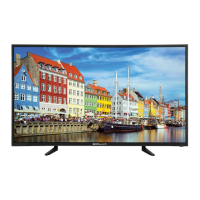
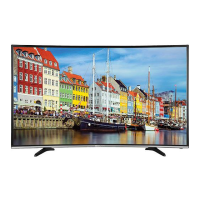
Bolva 65CBL-01 - User Manual

Bolva 65CBL-01
35 pages
Print Icon
To Next Page IconTo Next Page
Loading...
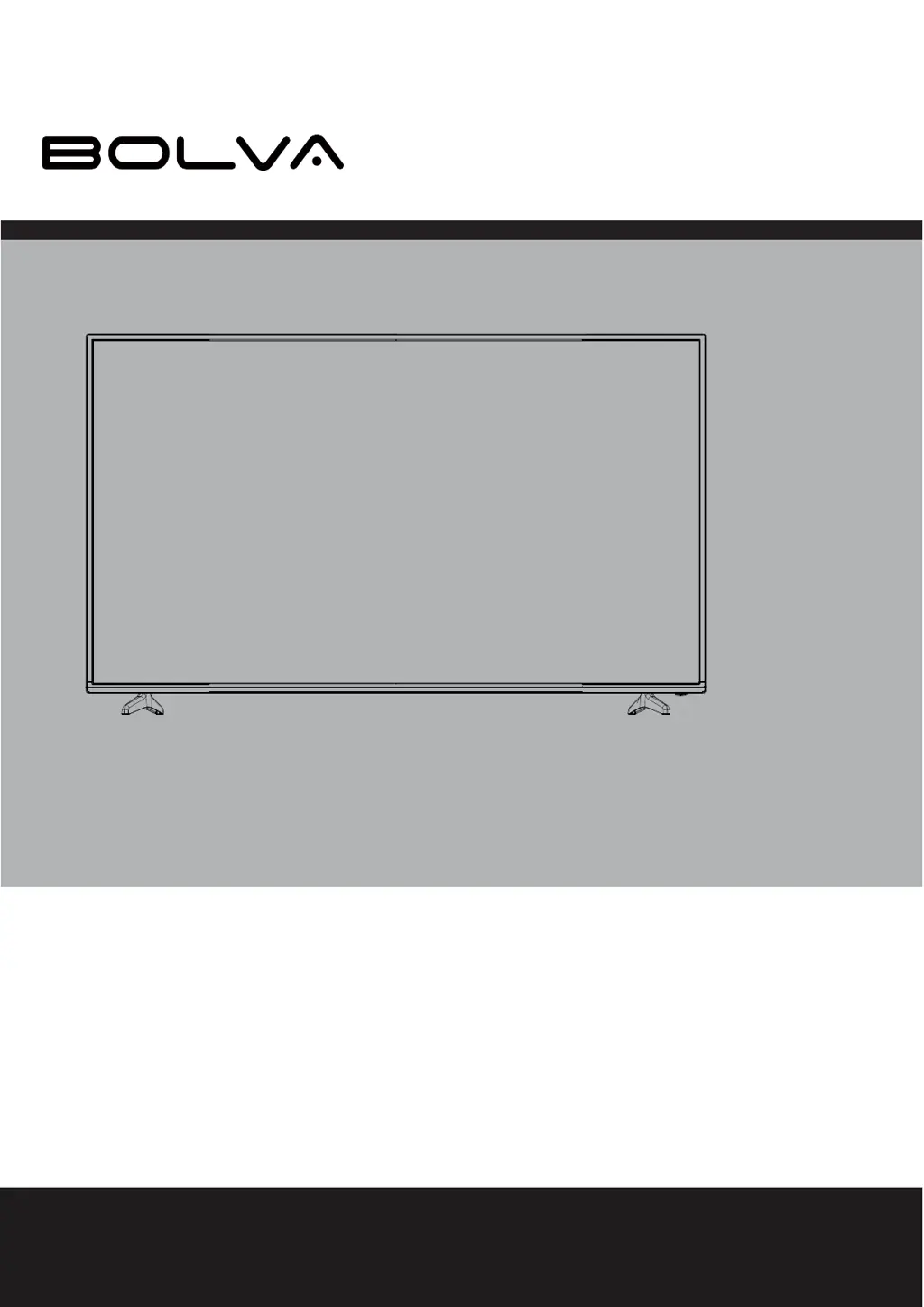
USER’S MANUAL
65” 4K ULTRA HD TELEVISION
65CBL-01
For technical assistance or troubleshooting please call
1-866-594-5445

Questions and Answers

Summary

Introduction

Whats In The Box

Lists the items included in the package for the TV.

Wall Mount Information

Information on the VESA mounting bracket attachment pattern for the TV.

Installing the Base

Remote Control

Battery Install

Steps for inserting batteries into the remote control handset.

Cable; Satellite Remote Control Codes

Codes to program a cable/satellite remote to operate the TV.

Remote Control Overview

Diagram

Diagram showing the layout of buttons on the remote control.

TV Overview

Front & Side Panel

Identifies and explains the functions of the TV's front and side panel components.

Rear Panel

Identifies and explains the functions of the TV's rear panel connections.

Installation

Connection to HDMI Input

How to connect digital cable/satellite boxes and Blu-ray/game consoles via HDMI.

TV Setup

Initial Setup Wizard

Guides the user through the initial setup steps for the TV.

Menu Adjustments

Picture Setting

Options to adjust picture quality like brightness, contrast, color, and sharpness.

TV Settings

TV Provider Changes & Channel Auto Scan After Initial Setup

Changing TV provider or re-scanning for channels after initial setup.

Aspect Modes

USB Modes

MHL Setting

Specifications

Troubleshooting

Bolva 65CBL-01 Specifications

General IconGeneral
Screen Size65 inches
Resolution3840 x 2160 (4K UHD)
Display TechnologyLED
Smart TVYes
Operating SystemAndroid TV
Refresh Rate60 Hz
HDMI Ports3
USB Ports2
BluetoothYes
Wi-FiYes
Sound Output20W (2 x 10W)
HDRHDR10
Weight21.5 kg

Related product manuals