EasyManua.ls Logo

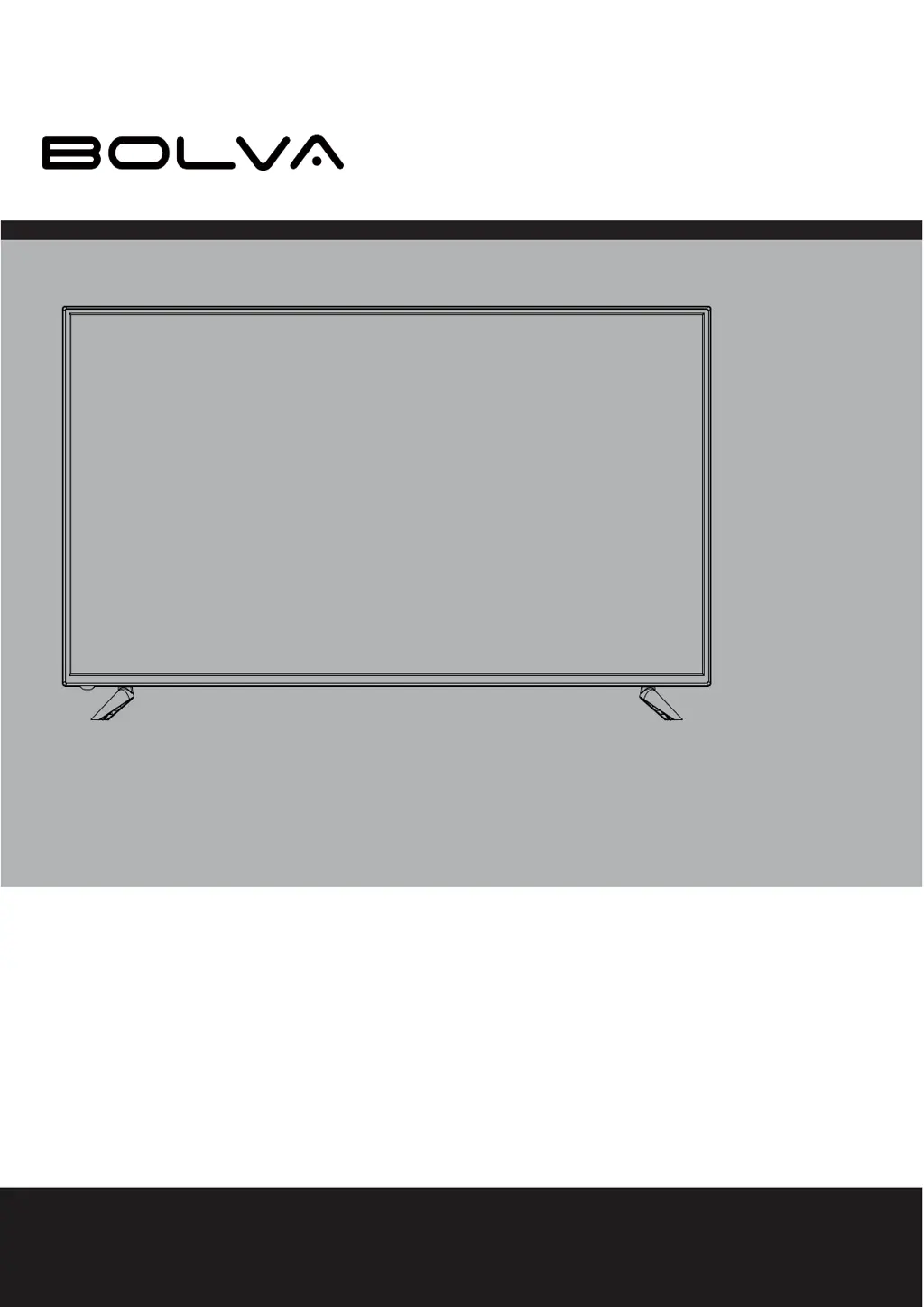
Bolva 58SVL19 - User Manual

Default Icon
36 pages
Print Icon
To Next Page IconTo Next Page
Loading...
USER’S MANUAL
For technical assistance or troubleshooting please call
1-866-594-5445 or visit www.bolvadigital.com
58SVL19
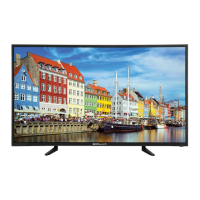
58” 4K ULTRA HD TELEVISION

Questions and Answers

  • C
    Charles WilsonAug 14, 2025
    Why does my Bolva TV remote control not function?
    • J
      Jeffery DayAug 14, 2025
      If the remote control for your Bolva TV isn't working, try replacing the batteries with new ones and ensure they are inserted with the correct polarity. Also, make sure you are pointing the remote directly at the TV's IR receiver.
  • C
    crossbrianAug 18, 2025
    What to do if my Bolva TV has no picture?
    • P
      paul53Aug 18, 2025
      If your Bolva TV shows no picture, first try switching to another channel as the digital TV channel signal may be weak. Check that the correct input is selected by pressing the INPUT button. Also, ensure the antenna or cable wiring is properly connected.
  • S
    Susan MillerAug 21, 2025
    How to fix no sound on Bolva 58SVL19?
    • J
      Jennifer CastilloAug 21, 2025
      If your Bolva TV has no sound, make sure the audio cables are fully inserted. Also, check if the mute function is enabled and, if so, press the mute button on the remote to disable it.
  • K
    kimberly14Aug 25, 2025
    What to do if Bolva 58SVL19 TV blocked on certain channels?
    • T
      tfisherAug 25, 2025
      If your Bolva TV is blocking certain channels, perform a Channel Scan to add channels into the TV tuner memory. Check if the channel was deleted. Also, check the parental control settings and restore default settings.
  • A
    Amanda ShahAug 27, 2025
    How to receive channels on Bolva TV antenna?
    • N
      nwilkersonAug 27, 2025
      If you are unable to receive certain channels through the antenna on your Bolva TV, perform a Channel Scan to add channels into the TV tuner memory and readjust your antenna, then retry the Auto Channel Scan. It's also possible that the signal from the TV station may be weak in your area.
  • J
    jacobsjulieAug 31, 2025
    Why is my Bolva 58SVL19 video noise or choppy picture?
    • D
      dorseyrichardAug 31, 2025
      If you are experiencing video noise or a choppy picture on your Bolva TV, try readjusting the antenna. Keep the TV away from noise sources, such as neon lights and microwave appliances.
  • N
    nmendozaSep 3, 2025
    Why is there no color on my Bolva 58SVL19?
    • J
      jtorresSep 3, 2025
      If your Bolva TV has no color, check the video installation of your external A / V equipment.
  • A
    Andrew Benton PhDSep 6, 2025
    How to remove black box on Bolva TV screen?
    • D
      Daniel WhiteSep 6, 2025
      If there is a black box on the screen of your Bolva TV, the “Text” option is enabled and no text is available. Press the CCD button on the remote control to turn it off.
  • S
    Steven WilliamsSep 10, 2025
    Why cannot use certain functions on Bolva 58SVL19?
    • M
      Mark SantosSep 10, 2025
      If you cannot use certain functions on your Bolva TV, it might be because the item chosen in a menu is shown in gray text, indicating that it cannot be selected in the current input.

Summary

Important Safety Instructions

Introduction

Whats In The Box

Lists all the items included in the television package.

Installing the Base

Remote Control

Battery Install

Instructions for correctly inserting batteries into the remote control handset.

Remote Control Overview

Explains the function of each button on the remote control.

TV Overview

Front & Rear Panel

Identifies and describes the buttons and ports on the TV's front and rear.

Connecting External Devices

Customizing TV Settings

Initial Setup and Basic Operations

Guides through initial setup, remote usage, source, channel, and volume.

Smart TV Features and Media

Accessing streaming services and playing media from USB.

System and Network Configuration

Adjusting picture, audio, network, channel, time, lock, and app settings.

Specifications

Troubleshooting

Limited One-Year Warranty

Bolva 58SVL19 Specifications

General IconGeneral
BrandBolva
Model58SVL19
CategoryTV
LanguageEnglish

Related product manuals