
 Need help?
Do you have a question about the BorMann Pro BDC2000 and is the answer not in the manual?
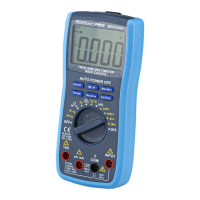
Identifies all external parts and components of the BDC2000 multimeter.
Explains the various symbols and indicators shown on the multimeter's LCD screen.
Provides instructions on connecting the adapter for specific tests.
Details the functions of the Select, H, MAX/MIN, Range, Relative, and Hz/DUTY buttons.
Provides essential warnings and precautions to prevent injury and damage during use.
Lists detailed specifications, ranges, resolutions, and accuracies for various measurements.
Guides for performing voltage, current, and resistance measurements.
Instructions for continuity, diode, transistor, temperature, and capacitance tests.
Covers frequency, non-contact voltage, and battery measurements.
Procedures for battery and fuse replacement.
 General
| Brand | BorMann |
|---|---|
| Model | Pro BDC2000 |
| Category | Multimeter |
| Language | English |

 To Next Page