EasyManua.ls Logo

Borri B500EVO-200-B - User Manual

Borri B500EVO-200-B
60 pages
Print Icon
To Next Page IconTo Next Page
Loading...
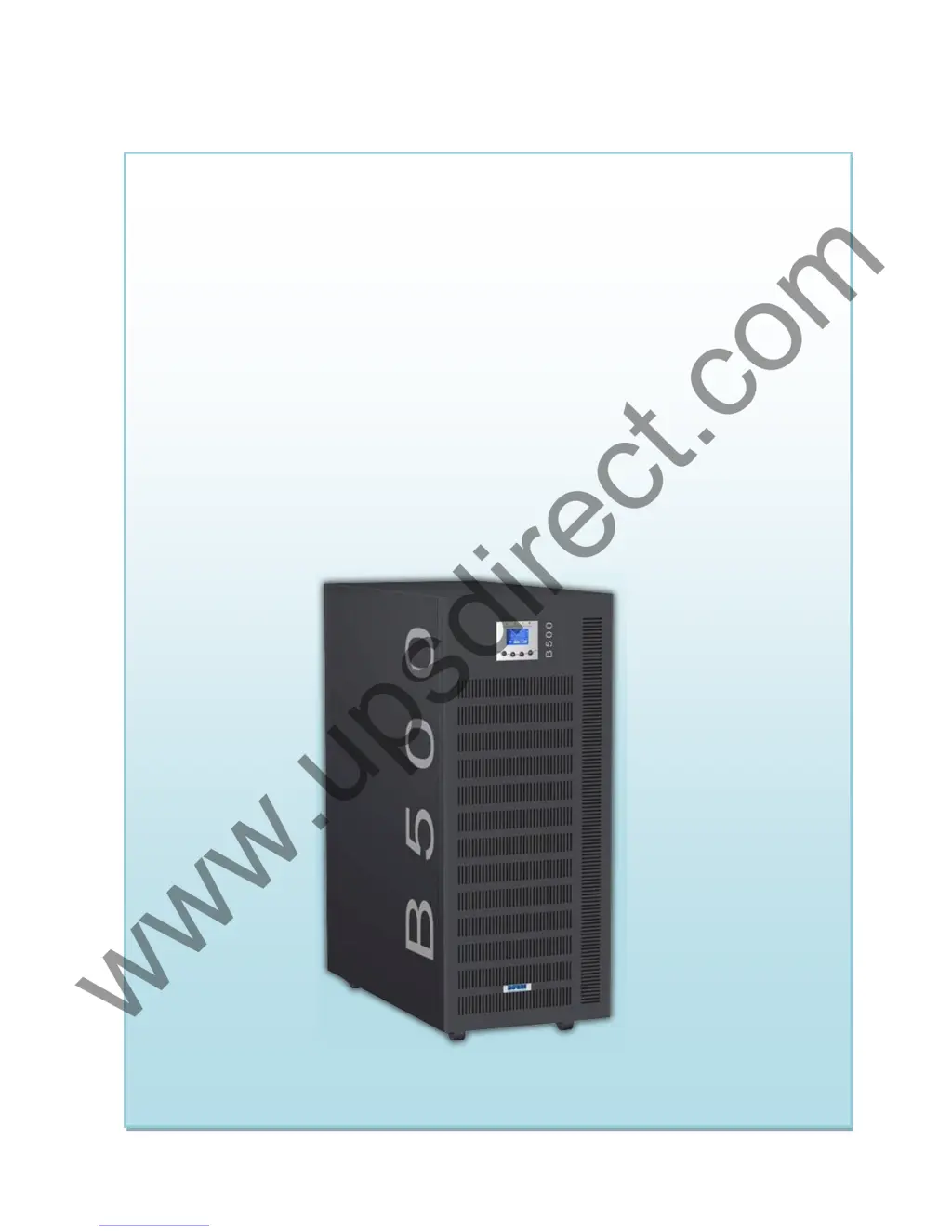
B500 Online UPS
User Manual
B500EVO-100-B
B500EVO-200-B
200/208/220/230/240VAC
www.upsdirect.com

Questions and Answers

Summary

Safety Information

1.1 Installation Safety

Safety instructions for installing the UPS, including environment and ventilation requirements.

1.2 Operation Safety

Safety guidelines for operating the UPS, including disconnecting and avoiding foreign objects.

1.3 Maintenance, Servicing, and Faults Safety

Safety precautions for maintenance and servicing, warning about hazardous voltages.

1.4 Transport Safety

Safety advice for transporting the UPS in its original packaging to prevent damage.

1.5 Storage Guidelines

Safety requirement for storing the UPS in a dry, well-ventilated location.

1.6 Compliance Standards

Lists safety and EMC standards the UPS complies with.

Description of Commonly Used Symbols

Symbol Explanations

Explains various symbols used in the manual for safety and operation.

Introduction to the UPS

3.1 System and Model Description

Overview of the Online Series UPS, its double-conversion technology, and applicable models.

3.2 Product Specification and Performance

Details general specifications, output characteristics, and operating environment.

Installation Procedures

4.1 Unpacking and Inspection

Instructions for unpacking the UPS, checking contents, and inspecting for damage.

4.2 Input and Output Power Cords and Protective Earth Ground Installation

Guidelines for connecting power cords and protective earth ground.

Notes for Installation

Key notes for proper UPS installation, including ventilation and condensation.

Installation Procedures

Procedures and safety for installing and wiring the UPS system.

4.3 Operating Procedure for Connecting with the External Battery

Steps for connecting external battery packs to the UPS, including safety precautions.

UPS Operation

5.1 Display Panel Overview

Overview of the UPS control panel, LCD display, buttons, and LEDs.

Control Button Functions

Explains the function of each button on the UPS control panel.

LED and Buzzer Definitions

Explains LED indicators and buzzer sounds for UPS status.

Status Summary Screen

Describes the information displayed on the UPS status summary screen.

5.2 UPS Operating Modes

Details various operating modes like Line, Battery, Bypass, HE, and Converter.

Line mode

Describes the UPS operation in Line mode and its LCD display.

Battery mode

Describes the UPS operation in Battery mode and its LCD display.

HE mode (High Efficiency mode)

Explains the High Efficiency (Eco) mode for power saving.

Converter mode

Explains the Converter mode, its fixed output frequency, and derating.

Fault indication

Explains fault indications, UPS response, and backlight changes.

5.3 UPS Power Control

Procedures for turning the UPS on and off with/without utility power.

Turning On UPS

Steps to turn the UPS on with or without utility power.

Turning Off UPS

Steps to turn the UPS off with or without utility power.

5.4 LCD Menu Navigation

Instructions for navigating the UPS LCD menus and options.

Main Menu and UPS Status

Navigating the main menu and viewing UPS status.

Event Log and Measurements

Accessing event logs and measurements via the LCD.

Control and Identification Menus

Using control and identification menus for UPS functions and info.

Special Functions

6.1 HE function

Explanation of the High Efficiency (Eco) mode for power saving.

6.2 Converter function

Explanation of the Converter mode, its fixed output frequency, and derating.

6.3 Parallel function

Introduction to N+X parallel redundancy for increased reliability.

Parallel Installation and Operation

Steps for installing and operating UPS units in parallel.

Trouble Shooting

7.1 Trouble Shooting According To Warning Indication

Table listing problems, causes, and remedies for warning indications.

7.2 Trouble Shooting According To Fault Indication

Table listing problems, causes, and remedies for fault indications.

7.3 Trouble Shooting In Other Cases

Addresses issues like no indication, bypass LED on, and battery LED alarms.

Battery Maintenance, Replacement and Disposal

8.1 Maintenance

Guidelines for basic UPS battery maintenance and charging.

8.2 Replacement and Disposal of Batteries

Safety precautions and procedures for replacing and disposing of UPS batteries.

Easy Battery Replacement

Steps for replacing batteries, including safety and handling notes.

Communication Port

9.1 RS232 & USB Interface

Description of RS232/USB interface, pin assignments for monitoring and firmware update.

9.3 AS400 Interface (Option)

Details of the AS400 interface card for communication protocols.

9.2 Intelligent Slot

Description of intelligent slots for optional cards like Webpower.

Software

Free Software Download - WinPower

Information on WinPower UPS monitoring software, its features, and download instructions.

Installation procedure

Step-by-step guide for downloading and installing the WinPower software.

Borri B500EVO-200-B Specifications

General IconGeneral
Power Rating200 kVA
Phase3-phase
Frequency50/60 Hz
TopologyDouble Conversion Online
EfficiencyUp to 96%
Operating Temperature0 to 40 °C
Input Voltage400 V
Output Voltage400 V
Battery TypeVRLA
Communication InterfaceRS232

Related product manuals