EasyManua.ls Logo

Borri B400R-010-B (C) - User Manual

Borri B400R-010-B (C)
47 pages
Print Icon
To Next Page IconTo Next Page
Loading...
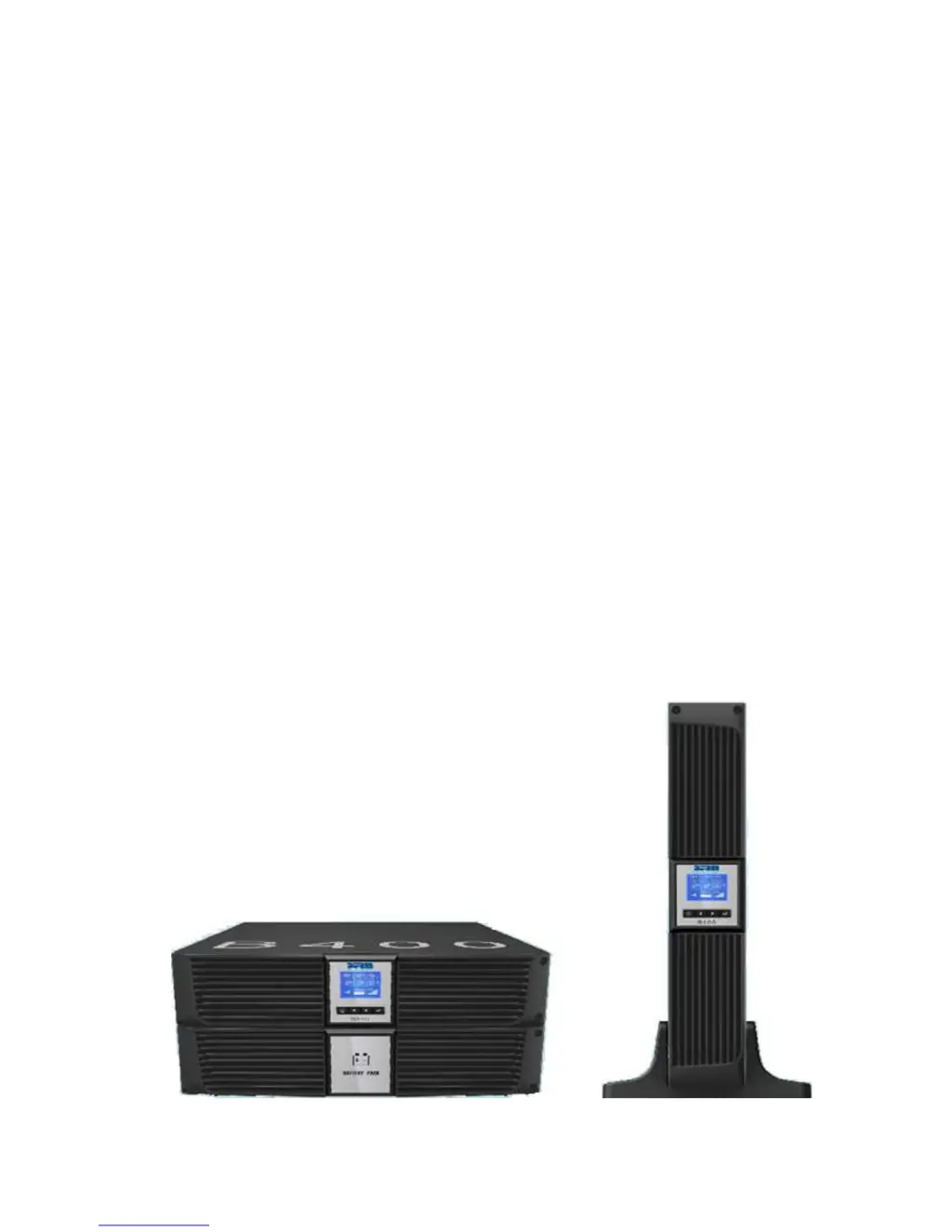
B400R Online UPS
User Manual
B400R-010-B (C)
B400R-020-B (C)
B400R-030-B (C)
208/220/230/240VAC

Questions and Answers

  • R
    Ryan ObrienAug 2, 2025
    What to do if Borri B400R-010-B (C) emergency supply period is shorter than nominal value?
    • J
      Jonathan JohnsonAug 2, 2025
      If the emergency supply period of your Borri UPS is shorter than expected, it could be due to batteries not being fully charged or being defective. Try charging the batteries for at least 5 to 8 hours, and then check their capacity. If the problem continues after this, please contact your distributor or Borri for further assistance.
  • P
    paul14Aug 8, 2025
    Why is my Borri UPS showing a Battery Over Voltage Alarm (Code 16)?
    • D
      Dennis ReynoldsAug 8, 2025
      The Battery Over Voltage Alarm (Code 16) on your Borri UPS indicates that the battery is being overcharged. To resolve this, the automatic battery charging should be stopped. Once the battery voltage returns to a normal level and the mains power is stable, you can set the batteries to charge automatically again.
  • K
    Kenneth FrankAug 16, 2025
    How to troubleshoot a Fan Failure Alarm (Code 84) on a Borri B400R-010-B (C)?
    • T
      Tracy WilsonAug 16, 2025
      If you're experiencing a Fan Failure Alarm (Code 84) on your Borri UPS, it indicates an abnormality in fan operation or a defective fan. First, check if the fan is running. If the fan is not operating, please contact your distributor or Borri for assistance.
  • A
    Amy ColemanAug 23, 2025
    What to do if my Borri UPS has no indication or alarm even when connected to mains supply?
    • G
      garrettdanielleAug 25, 2025
      If your Borri UPS shows no indication or alarm even when connected to the mains supply, the issue might be due to the absence of input voltage. Check the condition of the power cable and the mains socket to which the UPS is connected.

Summary

SAFETY AND EMC INSTRUCTIONS

Installation

Guidance on installing the UPS safely and correctly.

UPS Setup

Instructions for setting up the UPS in tower or rack configurations.

Operation

Guidelines for operating the UPS safely and correctly.

Maintenance, Servicing, and Faults

Information on maintaining, servicing, and troubleshooting UPS issues.

Time to Replace Batteries

Indicators and procedures for replacing UPS batteries.

Replacing UPS Internal Batteries

Step-by-step instructions for replacing internal UPS batteries.

CONNECTION

UPS Input and Output Connection

Detailed steps for UPS input and output connections.

External Battery Operation

Steps for connecting an external battery for extended backup.

OPERATION

Display Panel and Controls

Overview of the UPS's graphical LCD display and control buttons.

Operating Mode Overview

Explanation of the different operating modes of the UPS.

Turning the UPS On and Off

Procedures for powering the UPS on and off.

LCD Operation and Main Menu

How to navigate the UPS LCD interface and access the main menu.

Control Menu

Options available in the UPS control menu for configuration.

TROUBLE SHOOTING

Problem Identification and Resolution

Guide to identify and resolve UPS operational problems.

MAINTENANCE

Battery Replacement Procedure

Procedures for replacing UPS batteries.

TECHNICAL DATA

Electrical Specifications

Input and output electrical parameters of the UPS.

COMMUNICATION PORT

SOFTWARE

Borri B400R-010-B (C) Specifications

General IconGeneral
Power Rating10 kVA
Apparent Power10 kVA
Real Power9 kW
Output Power9 kW
Frequency50/60 Hz
Phase3-phase
Battery TypeVRLA
TopologyDouble Conversion Online
CommunicationRS232, USB
Communication InterfaceRS232, USB
Operating Temperature0°C to 40°C

Related product manuals