EasyManua.ls Logo

Borri B400-030-B (C) - User Manual

Borri B400-030-B (C)
38 pages
Print Icon
To Next Page IconTo Next Page
Loading...
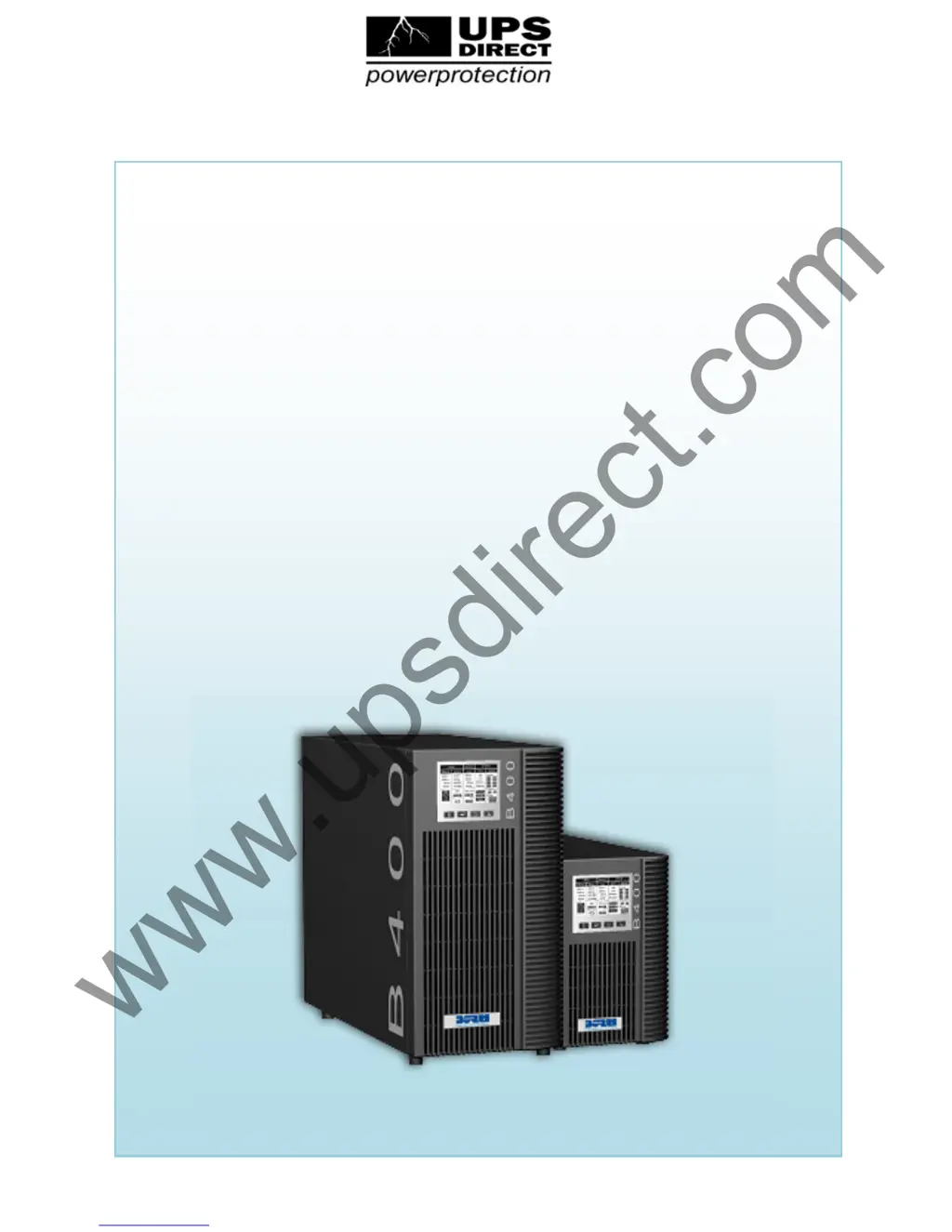
B400 Online UPS
B400 Online UPSB400 Online UPS
B400 Online UPS
User Manual
B400-010-B (C)
B40
0-020-B (C)
B400-030-B (C)
200/208/220/230/240VAC
www.upsdirect.com
support@upsdirect.com +44 (0)8456 445 002 www.upsdirect.com

Questions and Answers

Summary

Safety and EMC Guidelines

Installation Safety

Safety instructions for installing the UPS, including environmental and electrical considerations.

Safe UPS Operation

Guidelines for operating the UPS, including mains cable handling and isolation.

Maintenance, Servicing & Faults

Instructions for maintenance, servicing, and fault handling by qualified personnel only.

Transport and Storage

Recommendations for transporting and storing the UPS safely.

Applicable Standards

Lists safety and EMC standards (IEC/EN) applicable to the UPS.

Commonly Used Symbols Explained

B400 UPS Introduction

UPS Front Panel Overview

Display Panel and Controls

Overview of the UPS front panel, including display and buttons.

Connecting and Operating the UPS

Pre-Connection Inspection

Instructions for inspecting the UPS packaging and contents for damage.

UPS Input Connection

Guidance on connecting the UPS to the AC power source, including socket requirements.

UPS Output Connection

Details on connecting loads to the UPS output sockets, including types and quantities.

EPO Connection

Explanation of the Emergency Power Off (EPO) connection and its function.

Battery Charging Procedure

Procedure for charging the UPS batteries, recommending a 2-hour initial charge.

Powering On the UPS

Steps for turning on the UPS with and without mains power connected (Cold Start).

UPS Self-Test Functionality

How to perform a self-test on the UPS to check battery status.

Powering Off the UPS

Procedures for safely turning off the UPS in Inverter and Battery modes.

Audible Alarm Mute

How to silence the audible alarm during battery or bypass mode operation.

External Battery Connection (C Model)

Instructions for connecting external batteries for extended runtime models.

UPS Operating Modes Explained

Online Mode

Details the UPS operation in Online mode, including LCD display and overload management.

Battery Mode

Explains UPS operation in Battery mode, including audible alarms and input voltage conditions.

Bypass Mode

Describes the UPS operation in Bypass mode, including load supply and beeping alerts.

No Output Mode

Details the UPS behavior in "No output mode", including the '0' code indicator.

EPO Function Operation

Explains the EPO function, its LCD display, and how it affects UPS output.

ECO Mode (High Efficiency)

Describes the ECO mode operation, power source, and transfer time to battery mode.

Converter Mode

Details the Converter mode operation, fixed frequency, and derating requirements.

Abnormal Mode and Faults

Explains abnormal modes, fault codes, and potential warnings like "short!".

Troubleshooting Common UPS Issues

UPS Maintenance and Battery Care

General Operation and Battery Service Life

Notes on UPS operation and battery replacement contact.

Battery Storage Guidelines

Recommendations for charging batteries during storage, especially in high temperatures.

Battery Replacement Procedure

Instructions for battery replacement by qualified personnel after service life expiration.

Technical Specifications and Data

Electrical Specifications

Detailed electrical specifications including input, output, and battery data.

Operating Environment Parameters

Specifications for ambient temperature, humidity, altitude, and storage temperature.

Typical Backup Time Data

Table showing typical backup times at 100% and 50% load for different models.

Dimensions and Net Weight

Provides physical dimensions and net weight for various UPS models.

UPS Communication Ports and Interfaces

USB Port Details

Information about the USB port and its compliance with USB 1.1 protocol.

RS232 Interface (Optional)

Pin assignment and description for the optional RS232 DB-9 connector.

AS400 Interface (Optional)

Pin assignment and description for the optional AS400 communication protocol DB-9 connector.

WinPower Monitoring Software

Appendix: UPS Rear Panel Views

Borri B400-030-B (C) Specifications

General IconGeneral
Power Rating30 kVA
Frequency50/60 Hz
Communication InterfaceRS232, USB, SNMP (optional)
Operating Temperature0°C to 40°C
Output Power27 kW
Input Voltage400 V
Output Voltage400 V
Phase3-phase
Battery TypeVRLA
TopologyOnline double conversion
Humidity0% to 95% (non-condensing)

Related product manuals