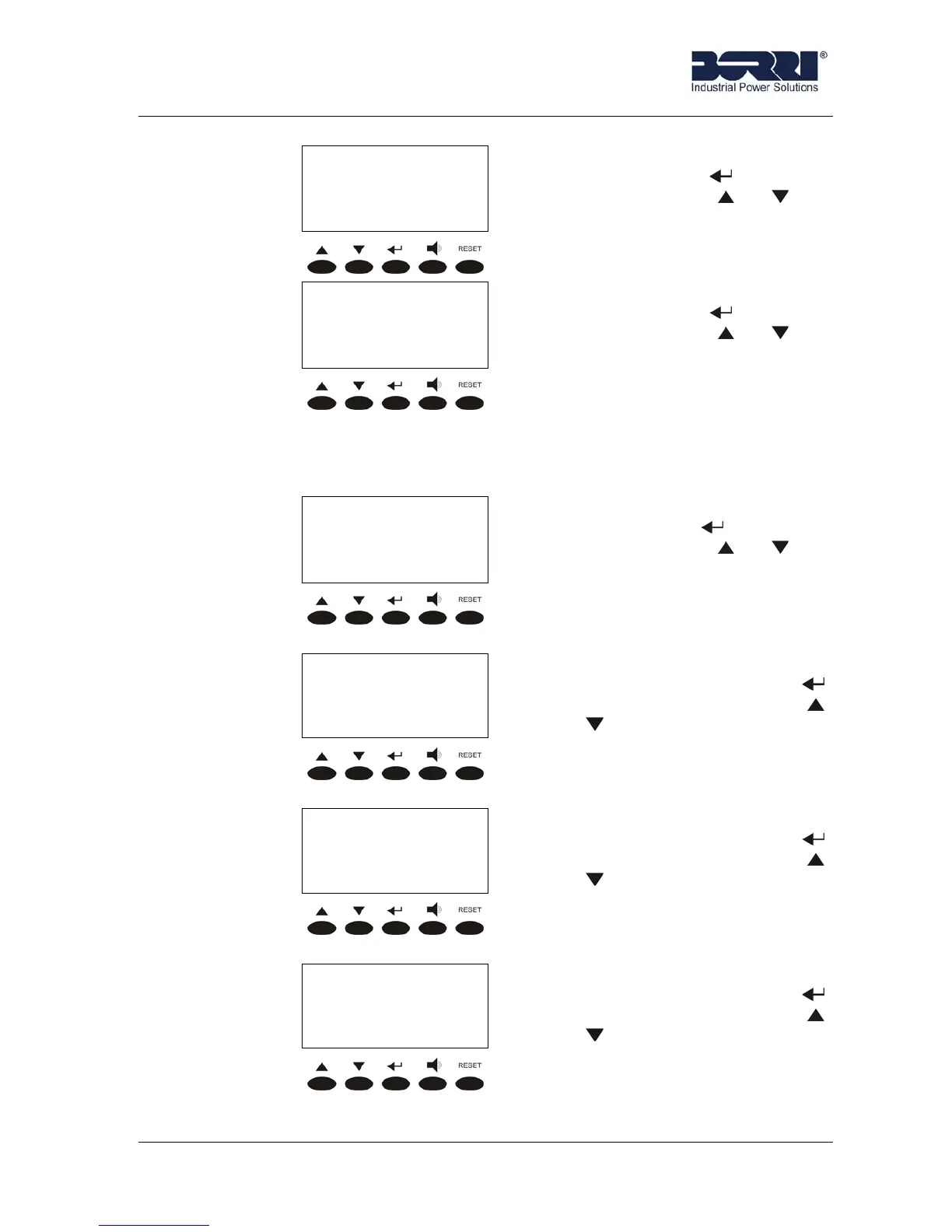
Front panel
Rev.B JSE410920 22/07/08 JUD408312
9 of 29
< NAME >
SPECIAL
SPECIAL menu. It is accessed
pressing the key (see 3.5),
pressing the keys or the
other menu are scrolled down.
< NAME >
INFO
INFO menu. It is accessed
pressing the key (see 3.6),
pressing the keys or the
other menu are scrolled down.
3.3 MEASURES
The following pictures shows the structure of the MEASURES menu.
< MEASURES >
INPUT
INPUT measures. It is accessed
pressing the key (see 3.3.1),
pressing the keys or the
other sub-menu are scrolled
down.
< MEASURES >
OUTPUT
OUTPUT measures. It is
accessed pressing the key
(see 3.3.2), pressing the keys
or the other sub-menu are
scrolled down.
< MEASURES >
BYPASS
BYPASS measures. It is
accessed pressing the key
(see 3.3.3), pressing the keys
or the other sub-menu are
scrolled down.
< MEASURES >
INVERTER
INVERTER measures. It is
accessed pressing the key
(see 3.3.4), pressing the keys
or the other sub-menu are
scrolled down.









 To Next Page