Front panel
16 of 29
JUD408312 Rev.B JSE410920 22/07/08
3.4 ALARMS
This menu, when selected, shows the status of the equipment and the current alarms
are shown (see list below).
Each time an alarm occurs, the display goes to this menu to indicate the alarms
present; the audible alarm can be silenced pressing the key . The exit is disabled if
the alarm is not silenced.
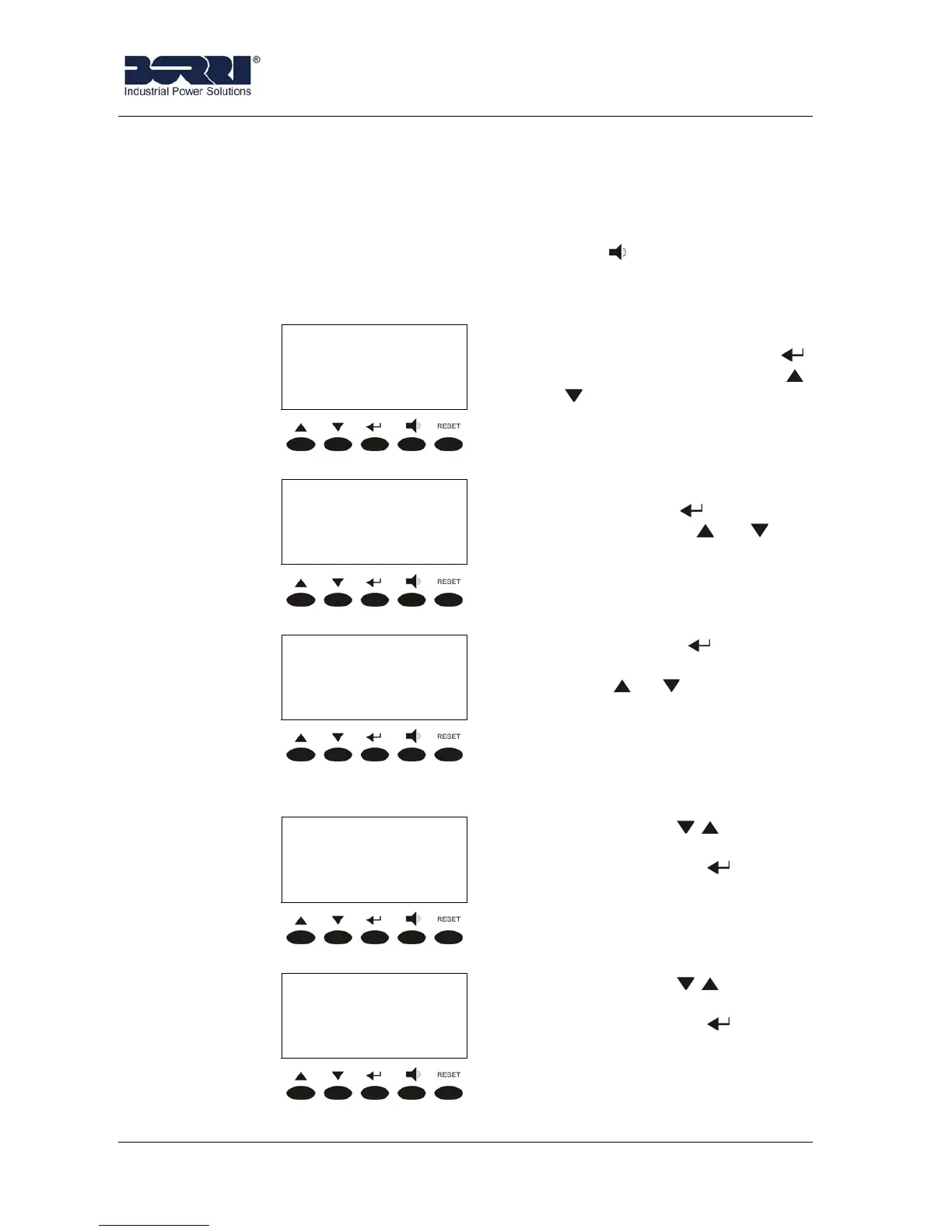
The following pictures shows the structure of the ALARMS menu.
< ALARMS >
UPS STATUS
larms and status of the UPS. It
is accessed pressing the key
(see 3.4.1), pressing the keys
or the other sub-menu are
scrolled down.
< ALARMS >
HISTORY
larms history. It is accessed
pressing the key (see 3.4.2),
pressing the keys or the
other sub-menu are scrolled
down.
< ALARMS >
EXIT
Pressing the key the main
menu screen is shown, pressing
the keys or the other sub-
menu are scrolled down.
3.4.1 UPS Status
< UPS STATUS >
1st alarm/status
Pressing the key the status
and/or the alarm of the UPS are
shown, while the key leads to
the ALARMS menu screen (see
3.4).
< UPS STATUS >
Last alarm/status
Pressing the key the status
and/or the alarm of the UPS are
shown, while the key leads to
the ALARMS menu screen (see
3.4).









 To Next Page