Front panel
Rev.B JSE410920 22/07/08 JUD408312
23 of 29
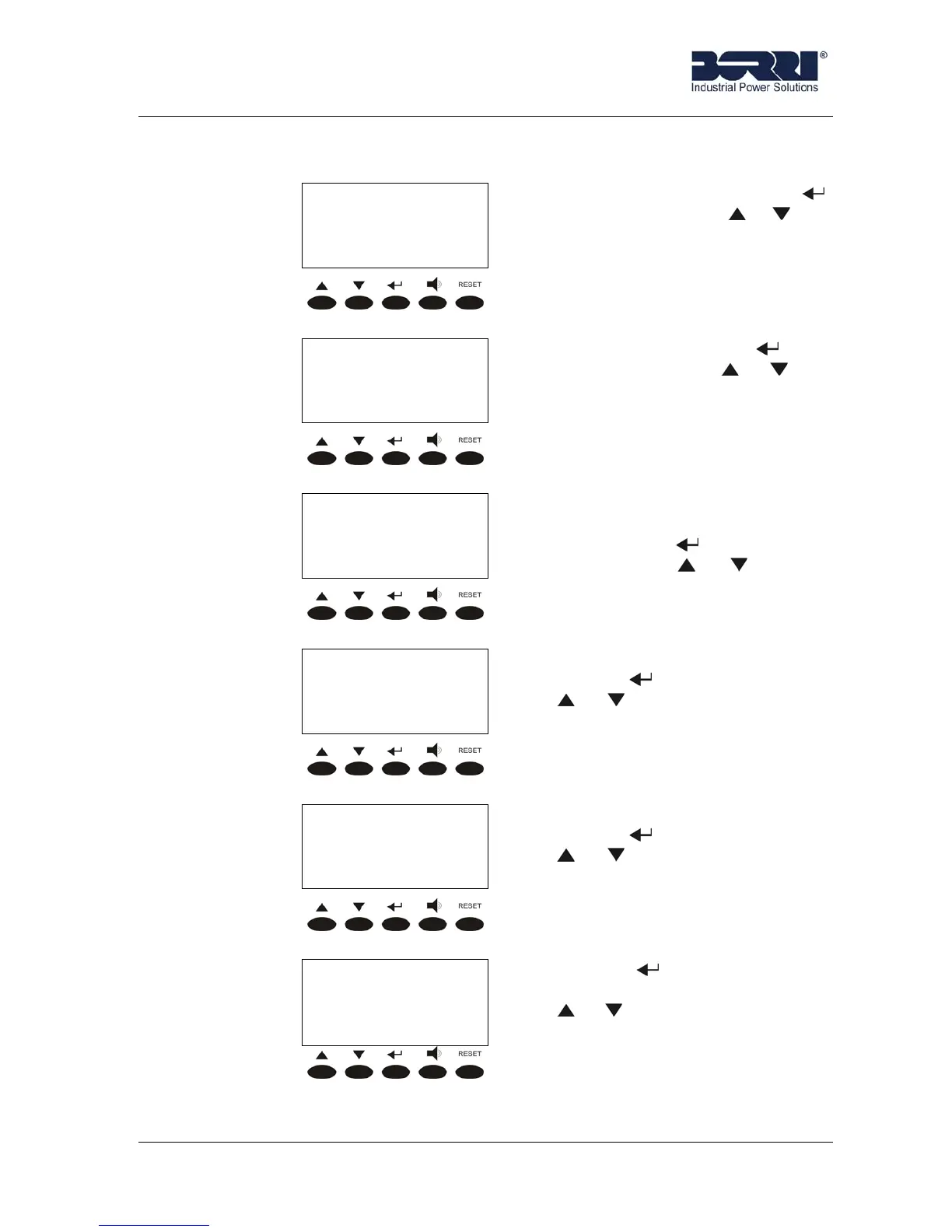
3.6 INFO
< INFO >
SERIAL NUMBERS
SERIAL NUMBERS. Pressing
(see 3.6.1), and then or you
can look trough the sub-menu.
< INFO >
DEVICE TYPE
DEVICE TYPE. Pressing
(see 3.6.2)and then
or you
can look trough the sub-menu.
< INFO >
PARALLEL
PARALLEL. This menu is active
only if our UPS is set in parallel.
You can enter (see 3.6.3),and
then pressing or you can
look trough the sub-menu.
< INFO >
MODBUS
MODBUS. You can enter
pressing (see 3.6.4), and then
or to look trough the sub-
menu.
< INFO >
FIRMWARE
FIRMWARE. You can enter
pressing
(see 3.6.5), and then
or to look trough the sub-
menu.
< INFO >
EXIT
Pressing you come back to
the main menu, and then pressing
or you can look trough the
sub-menu.









 To Next Page