en-us Refrigerator compartment
12
The HomeConnect® app guides you through the entire
registration process. Follow the instructions in the
HomeConnect® app to implement the settings.
Tips
¡ Consult the HomeConnect® documents supplied.
¡ Follow the instructions in the HomeConnect® app as
well.
Notes
¡ Also note the safety information in this instruction man-
ual and ensure that it is also observed when operating
the appliance using the HomeConnect® app.
→
"Safety", Page3
¡ Operating the appliance on the appliance itself always
takes priority. It is not possible to operate the appliance
using the HomeConnect® app during this time.
10.1 Setting upHomeConnect®
Requirements
¡ The mobile device supports the Bluetooth standard 4.2
or higher.
¡ The HomeConnect®app has been installed on your
mobile device.
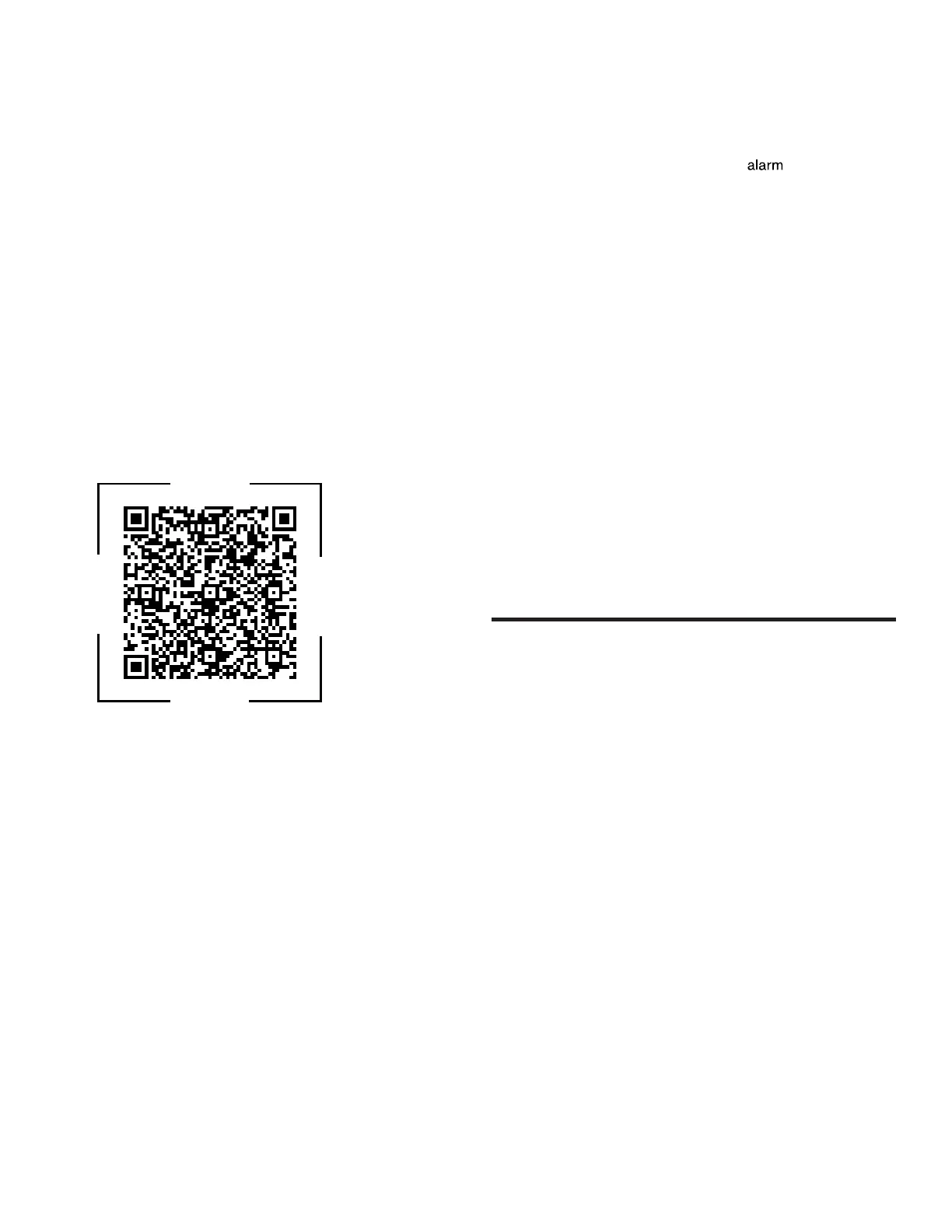
1. Scan the QR code using the HomeConnect®app.
2. Follow the instructions in the HomeConnect®app.
10.2 Switching on the connection to the
WLAN home network (Wi-Fi)
▶ Press .
10.3 Switching off the connection to the
WLAN home network (Wi-Fi)
▶ Press .
10.4 Installing updates for the HomeCon-
nect®software
Note:If an update of the HomeConnect® software is
available, a message appears in the HomeConnect® app.
▶ To install the update for the HomeConnect® software,
follow the instructions in the HomeConnect® app.
a The control panel is partially locked during the installa-
tion.
10.5 Resetting the HomeConnect® settings
If your appliance experiences connection problems with
the WLAN home network (Wi-Fi) or your appliance wants
to log into a different WLAN home network (Wi-Fi), you
can reset the HomeConnect®settings.
▶ Press and hold for 6 seconds until goes out.
a The HomeConnect®settings have been reset.
10.6 Data Protection
Please see the information on data protection.
The first time your appliance is registered on a home
network connected to the Internet, your appliance will
transmit the following types of data to the HomeConnect®
server (initial registration):
¡ Unique appliance identification (consisting of appliance
codes as well as the MAC address of the installed Wi-Fi
communication module).
¡ Security certificate of the Wi-Fi communication module
(to ensure a secure data connection).
¡ The current software and hardware version of your ap-
pliance.
¡ Status of any previous reset to factory settings.
This initial registration prepares the HomeConnect® func-
tions for use and is only required when you want to use
the HomeConnect® functions for the first time.
Note:Please note that the HomeConnect® functions can
be utilized only with the HomeConnect® app. Information
on data protection can be called up in the HomeConnect®
app.
Refrigerator compartment
11 Refrigerator compartment
Refrigerator compartment
You can keep dairy products, eggs, prepared meals, pas-
tries, open preserves and hard cheese in the refrigerator
compartment.
The temperature can be set from 42°F (1°C) to 34°F
(6°C).
The refrigerator compartment can also be used to store
highly perishable foods in the short to medium term. The
lower the selected temperature, the longer the food re-
mains fresh.
11.1 Tips for storing food in the refrigerator
compartment
¡ Only store food when fresh and undamaged.
¡ Store food covered or in air-tight packaging.
¡ To avoid impeding the circulation of air and to prevent
food from freezing, do not place food so that it has di-
rect contact with the back wall.
¡ Allow hot food and drinks to cool down first before plac-
ing in the appliance.
¡ Observe the best-before date or expiration date speci-
fied by the manufacturer.



 To Next Page