17
Reset Sensors
❒ I have this feature.
❒ I do not have this feature.
❒ This feature requires a passcode.
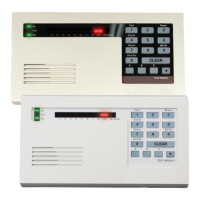
COMMAND 4 7 resets faulted detection devices. Devices may include
smoke detectors, shock sensors or a variety of other detection devices.
Ask your alarm technician which points you can reset from the Command
Center by entering COMMAND 4 7.
COMMAND 4 7
To reset detectors:
1. Ensure that your security system is disarmed.
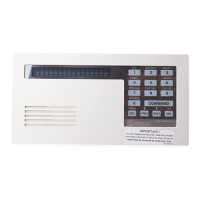
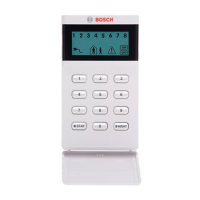
2. Press the COMMAND bar. The Command Mode indicator light comes
on.
3. Press the 4 key, and then press the 7 key. The display flickers
momentarily and the command center emits multiple pips during reset.
If you enter this function and the detector or sensor resets momentarily,
but then returns to a faulted condition, the conditions causing the
activation may still be present or the detector may be faulty. Check to be
certain that there is no smoke, fire, or other danger present.
If you can’t reset the detector or sensor contact your security company.



 To Next Page