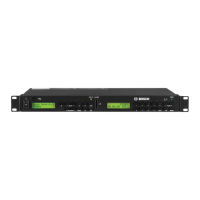
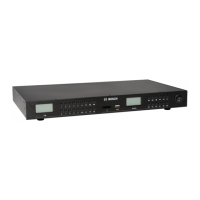
en | 3
7 620 320 035 | 11.2021Robert Bosch GmbH
(1) Stand-by button
Switch between normal operating mode
and stand-by mode
(2) LED
Lights up when ready for operation and
when a button is pressed
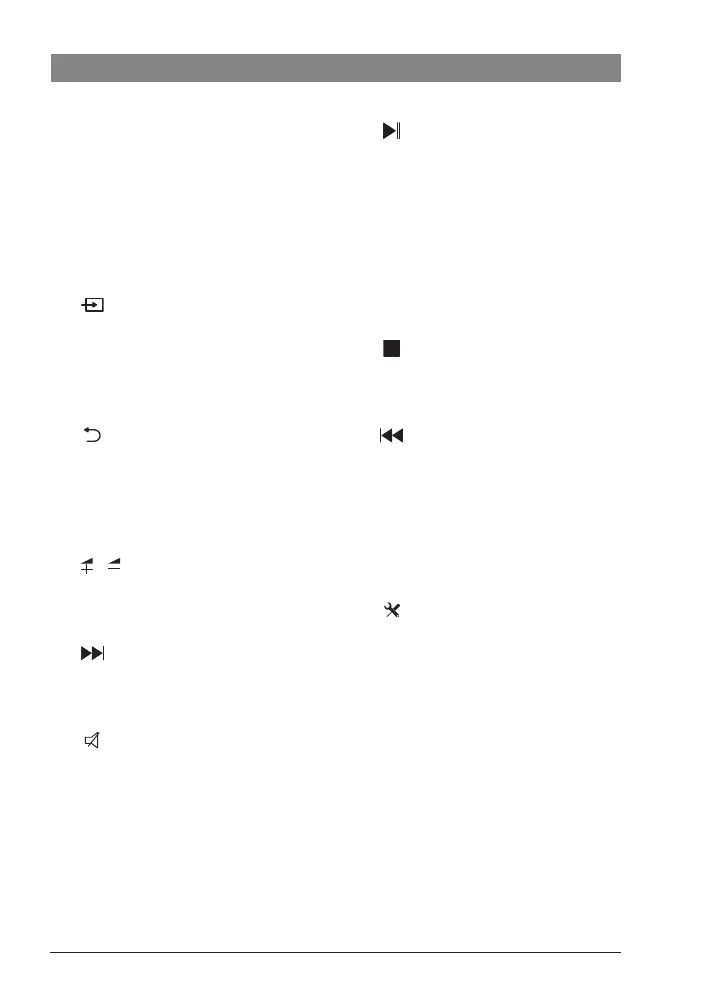
(3)
button
Open the source selection menu
(4) TV button
Switch to TV mode
(5)
button
Return to the previous screen/mode
(6) OK button
Confirm settings or a selected menu item
(7)
/ buttons
Adjust the volume, select a menu item,
change setting values
(8)
button
Fast forward, go to the next track, special
function depending on the context
(9)
button
Mute/unmute the device volume
(10)
button
Start/pause/continue playback, special
function depending on the context
(11) i button
Show channel/file information
(12) 0 – 9 keypad
Access stored channels/stations
(13)
button
Stop playback, special function depend
-
ing on the context
(14)
button
Fast rewind, go to the previous track, spe
-
cial function depending on the context
(15) P+ / P– buttons
Go to the previous/next channel, select a
menu item or list item
(16)
button
Open the settings menu
(17) HDMI button
Switch to playback of the HDMI source
Controls


 To Next Page