EasyManua.ls Logo

Bosch PLE-SDT - User Manual

Bosch PLE-SDT
33 pages
Print Icon
To Next Page IconTo Next Page
Loading...
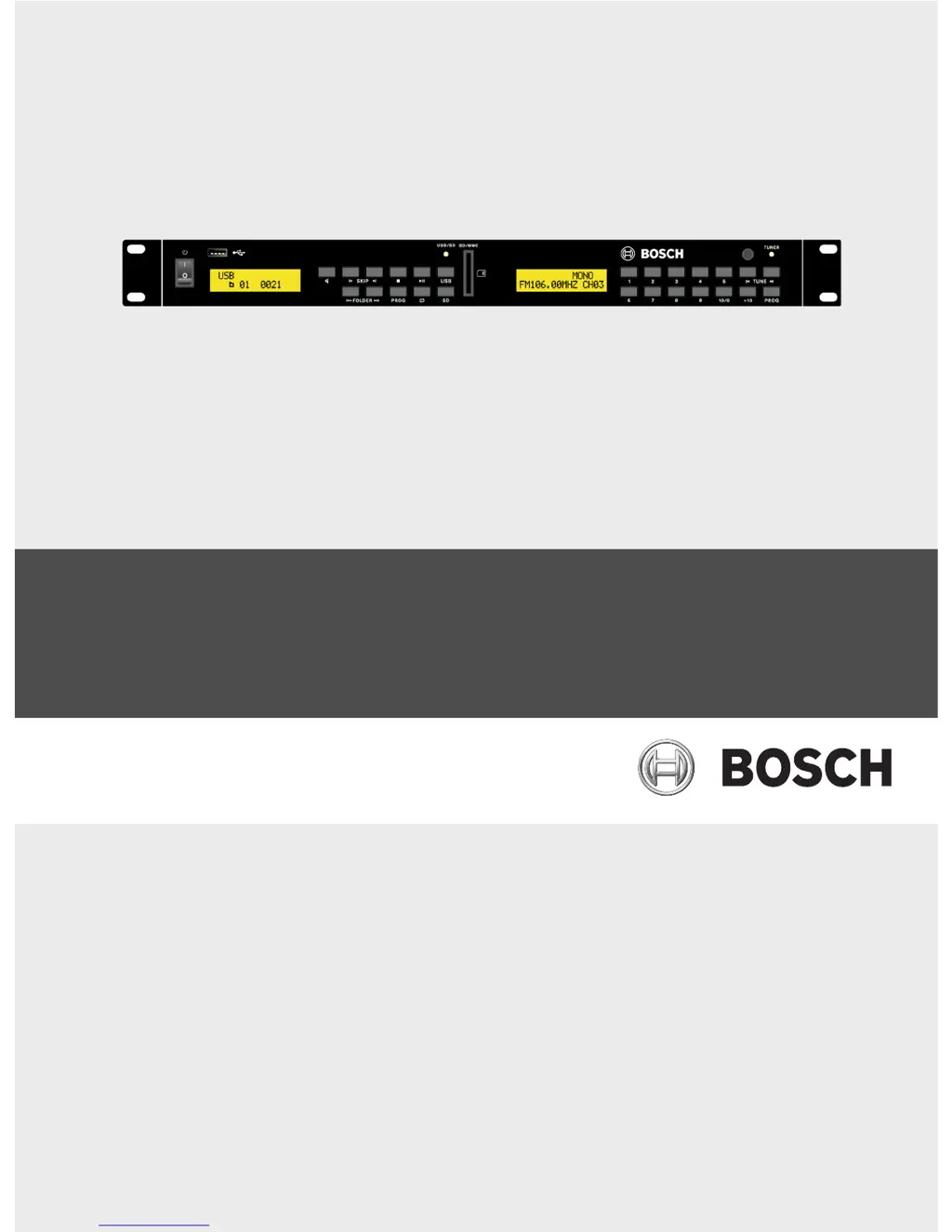
Plena Easy Line SD Tuner BGM source
PLE-SDT
en Installation and Operation manual

Questions and Answers

  • K
    Kenneth VangAug 8, 2025
    Why is there no audio output sound from my Bosch PLE-SDT Tuner?
    • J
      James WilsonAug 8, 2025
      If you're not getting any audio output from your Bosch Tuner, here are a few things to check: * Make sure the audio output cable is properly plugged in. * Verify the output control setting on the rear panel. * Clean the audio output connectors or plugs if they're dirty. * Ensure the selected source isn't paused or muted. Press the play/mute button to resume.
  • V
    Victoria HallAug 14, 2025
    What causes distorted sound from Bosch PLE-SDT audio output?
    • S
      smithchristinaAug 15, 2025
      If the audio output from your Bosch Tuner is distorted or noisy: * Ensure the audio output cable is properly connected to the line input of the amplifier. * Clean any dust or dirt from the connectors and plugs, then reinsert them.
  • A
    Amy DanielAug 23, 2025
    Why can't my Bosch Tuner play MP3 or AAC tracks?
    • A
      Andrew GallagherAug 23, 2025
      Your Bosch Tuner might not play MP3 or AAC tracks if: * The format is not supported. Refer to section 3.4 on supported formats. Basically MP3’s are supported up to 320 kbps. * The files are copy-protected. These cannot be used on this unit.
  • T
    Terrance DavisOct 30, 2025
    What to do if my Bosch Tuner doesn't detect USB/SD storage device?
    • W
      William WilliamsonOct 30, 2025
      If your Bosch Tuner isn't detecting your USB/SD storage device, it could be due to several reasons: * The device may not comply with the USB mass storage class. Ensure your device complies (some portable audio players included in the class of image devices are not supported. Also, some flash card readers cannot be detected). * If you're using a USB hub, try connecting the storage device directly to the USB port or using a different hub. Note that if multiple USB devices are connected through a hub, only one might be recognized. * The format might be unsupported; only FAT32 format is supported. * An electrical current stronger than allowable was applied to the unit’s USB1 or USB2 port. Wait several minutes. The rating (allowable current) for this unit is 500 mA or less per USB port...

Summary

Safety

System Overview

Controls, Connectors, and Indicators

Front View

Details the front panel controls, LCDs, and connectors with their functions and references.

Rear View

Remote Control

Planning Information

Installation

Source Unit Connections and Settings

Guides on connecting equipment and setting configuration parameters for the source unit.

Connections

Front Side Input Sockets

Describes the USB and SD/MMC sockets located on the front panel for media input.

Rear Side Input Sockets

Details the FM tuner antenna input and USB socket on the rear panel.

Mains Power Socket

Rear Side Audio Output Sockets

Configuration

FM Tuner Configuration

Covers setting FM tuner audio output level and programming radio frequency presets.

Operation

Remote Control Operation

Instructions on how to select sources and operate the unit using the remote control.

USB;SD Source Operation

Track Selection

FM Tuner Operation

Manual FM Radio Frequency Selection

Troubleshooting

USB;SD Storage Device Issues

Addresses problems with device detection, format compatibility, and USB hub usage.

Audio Output Problems

Maintenance

Bosch PLE-SDT Specifications

General IconGeneral
BrandBosch
ModelPLE-SDT
CategoryTuner
LanguageEnglish

Related product manuals