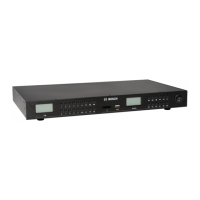
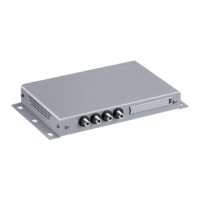
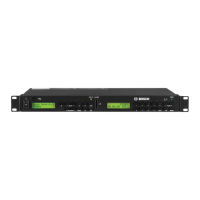
Plena Easy Line SD Tuner BGM source System Overview | en 9
Bosch Security Systems B.V. Installation and Operation manual PLE-SDT_OM | V1.0 | 2012.02
3.5 Controls, connectors and indicators
3.5.1 Front view
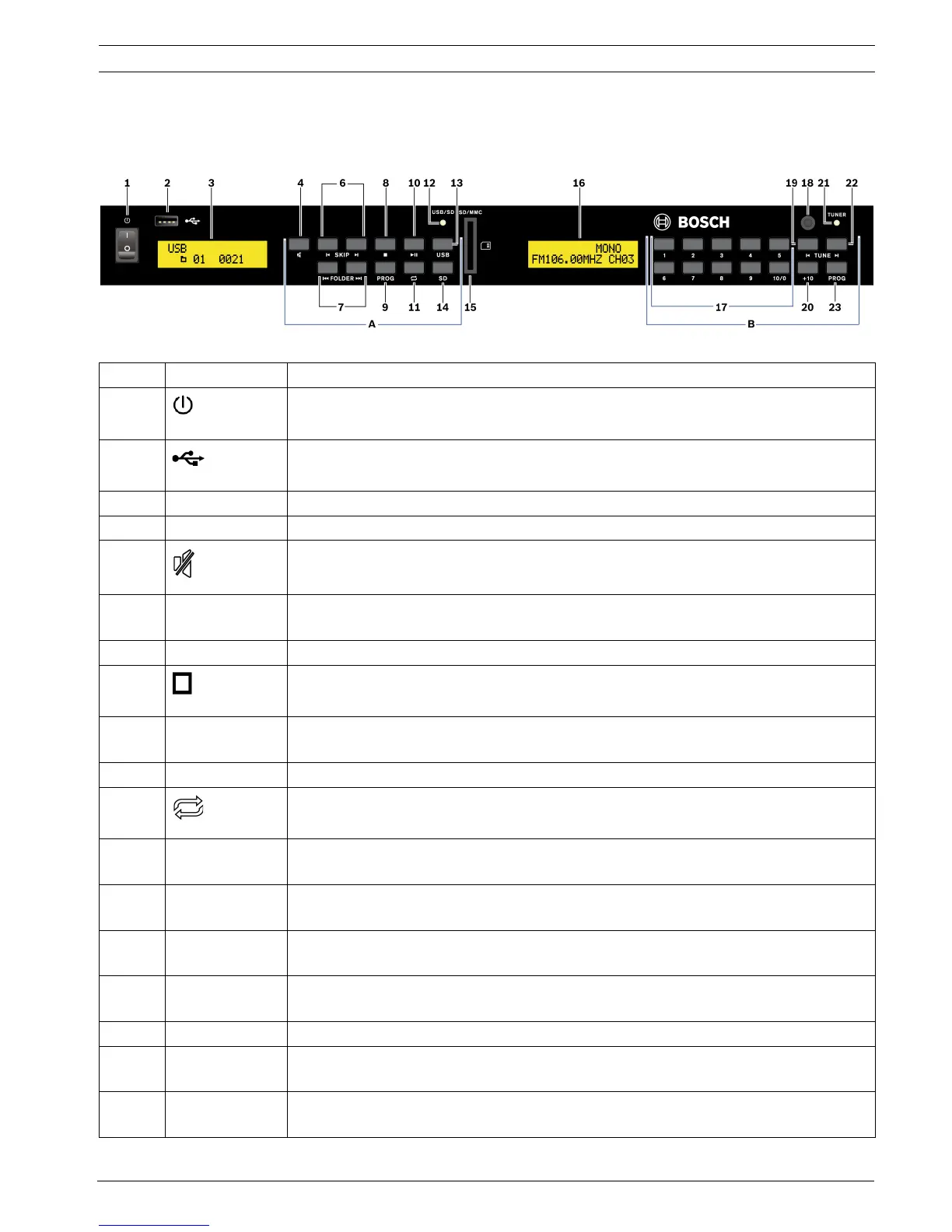
Figure 3.1 Front view
Number Front view Description
1 Mains power switch (On/Off).
Refer to Section 5.1 Source unit connections / settings.
2 USB 2.0 4-pin socket. Refer to Section 6 Connections.
3 - LCD (with backlight) for USB device or SD card operation.
A - Keypad for USB device or SD card operation. Refer to Section 8 Operation.
4 To mute the audio output level of USB or SD source.
Refer to Section 8.2.5 Muting the output sound.
6 |< - SKIP - >| Track selection and fast forward/reverse.
Refer to Section 8.2.2 Track selection.
7 |<< FOLDER >>| File selection. Refer to Section Selection of folders and search for folders, page 22.
8 To stop the track replay.
9 PROG To switch to the programming mode to compile an individual MP3 track sequence.
Refer to Section 8.2.4 Making a playlist.
10 >|| To switch between track replay and pause.
11 To select the repeat and random replay functions.
Refer to Section 8.2.3 Repeat functions and random play.
12 USB/SD On/Off USB/SD source LED indicator.
Refer to Section 8.1 Remote control.
13 USB To select USB device operation.
Refer to Section 8.2 USB/SD source.
14 SD To select SD card operation.
Refer to Section 8.2 USB/SD source.
15 SD/MMC SD card socket.
Refer to Section 8.2 USB/SD source.
16 - LCD (with backlight) for FM tuner operation.
B - Keypad for FM tuner operation.
Refer to Section 7.1 FM tuner and Section 8.3 FM tuner.
17 1-9, 10/0 Radio frequency (preset) selection.
Refer to Section 8.3 FM tuner.


 To Next Page