4
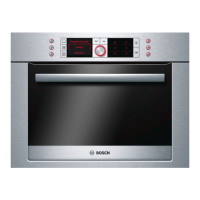
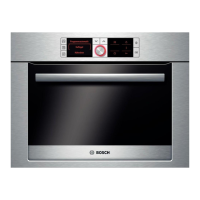
Function selector
Use the function selector to set the type of heating.
When you make settings, the oven light in the cooking
compartment switches on.
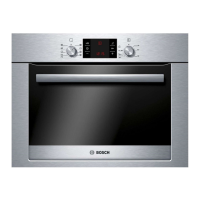
Temperature selector
Use the temperature selector to set the temperature, grill
setting or cleaning setting.
When the oven is heating, the t symbol lights up in the
display. It goes out during pauses in the heating. For the
Defrost
B type of heating, the symbol does not light up.
Cooking compartment
The oven light is located in the cooking compartment. A cooling
fan protects the oven from overheating.
Oven light
During operation, the oven light in the cooking compartment is
on. The
^ setting on the function selector can be used to
switch on the light without heating the oven.
Cooling fan
The cooling fan switches on and off as required. The hot air
escapes above the door. Caution: do not cover the ventilation
slots. Otherwise the oven will overheat.
So that the cooking compartment cools down more quickly
after operation, the cooling fan continues to run for a certain
period afterwards.
Accessories
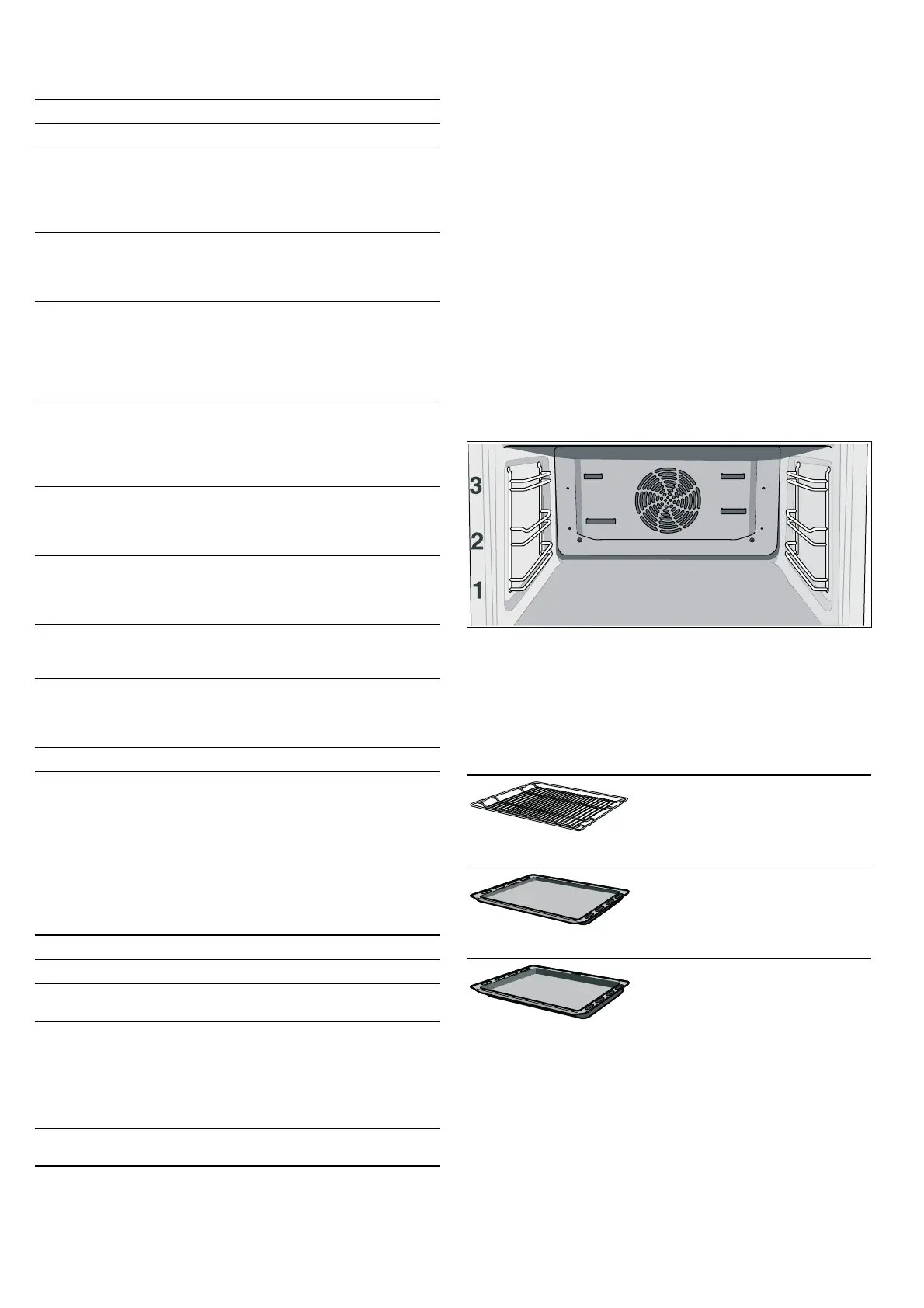
The accessories can be inserted into the oven at 3 different
positions.
You can pull out the accessories two thirds of the way without
them tipping. This allows meals to be removed easily.
When working with : 3D hot air, do not use shelf position 2, as
this would adversely affect air circulation.
The accessories may become deformed when they become
hot. As soon as they have cooled down, the deformation
disappears with no effect on the function.
You can buy accessories from the after-sales service, from
specialist retailers or online. Please specify the HEZ number.
Setting Use
Û
Off position The oven switches off.
<
3D hot air* For cakes and pastries on one to
three levels. The fan distributes the
heat from the heating ring in the
back panel evenly around the
cooking compartment.
%
Top/bottom heating For cakes, bakes and lean joints of
meat (e.g. beef or game) on one
level. Heat is emitted evenly from
the top and bottom.
6
Pizza setting For the quick preparation of frozen
products without preheating,
e.g. pizza, chips or strudel. The
bottom heating element and the
ring heating element in the back
panel heat up.
7
Hot air grilling For roasting meat, poultry and
whole fish. The grill element and
the fan switch on and off
alternately. The fan causes the hot
air to circulate around the dish.
(
Grill, large area For grilling steaks, sausages,
bread and pieces of fish. The
whole area below the grill heating
element becomes hot.
*
Grill, small area For grilling small amounts of
steaks, sausages, bread and
pieces of fish. The centre part of
the grill element becomes hot.
$
Bottom heating For preserving, browning and final
baking stage. The heat is emitted
from below.
B
Defrost For defrosting, e.g. meat, poultry,
bread and cakes. The fan causes
the warm air to circulate around
the dish.
^
Oven light Switches on the oven light.
* Type of heating used to determine the energy efficiency class
in accordance with EN50304.
Setting Meaning
ÿ
Off position The oven does not heat up.
50-270 Temperature
range
The temperature in the cooking
compartment in °C.
1, 2, 3 Grill settings
The grill settings for the small *
and large
( area grills.
Setting 1 = low
Setting 2 = medium
Setting 3 = high
s
Cleaning setting The setting for the cleaning
system.
Wire rack
For ovenware, cake tins, joints,
grilled items and frozen meals.
Insert the wire rack with the
curvature pointing downward
¾.
Enamel baking tray
For cakes and biscuits.
Push the baking tray into the oven
with the sloping edge facing
towards the oven door.
Universal pan
For moist cakes, pastries, frozen
meals and large joints. It can also
be used to catch dripping fat when
grilling directly on the wire rack.
Slide the universal pan into the oven
with the sloping edge facing the
oven door.


 To Next Page