7
Your new appliance
Use this section to familiarise yourself with your new appliance.
The control panel and the individual operating controls are
explained. You will find information on the cooking
compartment and the accessories.
Control panel
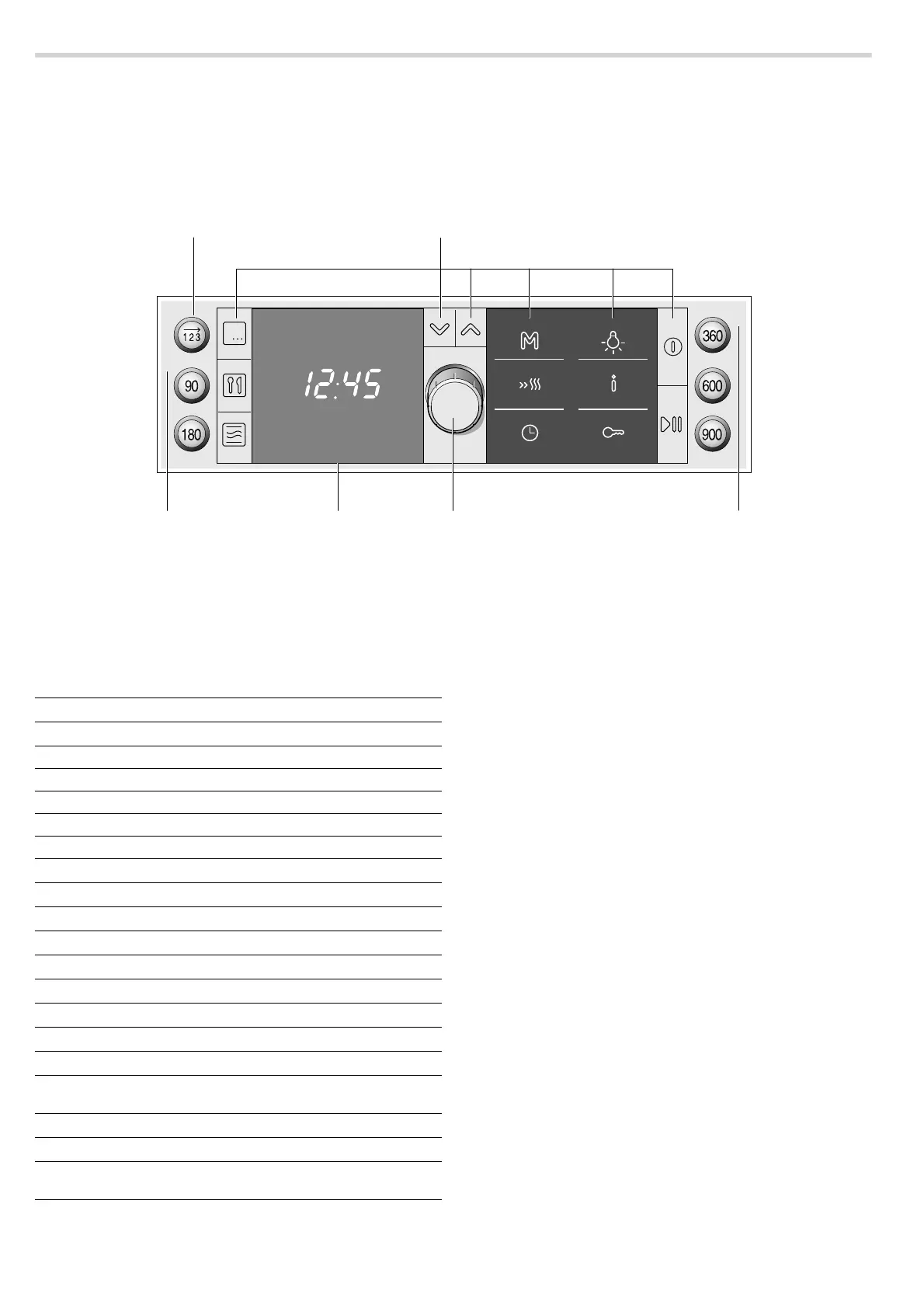
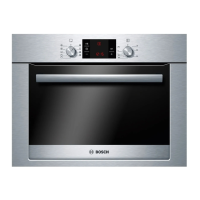
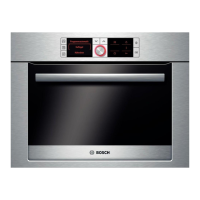
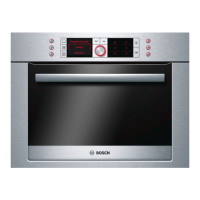
Here, you will see an overview of the control panel. Depending
on the appliance model, individual details may differ.
Buttons
The sensors are located under the individual buttons. They
must not be pressed too firmly. Only touch the corresponding
symbol.
Exception: the button for the series of operations and the
buttons for the microwave power settings are normal push
buttons.
Buttons
Rotary selector
[The rotary selector is used to alter the default values and
setting values.
The rotary selector is retractable. Press on the rotary selector to
pop it in or out.
Display
The display is divided into different sections:
■ Heading, only appears prior to starting
■ Settings area
■ Status bar
Heading
The function selected is shown in the top line, e.g. types of
heating, programmes, time-setting options, etc..To the right of
this, arrows indicate the direction in which you can navigate
using the X and Y buttons. The heading disappears after
starting.
Settings area
Suggested values appear in the settings range, which you can
change. You can change from one line to the next using the
X
and
Y navigation buttons. Brackets are displayed around the
line you are currently in. You can use the rotary selector to
change the value in the brackets.
Status bar
The status bar is at the bottom of the display. It displays the
current time, time-setting options which are running down or the
childproof lock setting. You are given short instruction texts on
setting if required.
Temperature indicator
The temperature indicator bars show the heating phases or
residual heat in the cooking compartment.
%XWWRQV
5RWDU\VHOHFWRU
'LVSOD\
0LFURZDYH
SRZHUVHWWLQJV
%XWWRQIRUDVHULHVRIRSHUDWLRQV
0LFURZDYH
SRZHUVHWWLQ
V
Symbol Button function
2
Selects a series of operations
90 Selects 90 watt microwave power
180 Selects microwave power 180 watt
360 Selects microwave power 360 watt
600 Selects 600 watt microwave power
900 Selects 900 watt microwave power
!
Selects the type of heating
`
Selects automatic programmes
Þ
Selects MicroCombi
X
Moves one row down in the display
Y
Moves one row up in the display
f
Selects the memory
c
Switches on rapid heating
0
Opens and closes the time-setting options menu
B
Switches the oven light on and off
°
Press briefly = calls up information Press and hold
= opens and closes the basic settings menu
D
Activates/deactivates childproof lock
%
Switches the oven on and off
n
Press briefly = starts/pauses operation
Press and hold = cancels operation


 To Next Page