ENGLISH - 13
STATUS INDICATORS
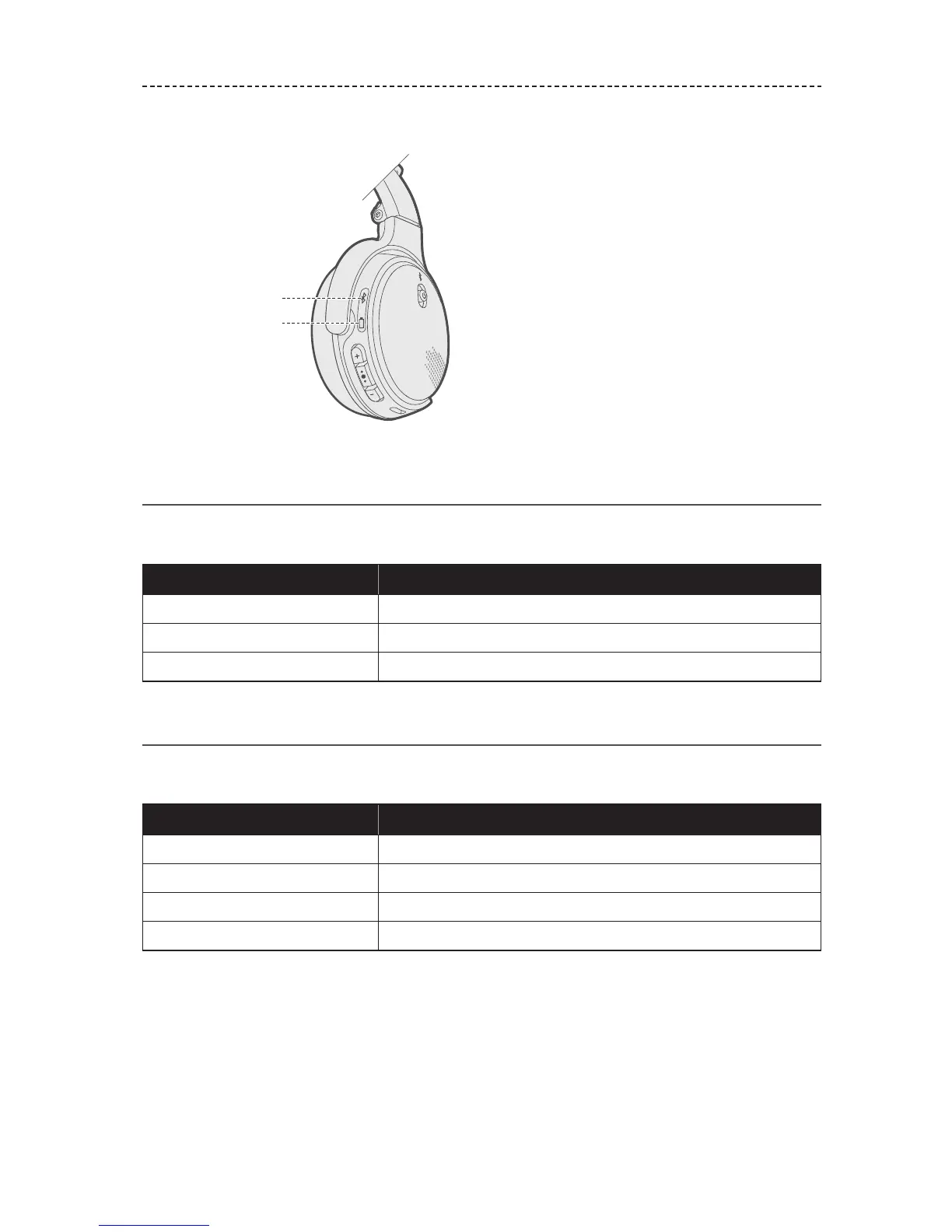
The Bluetooth and battery indicators are located on the right earcup.
Battery indicator
Bluetooth indicator
Bluetooth indicator
Shows the connection status of a mobile device.
Behavior
System state
Blinking blue Ready to pair
Blinking white Connecting
Solid white Connected
Battery indicator
Shows the battery charge level.
Behavior
System state
Solid green Medium to full charge
Solid amber Low charge
Blinking red Need to charge
Solid red Charging error. Contact Bose customer service.















 To Next Page