ENGLISH - 5
CONTENTS
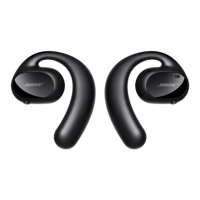
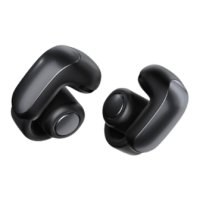
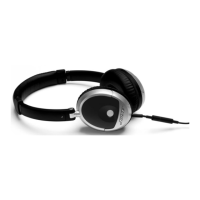
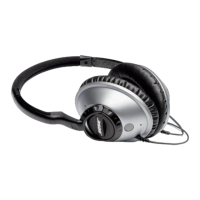
What’s in the Carton?
Contents ................................................................................................................................ 7
Headphone Controls
Power on/o ........................................................................................................................ 8
Headphone functions ....................................................................................................... 9
Media playback and volume functions .............................................................. 9
Call functions ............................................................................................................... 10
Battery Charging
Connect the USB cable ................................................................................................... 11
Check the headphone charging status ..................................................................... 12
Status Indicators
Bluetooth® indicator .......................................................................................................... 13
Battery indicator ................................................................................................................ 13
Voice Prompts
Pre-installed languages ................................................................................................... 14
Change the language ....................................................................................................... 14
Disable voice prompts ..................................................................................................... 14
Bluetooth Connections
Pairing your mobile device............................................................................................. 15
Disconnect a mobile device ........................................................................................... 16
Reconnect a mobile device ............................................................................................ 16






 To Next Page