18 - ENGLISH
MULTIPLE BLUETOOTH CONNECTIONS
Reconnect a previously paired device
1. Slide up to and release to hear the device that is currently connected.
2. Slide up to again within three seconds to connect to the next device in the
headphone pairing list.
3. Repeat until you hear the desired device name.
4. Play audio on the connected device.
Clear the headphone pairing list
1. Slide up to and hold for 10 seconds, until you hear “Bluetooth device
list cleared.”
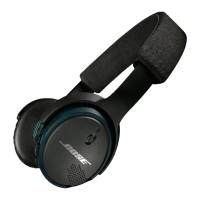
2. Delete your Bose® On-Ear Wireless headphones from the Bluetooth list on your
mobile device.
All devices are cleared and the headphones are ready to pair.






 To Next Page