ENGLISH - 23
TROUBLESHOOTING
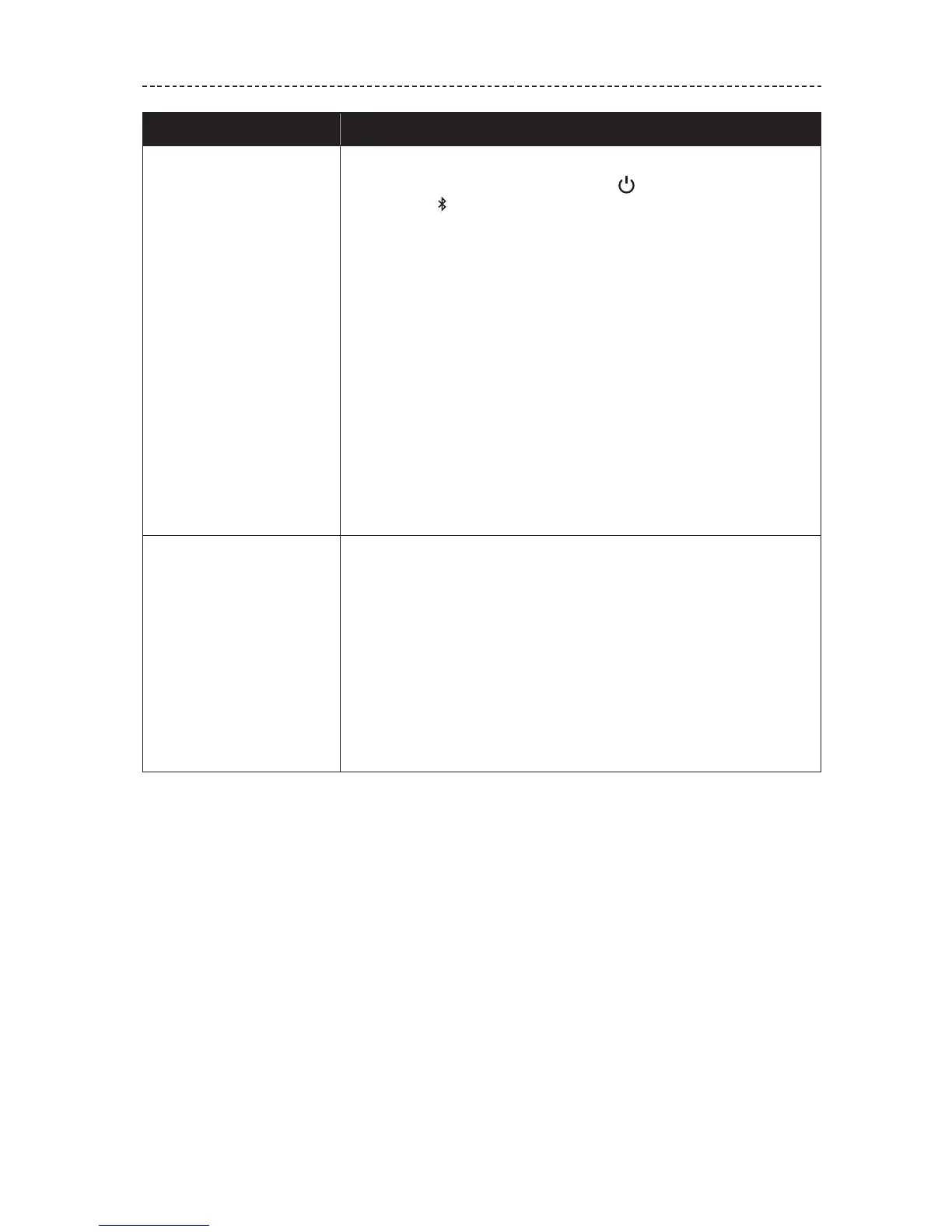
Symptom Solution
No sound
• If your device is wirelessly connected to the headphones:
– Slide the Power/Bluetooth button up to the Bluetooth
symbol and release to hear the connected device. Make sure
you are using the correct device.
– Move your device closer to the headphones and away from
any interference or obstruction.
– Use a dierent music source.
– Pair a dierent device (see page 15).
– If two devices are connected, pause the first device and play
the other mobile device.
– If two devices are connected, move the devices within range
of the headphones (30 ft. or 9 m).
• If your device is connected to the headphones using the cable:
– Secure both ends of the cable.
– Power o the headphones (see page 8).
– Connect another device.
Poor sound quality
• If your device is wirelessly connected to the headphones:
– Use a dierent music source.
– Pair a dierent mobile device.
– Disconnect the second device.
– Move the device closer to the headphones, and away from any
interference or obstructions.
• If your device is connected to the headphones using the cable:
– Secure both ends of the cable.
– Connect another device.






 To Next Page