EasyManua.ls Logo

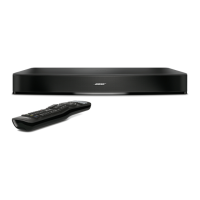
Bose Solo 15 - User Manual

Bose Solo 15
100 pages
Print Icon
To Next Page IconTo Next Page
Loading...
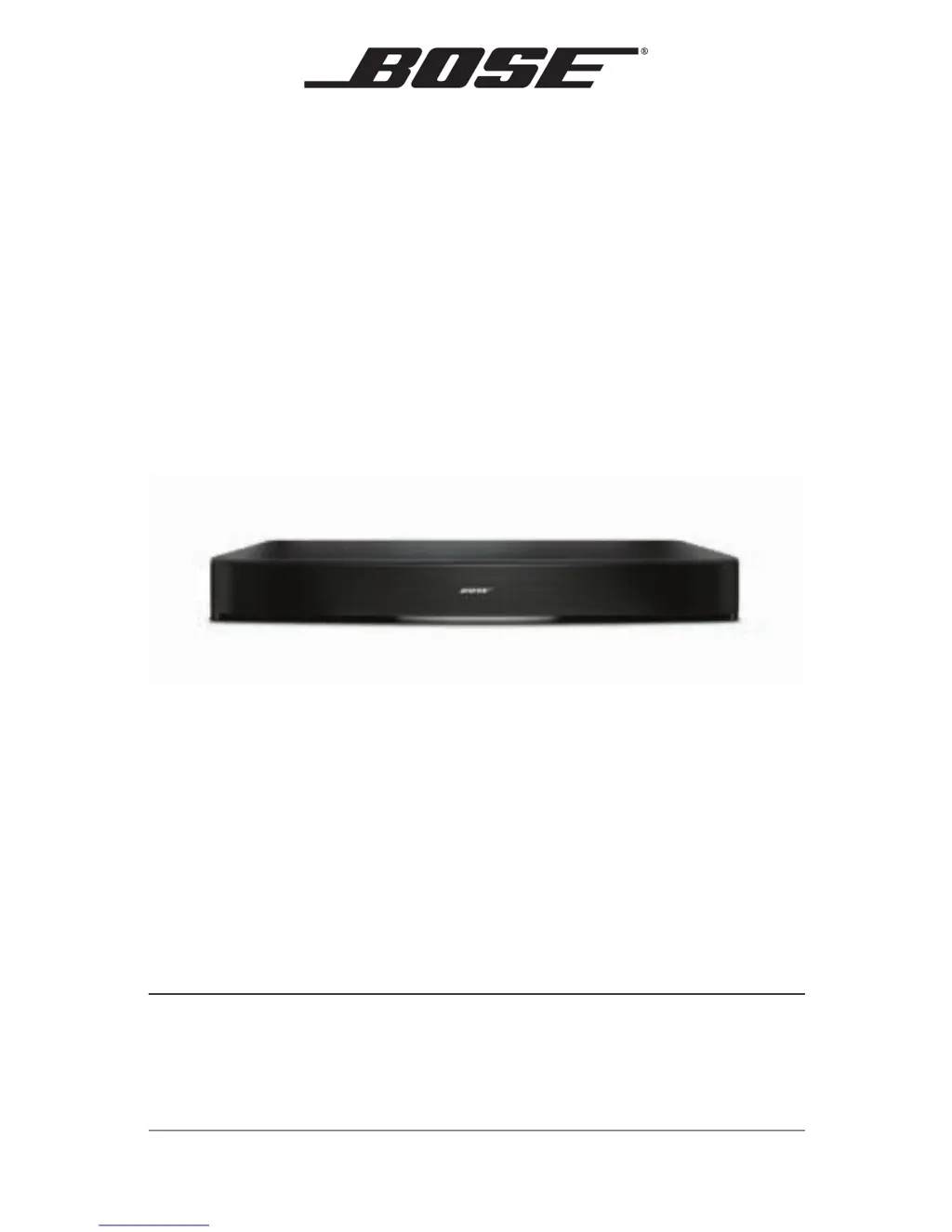
Solo 15/10
TV sound system
Owner’s Guide | Guía del usuario | Notice d’utilisation

Table of Contents

Other manuals for Bose Solo 15

Questions and Answers

  • J
    Joseph StephensJul 26, 2025
    What to do if Bose Solo 15 sound is distorted?
    • J
      Julie RasmussenJul 26, 2025
      If the sound from your Bose Stereo System is distorted: * Ensure all cable connections are secure on both the sound system and TV. * If connected to a VARIABLE TV output, reduce the TV volume. * Connect directly to the source using alternate setup methods, bypassing the TV. * Reset the system by unplugging the power cord for at least one minute, then plug it back in.
  • R
    Ryan AdamsAug 4, 2025
    What to do if my Bose Solo 15 Stereo System has no power?
    • E
      Erin GutierrezAug 4, 2025
      If your Bose Stereo System isn't powering on: * Ensure the power cord is securely connected at both ends. * Confirm the power cord is plugged into a working AC outlet (test with a lamp). * Reset the system by unplugging the power cord for at least one minute, then plug it back in. Listen for two tones to confirm power.
  • C
    Catherine AlexanderAug 8, 2025
    Why is my Bose Stereo System remote control inconsistent?
    • E
      Eric MasonAug 8, 2025
      If your Bose Stereo System remote control is not working properly: * Check the batteries to ensure they are correctly installed or replace them. * Point the remote at the sound system when pressing a button. * Verify the system status indicator flashes when using the remote's volume or mute buttons. * For Solo 15, point the remote at the device you're controlling. * Confirm the remote button for the selected source flashes when adjusting the volume. * Unplug the system’s power cord for one minute. * Reset the system by unplugging it for one minute and plugging it back in.
  • T
    Timothy ChoiAug 12, 2025
    How to stop sound coming from the TV when using Bose Solo 15 Stereo System?
    • N
      nicole31Aug 12, 2025
      To stop sound from coming from your TV when using the Bose Stereo System: * Turn off your TV’s internal speakers. * Adjust the TV volume.
  • K
    Kevin MccarthyAug 16, 2025
    What to do if TV base is too large for Bose Solo 15 Stereo System?
    • M
      Madeline HarrisAug 16, 2025
      If your TV base is too large to place on the Bose sound system: * Place the sound system in another location, such as on an open shelf under the TV. * If possible, mount your TV on the wall above the sound system.
  • A
    Amanda SanchezAug 21, 2025
    What does it mean when the Bose Stereo System status indicator is red?
    • L
      Lindsey VargasAug 21, 2025
      If the system status indicator on your Bose Stereo System is red, it indicates a system error. Call Bose Customer Service.
  • E
    Emily WestOct 29, 2025
    Why is there no sound coming from my Bose Solo 15 Stereo System?
    • C
      Christopher MartinOct 29, 2025
      If your Bose Stereo System has no sound, try these steps: * Ensure the system isn't muted and the volume is at an audible level. * Turn off extra connected devices. * Verify the audio cable is connected to the correct Audio Output on your TV. * Check all cable connections for secureness and correctness on all devices. * Select the correct TV input. * Enable your TV’s audio output in its settings. * If connected to a VARIABLE TV output, turn off the TV's internal speakers, increase the TV volume, and ensure the TV isn't muted. * Consider using an alternate connection. * If using a TV headphone output, maximize the TV volume. * Avoid using both optical and coaxial cables simultaneously when connecting to two devices. * Unplug the system for one minute. * Reset the sy...

Summary

Safety Information

Electrical and Fire Safety Warnings

Key warnings regarding electrical hazards, battery handling, and fire prevention.

System Setup

Placing the Sound System

Guidelines and cautions for positioning the Bose Solo 15/10 system and TV.

Choosing Audio Cable Type

Guidance on selecting the appropriate audio cable for connecting the TV to the sound system.

Connecting Audio Cable to TV

Instructions for plugging the audio cable into the TV's Audio OUT connector.

Connecting Audio Cable to Solo System

Instructions for plugging the audio cable into the Solo system's Audio IN connector.

Optical Cable Connection Instructions

Detailed steps for correctly connecting the optical audio cable to the system.

Connecting to Power

Steps for plugging the sound system into an AC power outlet.

Placing TV on the Solo System

Guidance on centering the TV base on the sound system and safety cautions.

Turning Off TV Speakers

Instructions on disabling the TV's internal speakers for optimal sound system performance.

Checking for Sound

Steps to verify that the sound system is producing audio output.

Operation

Programming the Solo 15 Remote

Instructions for programming the universal remote to control other devices.

Programming Remote to Control TV

Step-by-step guide to program the remote to operate your television.

Care and Maintenance

Troubleshooting Common Issues

Solutions for problems like TV base fit, no power, and no sound.

Remote Control Issues

Troubleshooting steps for remote control not working or being inconsistent.

Bose Solo 15 Specifications

General IconGeneral
TypeSoundbar
Channels2.0
Wall MountableNo
ConnectivityOptical audio input, Analog audio input
Remote ControlUniversal remote
CompatibilityTVs up to 50 inches
FeaturesDialogue mode

Related product manuals