EasyManua.ls Logo

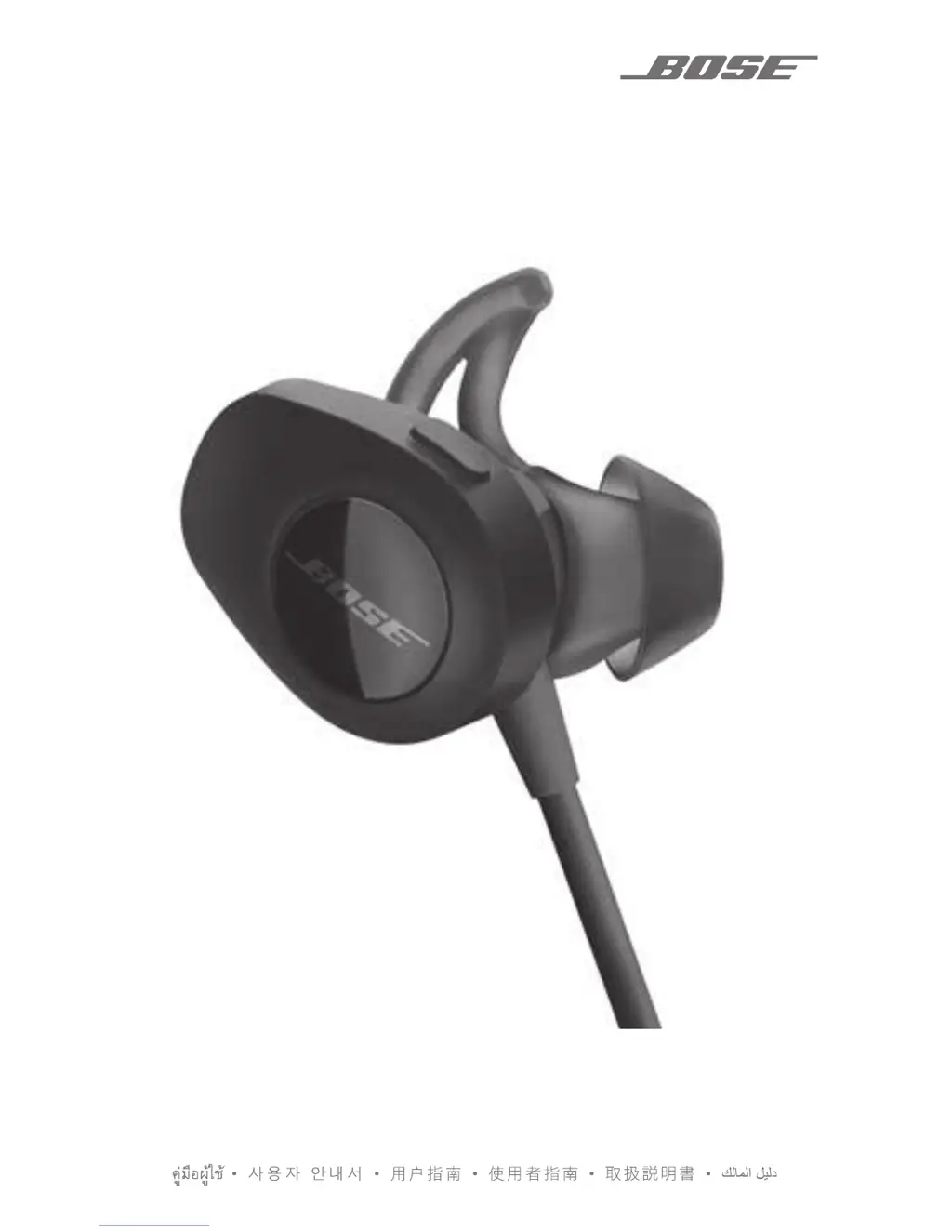
Bose SOUNDSPORT PULSE - User Manual

Bose SOUNDSPORT PULSE
32 pages
Print Icon
To Next Page IconTo Next Page
Loading...
SOUNDSPORT
®
PULSE
OWNER’S GUIDE • BRUGERVEJLEDNING
BEDIENUNGSANLEITUNGGEBRUIKERSHANDLEIDING
GUÍA DEL USUARIO • YTTÖOHJE • NOTICE D’UTILISATION
MANUALE DI ISTRUZIONI • KEZELÉSI ÚTMUTATÓ
BRUKERVEILEDNING • PODRĘCZNIK UŻYTKOWNIKA
MANUAL DO PROPRIETÁRIO • BRUKSANVISNING

Questions and Answers

  • J
    Jacob MclaughlinAug 13, 2025
    What to do if Bose Headphones don’t pair with my mobile device?
    • A
      andersonraymondAug 13, 2025
      If your Bose headphones aren’t pairing with your mobile device, try these steps: turn the Bluetooth feature off and on again on your device. Delete your Bose SoundSport Pulse headphones from the Bluetooth list and pair again. Move your mobile device closer to the headphones, away from any obstructions. You can also clear the headphone pairing list by pressing and holding the Power/Bluetooth button for 10 seconds until you hear 'Bluetooth device list cleared,' then pair again.
  • G
    garciastacyAug 16, 2025
    What to do if my Bose Headphones won’t charge?
    • P
      petersonmelissaAug 17, 2025
      If your Bose headphones aren’t charging, open the hinged door on the bottom of the right earbud and securely connect the small end of the USB cable to the USB connector, ensuring correct alignment. Make sure both ends of the USB cable are securely connected. If the headphones have been exposed to extreme temperatures, allow them to return to room temperature before attempting to charge again.
  • J
    John GreeneAug 20, 2025
    Why is there no sound coming from my Bose Headphones?
    • S
      Sharon SmithAug 21, 2025
      If there is no sound from your Bose headphones, make sure to power them on and charge the battery. Also, increase the volume on both your headphones and your mobile device. Ensure the correct device is connected by pressing the Power/Bluetooth button. Move your mobile device closer to the headphones, away from any interference. Try using a different music source or pairing a different mobile device. If two devices are connected, pause the first one or move them within a 30 ft range.
  • K
    Kyle VaughnAug 25, 2025
    How to fix poor sound quality on Bose Headphones?
    • M
      Miguel TranAug 26, 2025
      To troubleshoot poor sound quality on your Bose headphones, try using a different music source or pairing a different mobile device. Disconnect the second mobile device if two are connected. Move your device closer to the headphones, away from any interference. Also, clear any debris or wax buildup from the earbuds and headphone nozzles.
  • M
    Misty WilliamsAug 28, 2025
    What to do if heart rate does not appear in fitness app with Bose Headphone?
    • R
      Ricky RoseAug 28, 2025
      If the heart rate isn't showing in your fitness app while using your Bose SoundSport Pulse headphones, check that your headphones are selected in your mobile device's Bluetooth list. Ensure the left earbud fits securely, trying a different size StayHear®+ Pulse tip if needed. In some apps, you may need to select “Start workout” to view your heart rate. Try closing and relaunching the fitness app, or power the headphones off and then on. Also, turn the Bluetooth feature off and on again on your mobile device.
  • B
    Bonnie MooreSep 1, 2025
    What to do if heart rate drops out on Bose SOUNDSPORT PULSE Headphone?
    • E
      evansjamesSep 1, 2025
      If the heart rate drops out while using your Bose headphones, ensure the left earbud fits securely in your ear, trying a different size StayHear®+ Pulse tip if necessary. Clean the heart rate sensor on the left earbud. You can also try closing and relaunching the fitness app or power the headphones off and on.
  • J
    joanne20Sep 5, 2025
    What to do if heart rate does not appear in Bose Connect app?
    • V
      Victoria KennedySep 5, 2025
      If the heart rate is not appearing in the Bose Connect app, first ensure that your Bose SoundSport Pulse headphones are connected to your mobile device within the app. Make sure the left earbud fits securely in your ear; try a different size StayHear®+ Pulse tip if needed. Try closing and relaunching the Bose Connect app, or power the headphones off and then on. You can also turn the Bluetooth feature off and then on again on your mobile device.
  • T
    Tamara GuzmanSep 8, 2025
    What to do if Bose Headphones don’t pair with NFC-enabled mobile device?
    • S
      scottrobertSep 9, 2025
      If your Bose headphones aren’t pairing with your NFC-enabled mobile device, confirm that your device supports NFC. Unlock your mobile device and enable both Bluetooth and NFC. Then, tap the NFC touchpoint on the back of your mobile device to the back of the inline remote.

Summary

IMPORTANT SAFETY INSTRUCTIONS

Warnings and Cautions

Key safety warnings and cautions for using the headphones.

GETTING STARTED - Power

Powering On and Off

Instructions on how to turn the headphones on and off.

CHARGING THE BATTERY - Connection

Connecting the USB Cable

Step-by-step guide on how to connect the USB cable for charging.

CHARGING THE BATTERY - Status

Checking Battery Level

Explains how to check the current battery charge level.

IMPORTANCE OF PROPER FIT - Selection

Choosing the Correct Earbud Tips

Guide on selecting the right size earbud tips for optimal fit and comfort.

Fitting Earbuds to Your Ear

Instructions on how to insert and secure the earbuds in the ear.

IMPORTANCE OF PROPER FIT - Replacement

Changing the Earbud Tips

Step-by-step guide on how to replace the earbud tips.

BLUETOOTH TECHNOLOGY - App Pairing

Pairing via Bose Connect App

Recommended method to pair a mobile device via the Bose Connect app.

BLUETOOTH TECHNOLOGY - Alternative Methods

BLUETOOTH TECHNOLOGY - Menu Pairing

Pairing via Bluetooth Menu

Guide to pairing a mobile device through the phone's Bluetooth settings.

BLUETOOTH TECHNOLOGY - NFC Pairing

BLUETOOTH TECHNOLOGY - Connections

MANAGING MULTIPLE CONNECTED DEVICES

HEART RATE SENSOR

HEADPHONE CONTROLS - Media

Media Playback and Volume Control

Explains how to control media playback and volume using the inline remote.

HEADPHONE CONTROLS - Calls

Call Management Functions

Details how to manage calls, activate voice control, and mute/unmute.

TROUBLESHOOTING - Device Connectivity

Headphones Not Turning On

Solutions for when the headphones fail to power on.

Pairing Issues with Mobile Devices

Troubleshooting steps for pairing issues with mobile devices.

No Sound from Headphones

Steps to resolve issues when no audio is heard from the headphones.

TROUBLESHOOTING - Audio and Heart Rate

Headphones Not Charging

Solutions for problems related to charging the headphones.

TROUBLESHOOTING - Fit and Parts

Bose SOUNDSPORT PULSE Specifications

General IconGeneral
Headset typeBinaural
Product typeHeadset
Product colorBlack, Red
Wearing styleIn-ear
Volume controlDigital
Recommended usageSports
Carrying caseYes
Number of products included1 pc(s)
Wireless range9 m
Connectivity technologyWireless
Ear couplingIntraaural
Microphone typeIn-line
Weight and Dimensions IconWeight and Dimensions
Depth30.48 mm
Width22.86 mm
Height27.94 mm
Weight63.78643 g

Related product manuals