EasyManua.ls Logo

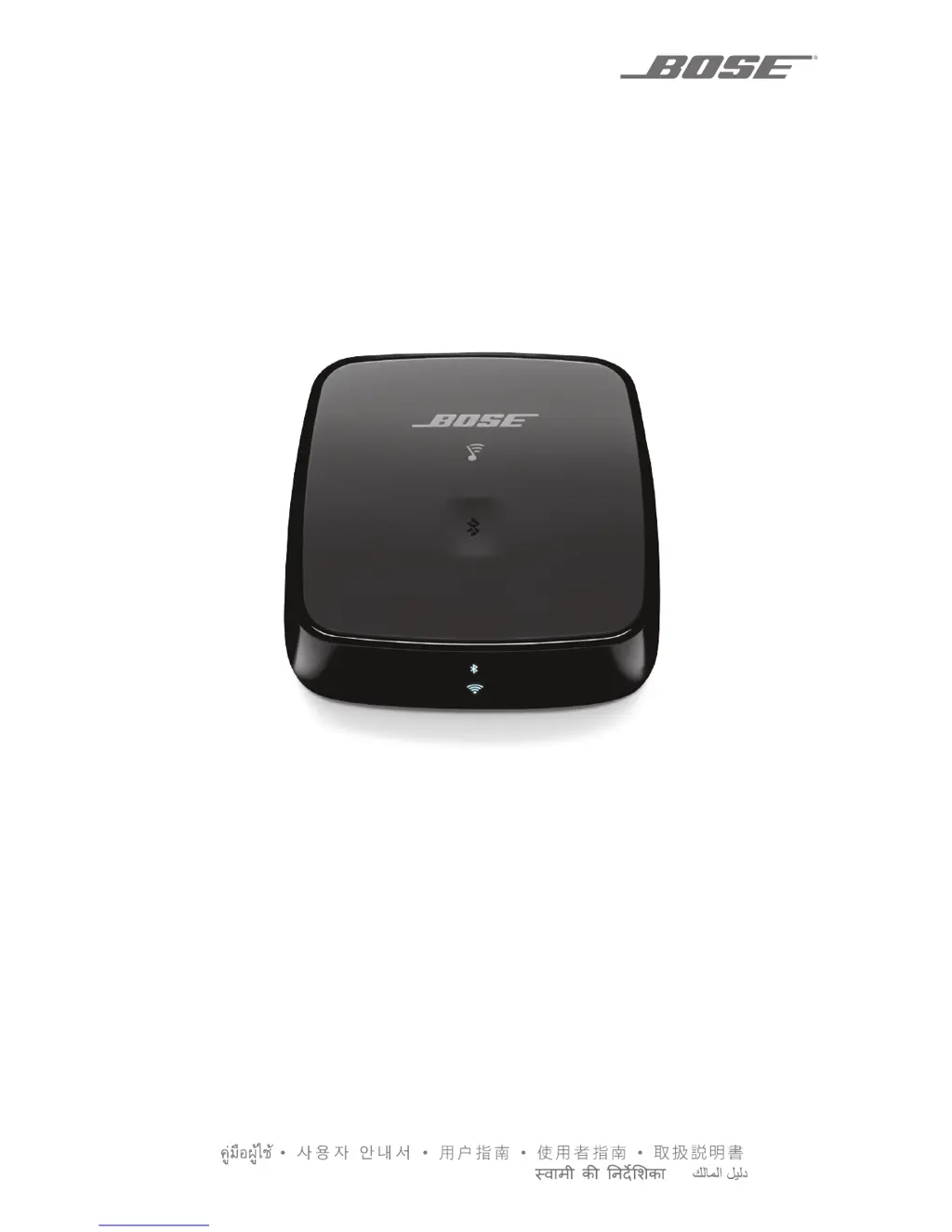
Bose SOUNDTOUCH WIRELESS LINK - User Manual

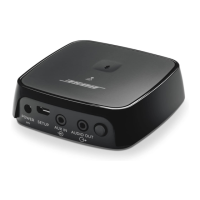
Bose SOUNDTOUCH WIRELESS LINK
32 pages
Print Icon
To Next Page IconTo Next Page
Loading...
OWNER’S GUIDE • BRUGERVEJLEDNING
BEDIENUNGSANLEITUNGGEBRUIKERSHANDLEIDING
GUÍA DEL USUARIO • YTTÖOHJE • NOTICE D’UTILISATION
MANUALE DI ISTRUZIONI • KEZELÉSI ÚTMUTATÓ
BRUKERVEILEDNING • PODRĘCZNIK UŻYTKOWNIKA
MANUAL DO PROPRIETÁRIO • BRUKSANVISNING
РУКОВОДСТВО ВЛАДЕЛЬЦА •
SOUNDTOUCH
®
WIRELESS LINK

Table of Contents

Other manuals for Bose SOUNDTOUCH WIRELESS LINK

Questions and Answers

  • M
    Michael SheltonAug 4, 2025
    What to do if my Bose Adapter has intermittent or no audio?
    • C
      Cynthia PerezAug 4, 2025
      If you are experiencing intermittent or no audio with your Bose Adapter, check the following: * Ensure the audio cable is plugged into the correct connector on the SoundTouch® Wireless Link. * Make sure the audio cable is plugged into an Audio Input or Audio IN connector on your audio system, not Audio Output or Audio OUT. * Stop other audio or video streaming applications. * Unmute or increase the volume on your mobile device. * Unplug the power cord and reconnect it after one minute. * If your SoundTouch® Wireless Link is placed on top of heat-generating equipment, move it to another location. * Restart your mobile device or computer and your router.
  • J
    Jeffrey BrownAug 12, 2025
    Why can't I play Bluetooth audio on my Bose Adapter?
    • M
      Michael MurphyAug 12, 2025
      If you're unable to play Bluetooth® audio on your Bose Adapter, first set up the SoundTouch® app and perform all system updates. Then, pair a mobile device. If issues persist, clear your SoundTouch® Wireless Link pairing list and try pairing a different mobile device. You can also try disabling and re-enabling the Bluetooth® feature, or removing your SoundTouch® Wireless Link from the Bluetooth menu and pairing again. Refer to your mobile device’s documentation for further assistance. See also 'Intermittent or no audio' solutions.
  • D
    Denise ZunigaAug 19, 2025
    How to sync Bose SOUNDTOUCH WIRELESS LINK Adapter audio with other SoundTouch systems?
    • T
      Tami WilliamsAug 19, 2025
      If the SoundTouch® Wireless Link audio is out of sync with other SoundTouch® systems, you can adjust the audio settings to synchronize your systems. In the SoundTouch® app, go to EXPLORE > SETTINGS > System Settings. Select your SoundTouch® Wireless Link, then ADVANCED SETUP. From there, adjust the audio of your SoundTouch® Wireless Link so it plays in sync with other systems in the same group.
  • D
    Donna SmithOct 26, 2025
    How to fix Bose SOUNDTOUCH WIRELESS LINK Adapter if I cannot complete network setup?
    • K
      Katherine WhiteOct 26, 2025
      If you cannot complete the network setup for your Bose Adapter, ensure you've selected the correct network name and entered the right password. Verify that the device and SoundTouch® Wireless Link are on the same Wi-Fi® network, and that your SoundTouch® Wireless Link is within the router's range. Also, make sure Wi-Fi is enabled on your device (mobile or computer). Close any other open applications. If using a computer, check firewall settings to allow the SoundTouch® app and SoundTouch® Music Server. Try restarting your mobile device or computer and your router. You might also need to reset your SoundTouch® Wireless Link. If your router has both 2.4GHz and 5GHz bands, ensure both the device and SoundTouch® Wireless Link are on the same band. As a last resort, uninstall the app, reset you...

Summary

IMPORTANT SAFETY INSTRUCTIONS

Safety Instructions

Numbered list of essential safety instructions for product use and care.

Warnings and Cautions

Key warnings and cautions to prevent hazards like fire, electrical shock, and damage.

Getting Started

Connecting to Audio System

Step-by-step guide for physically connecting the device to audio equipment.

SETTING UP SOUNDTOUCH

Add to Wi-Fi Network

Steps to connect the SoundTouch Wireless Link to your Wi-Fi network using the app.

App Setup and Account Management

Download, install, and use the SoundTouch app for setup, including account and music services.

USING THE SOUNDTOUCH APP

PERSONALIZING YOUR PRESETS

BLUETOOTH TECHNOLOGY

Pairing Mobile Devices

Step-by-step guide to pair a mobile device with the SoundTouch Wireless Link via Bluetooth.

TROUBLESHOOTING

Common Solutions

Troubleshooting steps for common issues like network setup and connectivity problems.

ALTERNATE SETUP

Bose SOUNDTOUCH WIRELESS LINK Specifications

General IconGeneral
BluetoothYes
Wi-FiYes
TypeWireless adapter
Audio FormatsMP3, WMA, AAC, Apple Lossless
Outputs3.5mm audio
DimensionsH: 1.0 in (2.5 cm) x W: 3.3 in (8.4 cm) x D: 3.3 in (8.4 cm)
Wireless TechnologyWi-Fi
Power Supply5V DC
CompatibilityWorks with Bose SoundTouch
Inputs3.5 mm auxiliary input, Optical digital (TOSLink) input

Related product manuals