EasyManua.ls Logo

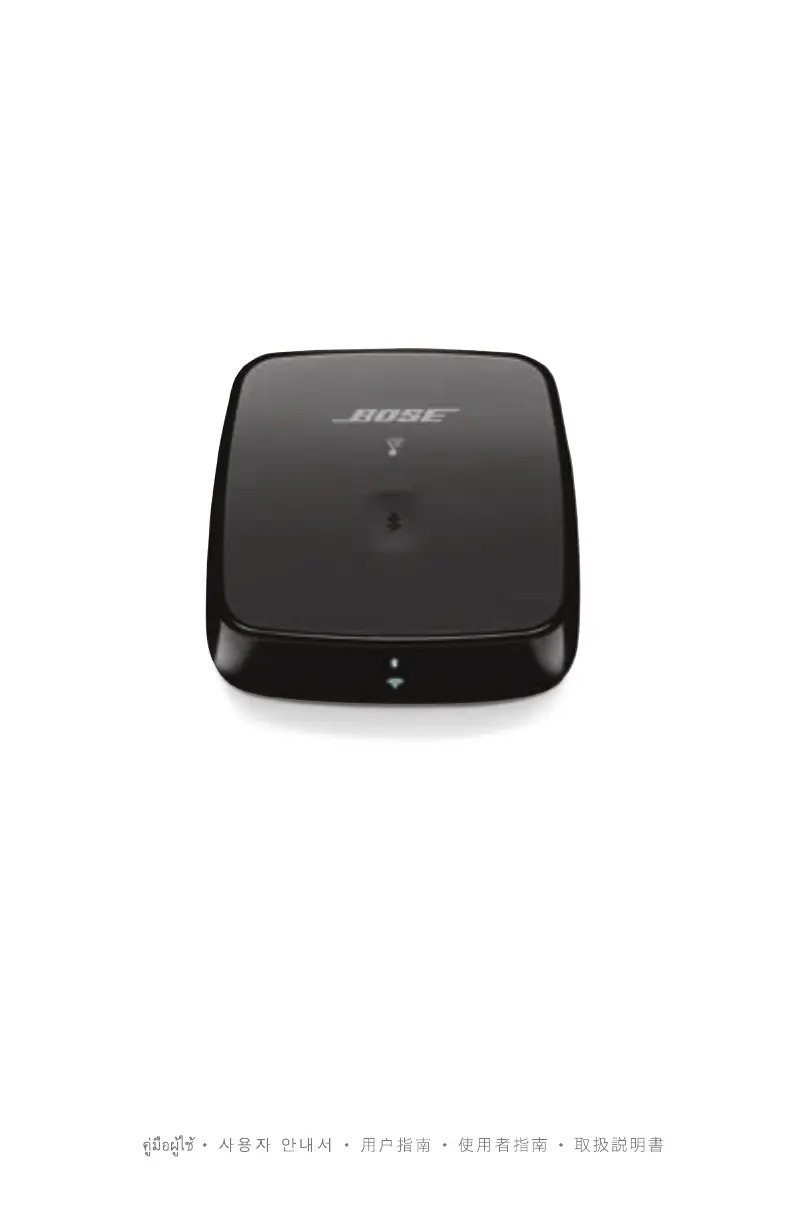
Bose SoundTouch - User Manual

Bose SoundTouch
632 pages
Print Icon
To Next Page IconTo Next Page
Loading...
OWNER’S GUIDE • BRUGERVEJLEDNING
BEDIENUNGSANLEITUNG • GEBRUIKERSHANDLEIDING
GUÍA DEL USUARIO • KÄYTTÖOHJE • NOTICE D’UTILISATION
MANUALE DI ISTRUZIONI • KEZELÉSI ÚTMUTATÓ
BRUKERVEILEDNING • PODRĘCZNIK UŻYTKOWNIKA
MANUAL DO PROPRIETÁRIO • BRUKSANVISNING
РУКОВОДСТВО ВЛАДЕЛЬЦА •   

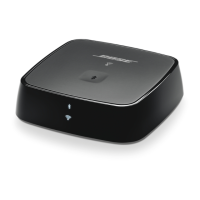
SOUNDTOUCH
®
WIRELESS LINK

Table of Contents

Other manuals for Bose SoundTouch

Questions and Answers

  • M
    Matthew PhamAug 10, 2025
    What to do if “SoundTouch™” does not appear in the source menu of my Bose Adapter?
    • P
      phyllisjenkinsAug 10, 2025
      If “SoundTouch™” isn't showing up in the source menu, try these steps: 1. Update the control console. 2. Restart the Network Setup process in UNIFY. 3. Make sure the Bose link cable is fully connected to the wireless adapter and the control console. 4. Make sure the USB cable is fully connected to the wireless adapter and the control console. This cable needs to remain connected for the system to work properly.
  • D
    Dr. Jamie FernandezOct 25, 2025
    How to fix Bose SoundTouch Adapter cannot complete network setup or unable to detect device?
    • A
      Ashley BoydOct 25, 2025
      If you're having trouble completing the network setup or your device isn't being detected, here are some things to check: * Make sure the Bose link cable is securely connected to both the wireless adapter and the control console. * Verify the USB cable is fully connected between the wireless adapter and the control console, and that it remains connected. * Ensure your entertainment system is connected to AC power. * Confirm you've selected the correct network name and entered the right password. * Make sure your mobile device and the SoundTouch system are on the same Wi-Fi network. * Position the wireless adapter within the router's range. * Enable Wi-Fi on your setup device. * If the network name is hidden, manually connect to it on the CONNECT TO HOME WI-FI NETWORK scree...

Summary

IMPORTANT SAFETY INSTRUCTIONS

Important Safety Instructions

Read, keep, heed, and follow all safety and use instructions provided.

Warnings and Cautions

Key warnings regarding fire, electrical shock, and proper usage conditions.

GETTING STARTED

Unpacking the Device

Unpack the carton and confirm all included parts are present.

Connecting to Audio System

Step-by-step guide for connecting the device to an audio system using various cables.

Connecting to AC Power

How to connect the SoundTouch Wireless Link to a power source.

SETTING UP SOUNDTOUCH

Adding to Wi-Fi Network

Guide to adding the SoundTouch Wireless Link to your Wi-Fi network.

Download and Install SoundTouch App

Instructions for downloading and installing the Bose SoundTouch controller app.

PERSONALIZING YOUR PRESETS

BLUETOOTH TECHNOLOGY

Pairing Your Bluetooth Device

How to pair a Bluetooth device with your SoundTouch Wireless Link.

CONNECTING A CABLED DEVICE

GETTING SYSTEM INFORMATION

TROUBLESHOOTING

Common Solutions

A table listing symptoms and possible solutions for common problems.

Resetting the Device

Instructions for performing a factory reset on the SoundTouch Wireless Link.

APPENDIX A: USING A COMPUTER FOR SETUP

Computer Setup Procedure

Step-by-step instructions for setting up the device using a computer.

Bose SoundTouch Specifications

General IconGeneral
Number of drivers-
Number of speakers1
Audio output channels2.0 channels
Recommended usageUniversal
Remotely operatedYes
Card reader integratedNo
Product typeStereo portable speaker
Product colorBlack
Product designOther
Volume controlDigital
Impedance- Ω
Frequency range- Hz
RMS rated power- W
DisplayOLED
Depth (imperial)2.5 \
Width (imperial)9.8 \
Height (imperial)5.8 \
Cables includedAC
Quantity per pack1 pc(s)
USB 2.0 ports quantityUSB 2.0 ports have a data transmission speed of 480 Mbps, and are backwards compatible with USB 1.1 ports. You can connect all kinds of peripheral devices to them.
Connectivity technologyWireless
Power source typeBattery
Weight and Dimensions IconWeight and Dimensions
Depth64 mm
Width249 mm
Height147 mm
Weight1448 g

Videos

How to Factory HARD RESET Bose Wave Soundtouch WiFi Pedestal

How to change battery on BOSE WAVE SOUNDTOUCH 4 remote

How to change BRIGHTNESS on Bose Wave Soundtouch 4 display for Night and Day

How to SET THE ALARM - BOSE Wave SoundTouch 4 Music Player

Related product manuals