EasyManua.ls Logo

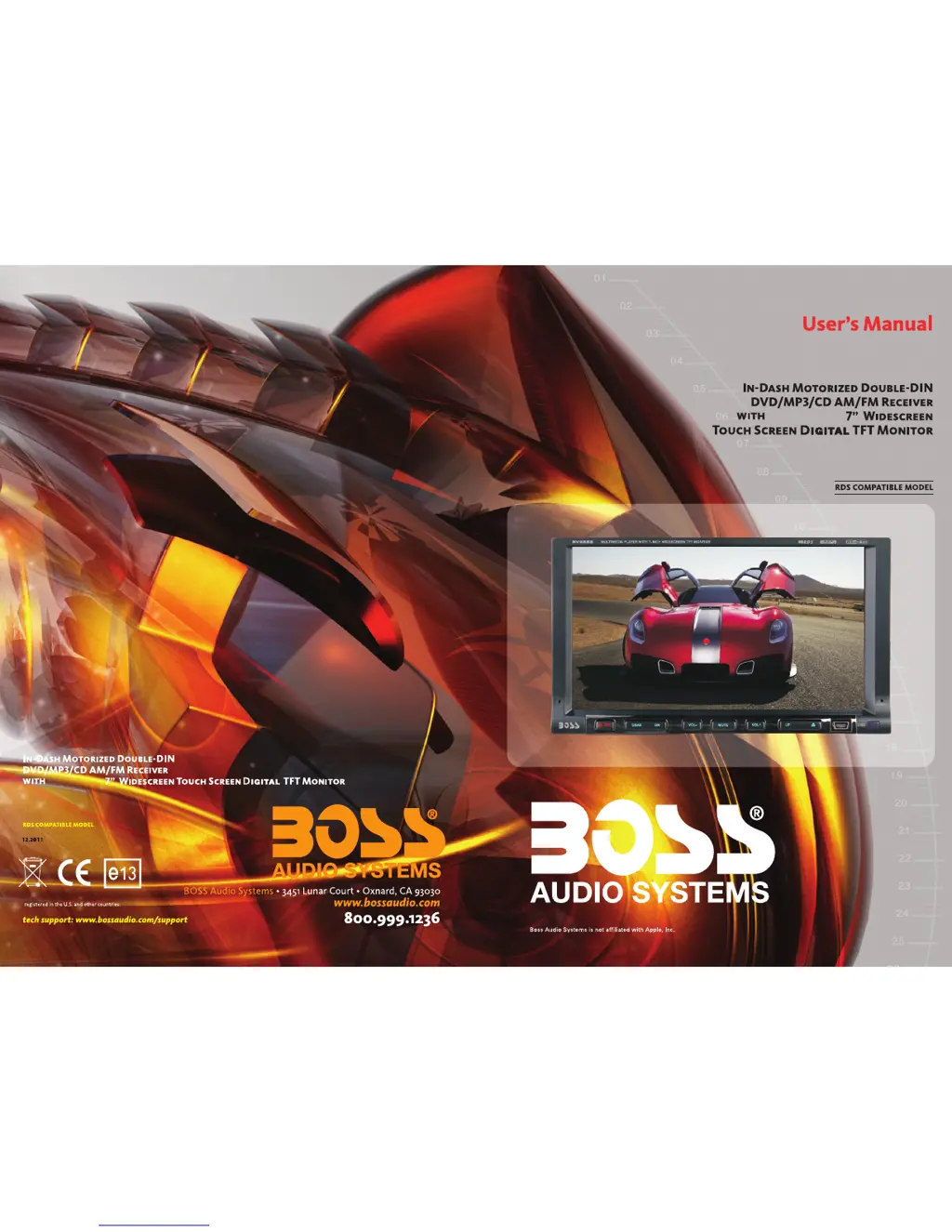
Boss Audio Systems BV9558 - User Manual

Boss Audio Systems BV9558
10 pages
Print Icon
To Next Page IconTo Next Page
Loading...
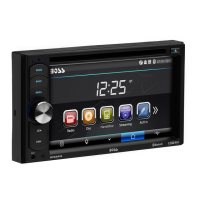
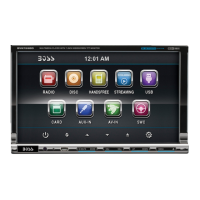
BV9558
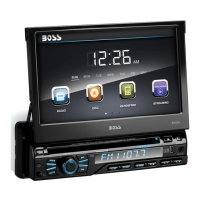
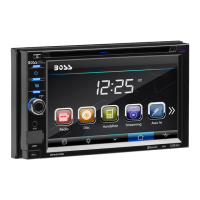
BV9558
WITH DUAL FRONT AND REAR USB
AND SD MEMORY CARD PORT
AND SIDE PANEL AUX INPUT
( )
WITH DUAL FRONT AND REAR USB
AND SD MEMORY CARD PORT
AND SIDE PANEL AUX INPUT
( )
DETACHABLE
DETACHABLE

Questions and Answers

  • M
    Maria WalkerAug 12, 2025
    What to do if my Boss Audio Systems BV9558 has poor radio station performance?
    • Z
      Zachary ScottAug 13, 2025
      If your Boss Audio Systems Car Receiver is showing poor radio station performance, it might be due to a weak signal. Try moving the car to another location and then research for stations.
  • M
    Mark RangelAug 16, 2025
    What to do if my Boss Audio Systems BV9558 cannot power on?
    • W
      Whitney SandersAug 16, 2025
      If your Boss Audio Systems Car Receiver won't power on, there are a couple of things you can check. First, examine the fuse and replace it with one that is the same type. Second, if other factors are causing the MPU to malfunction, press the RES button on the panel using a penpoint, and then turn the power on.
  • M
    Megan DaughertyAug 20, 2025
    Why can't I watch images while driving with my Boss Audio Systems Car Receiver?
    • C
      chloehallAug 20, 2025
      Watching images while driving is not allowed. To watch images, park the car in a safe place, put the car stall in "P" position, pull up the hand brake, parking brake wire must be grounded.
  • J
    John StevensAug 25, 2025
    What to do if there is no image on my Boss Audio Systems BV9558 Car Receiver?
    • C
      Carly WarnerAug 25, 2025
      If there is no image on your Boss Audio Systems Car Receiver, it might be due to the MPU malfunctioning. Try pressing the [RES] button on the panel with a penpoint, and then power on the device.
  • C
    Christopher DavisAug 27, 2025
    What to do if my Boss Audio Systems BV9558 Car Receiver cannot play a disc?
    • S
      savagemarkAug 27, 2025
      If your Boss Audio Systems Car Receiver won't play a disc, consider these possibilities: * The disc may be scratched, in which case you should use a new disc. * The disc may be inserted incorrectly; ensure the side with the label is facing up. * The lens may be dirty; clean it with a lens cleaning disc.
  • R
    Robert McgeeAug 31, 2025
    What to do if my Boss Audio Systems BV9558 cannot load a disc?
    • P
      Peggy YoungAug 31, 2025
      If your Boss Audio Systems Car Receiver cannot load a disc, make sure that there isn't already a disc inside. If there is, remove it before inserting another one.
  • S
    spughSep 4, 2025
    Why does my Boss Audio Systems BV9558 Car Receiver lose settings after switching ignition off?
    • M
      Michael AndersonSep 4, 2025
      If your Boss Audio Systems Car Receiver loses all setting information after the ignition switch is turned off, it might be due to changing the battery or fuse. Reset the information and save it.
  • D
    Dr. Victoria SextonSep 8, 2025
    What to do if I cannot switch language/subtitle on my Boss Audio Systems Car Receiver?
    • K
      Kristen BrownSep 8, 2025
      If you cannot switch the language or subtitle on your Boss Audio Systems Car Receiver, it is possible that the disc only contains one language or subtitle. If a disc is not with multi-language/subtitle, it cannot switch language/subtitle.

Summary

ACCESSORY

DVD Parental control function

SPECIFICATIONS

Panel Introduction

BASIC FUNCTION

SRC Button

Short press to power on, long press to power off.

DBAS Button

Press to toggle bass on/off.

DN Button

Glide monitor down steply or to lowest position.

VOL - Button

Press to reduce the volume.

MUTE;TFT on;off Button

Shut off sound or turn off TFT display.

VOL + Button

Press to increase the volume.

UP Button

Glide monitor up steply or to top position.

Eject Button

Press to eject the disc.

Dual (front and rear)USB

Warning: Use either front or rear USB at a time.

Remote control receiver

Receives infrared signals from the remote control.

RESET Button

Press to restore the unit to its initial state.

AUX

Insert AUX cable to enter AUX mode.

TROUBLE SHOOTING

WIRING DIAGRAM

REMOTE CONTROL FUNCTION

POWER

Press to switch unit on or off.

MUTE Button

Press to turn off audio output or resume volume.

SOURCE Button

Press to choose audio sources.

EQ Button

Press to choose POP, ROCK, CLASSIC, EQ off.

SEEK+;- Button

Press to select previous or next song.

VOL+;- Button

Press to increase or decrease volume.

SEL Button

Press to choose sound feature.

LOUD Button

Press to activate LOUD function.

BAND - P;N Button

Choose radio band or VCD/DVD system.

LOC;RDM Button

Switch between local/direction or random play.

STOP Button

Press to stop playback.

PLAY;PAUSE Button

Press to switch between play and pause.

ST;PROG Button

Choose stereo/mono or programmed play.

Calibration to re-gain touch

Step 1

Press mode button to switch to DVD mode.

Step 2

Insert DVD, press STOP button to display calibration screen.

Step 3

Press ZOOM button to display calibration screen.

Step 4

Press ▲ and then ◄ buttons to enter calibration.

Step 5

Touch cursor at each corner to calibrate screen.

Audio setting

Steering wheel setting

Touch calibration

USB;SD Card Function Operation

Insert;eject USB storage device

Connect or eject USB device with media information.

Insert;eject SD card

Insert or eject SD card with media information.

Enter;exit

Access playback interface for USB/SD card data.

Play

Playback operations for SD card/USB devices.

Access setup interface

General setting

Select functions, wallpaper, opening picture, check versions.

Time setting

Access interface to set the hour and minute.

Language Setup

Select desired language for menu display.

Video setting

Adjust brightness, contrast, saturation, hue for video.

External input operation

Radio Function Operation

Enter;exit

Enter or exit radio interface.

Band selection

Switch between FM1, FM2, FM3, AM1, AM2 bands.

Search;Save radio stations

Browse stored stations or automatically save stations.

Scan radio

Manually fine-tune radio stations or search/save.

Sound setting

Switch to different sound modes using EQ icon.

Mute on;off

Turn mute function on or off.

TFT on;off

Turn TFT display on or off.

RDS Function

Provides station information and automatic switching.

Disc Function Operation

Play;eject disc

Insert disc to play or eject disc from the unit.

DVD;VCD disc playback

Playback controls for DVD/VCD discs via touch menu.

CD Disc Playback

Access disc reading state and play CD content.

MP3;JPEG;MPEG4 disk playing

Play MP3, JPEG, MPEG4 files from discs.

Touch Menu Function Description

Description of touch menu controls for playback.

Boss Audio Systems BV9558 Specifications

General IconGeneral
BrandBoss Audio Systems
ModelBV9558
CategoryCar Receiver
LanguageEnglish

Related product manuals