14
Appendix
Troubleshooting
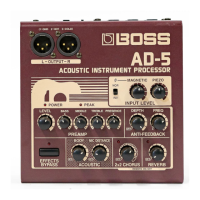
If there is no sound, or if you think that the AD-5
may be malfunctioning, please first go through the
following checkpoints. If the problem persists,
please contact your dealer or the nearest Roland
Service Station.
No Sound/Low Sound Level
• Make sure that other equipment is properly
connected.
• Check to see that volume levels of other con-
nected equipment, such as amplifiers, mixers,
and effects devices are not turned too far down.
• Confirm that volume control knobs (Preamp,
Input Level) are not turned all the way down.
Sound is Distorted
(The PEAK indicator lights frequentry.)
• Have you adjusted the Input Level? Try adjust-
ing the Input Level (page 8).
• Is the preamp level turned up too high? Adjust
the preamp levels (page 9).
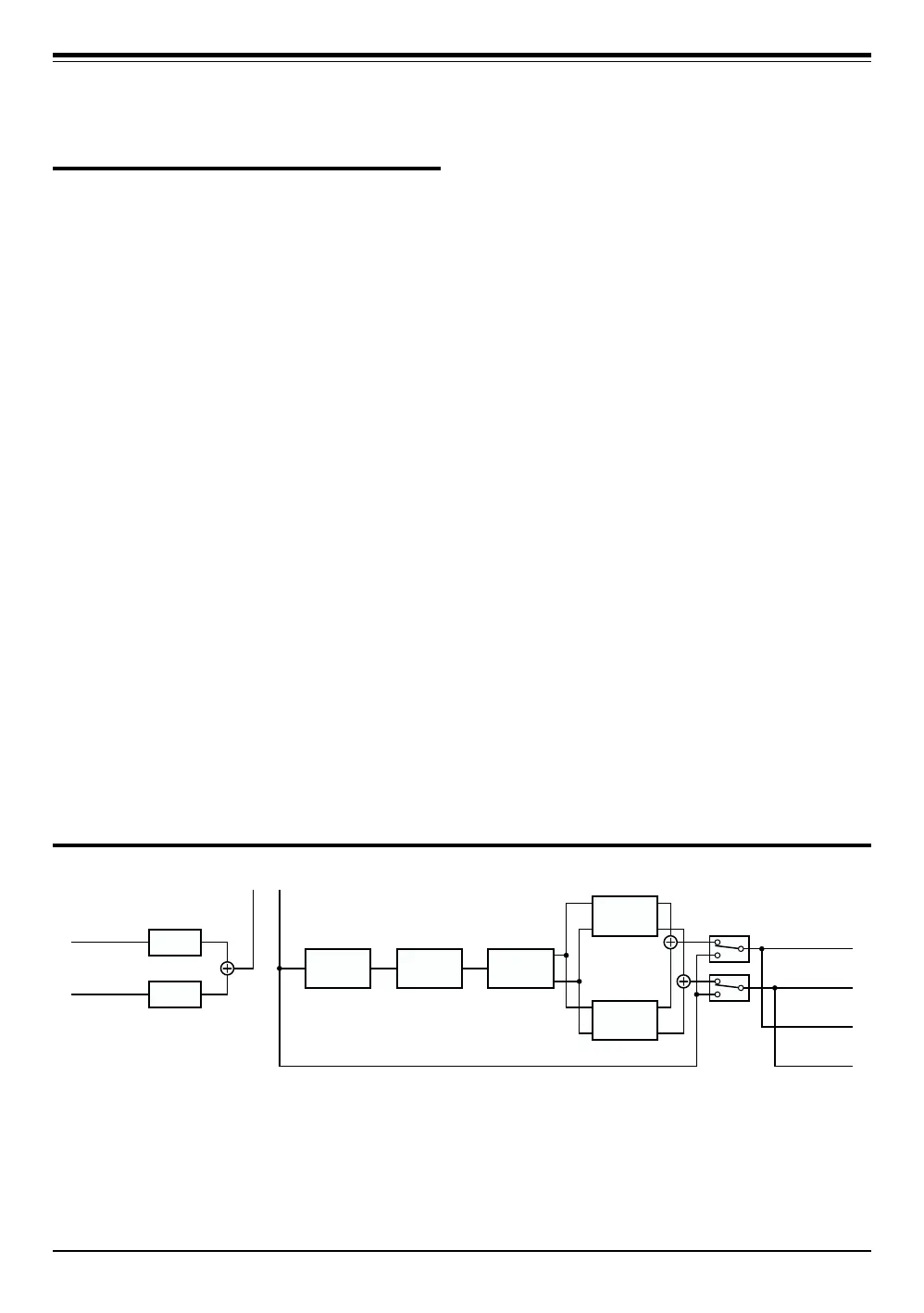
Block Diagram
(Phone type)
(Balanced type)
INPUT
PIEZO
MAGNETIC
INPUT
LEVEL
INPUT
LEVEL
INSERT
ANTI-
FEEDBACK
PREAMP
CHORUS
REVERB
L
(
MONO
)
R
L
R
ACOUSTIC
OUTPUT
OUTPUT
EFFECTS
BYPASS


 To Next Page