44
Recording a new track while listening to an earlier recording (Overdubbing)
The BR-1600CD is a multi-track recorder, and in contrast to standard tape recorders, MD recorders, etc., multi-track
recorders allow you to record new tracks while you listen to tracks that have been previously recorded. This
capability is referred to as “overdubbing.” By recording the vocals, guitar, bass guitar, and other instruments onto
individual tracks, you ensure that the relative levels of instruments and their left-right positioning can be optimized
later on. In addition, it is also possible to replace entire performances for individual instruments.
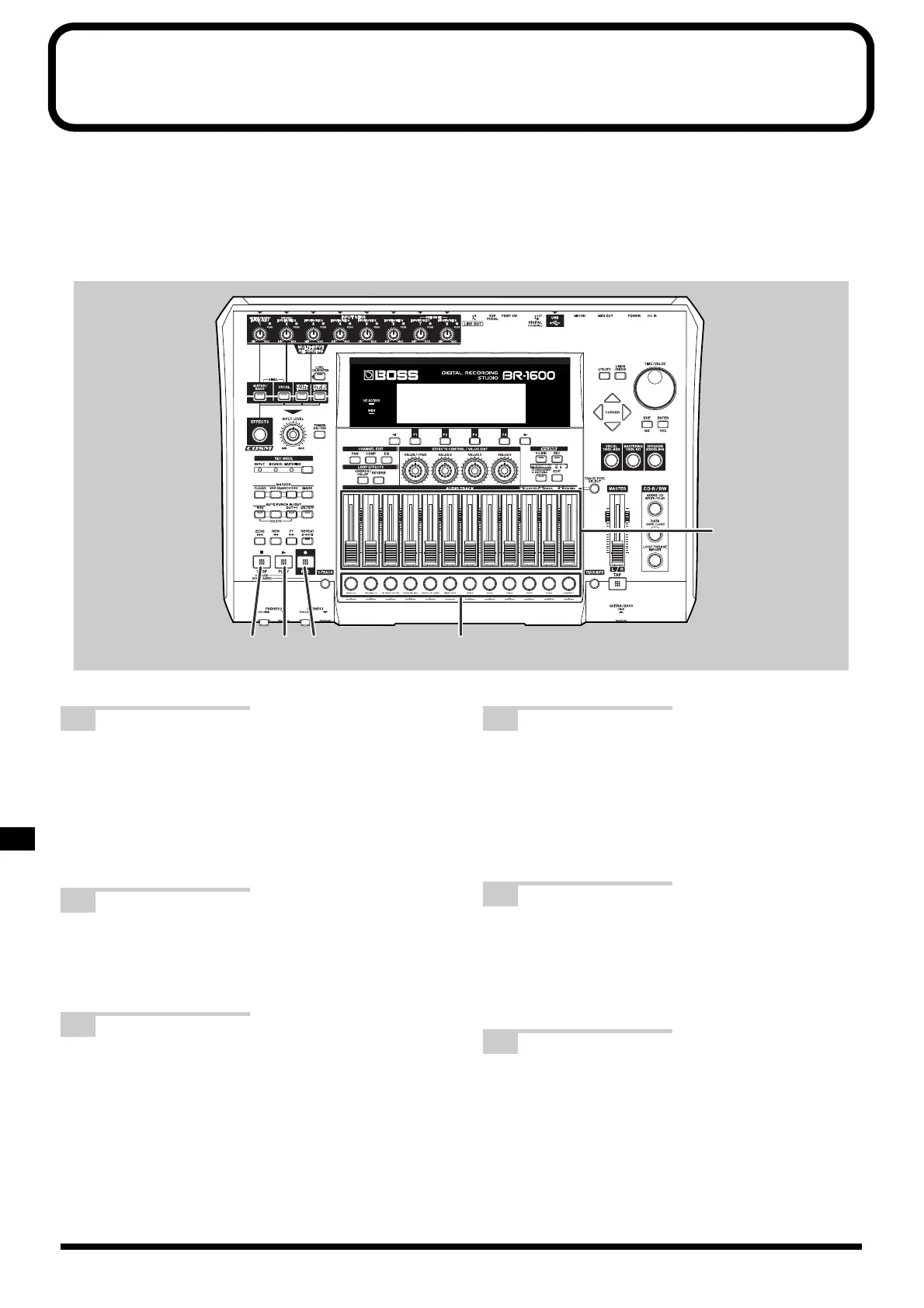
fig.07-43
1 Press the track button for a track that
has not yet been recorded.
The corresponding track will be selected for
recording, and the track button will turn red and start
flashing. The track buttons for tracks that have been
recorded will all be green.
2 Move the faders for the previously
recorded tracks to the positions that
give suitable playback volumes.
3 Press [REC].
[REC] will turn red and start to flash, indicating that
the BR-1600CD is now ready for recording.
4 Press [PLAY].
[PLAY] will turn green, [REC] will change to a steady
red, and recording will start. Although you will be
able to hear the previously recorded tracks at this
time, none of this audio data will be recorded to the
recording track.
5 Play the instrument to be recorded this
time along with the previously
recorded tracks.
Only this instrument will be recorded.
6 Press [STOP] at the point where you
want to stop recording.
Both [PLAY] and [REC] will turn off, and the track
button for the recording track will now start to flash
green and orange.
4,7 3
6
1
2,7



 To Next Page